
Blenders
Blowtorches
Breadmakers
Coffee Grinders
Coffee Makers
Deep fryers & Airfryers
Food Cookers
Food Dehydrators
Food Mixers & Food Processors
Hand Blenders
Hand Mixers
Ice Cream Makers
Ice Makers
Juicers
Kettles
Kitchen Scales
Meat Slicers
Mincers
Mini Choppers & Spiralisers
Other Kitchen Appliances
Pasta Makers
Popcorn Makers
Sandwich Toasters
Soft Drink Makers
Toasters
Vacuum Sealers
Waffle Makers



How to find the right laptop for you
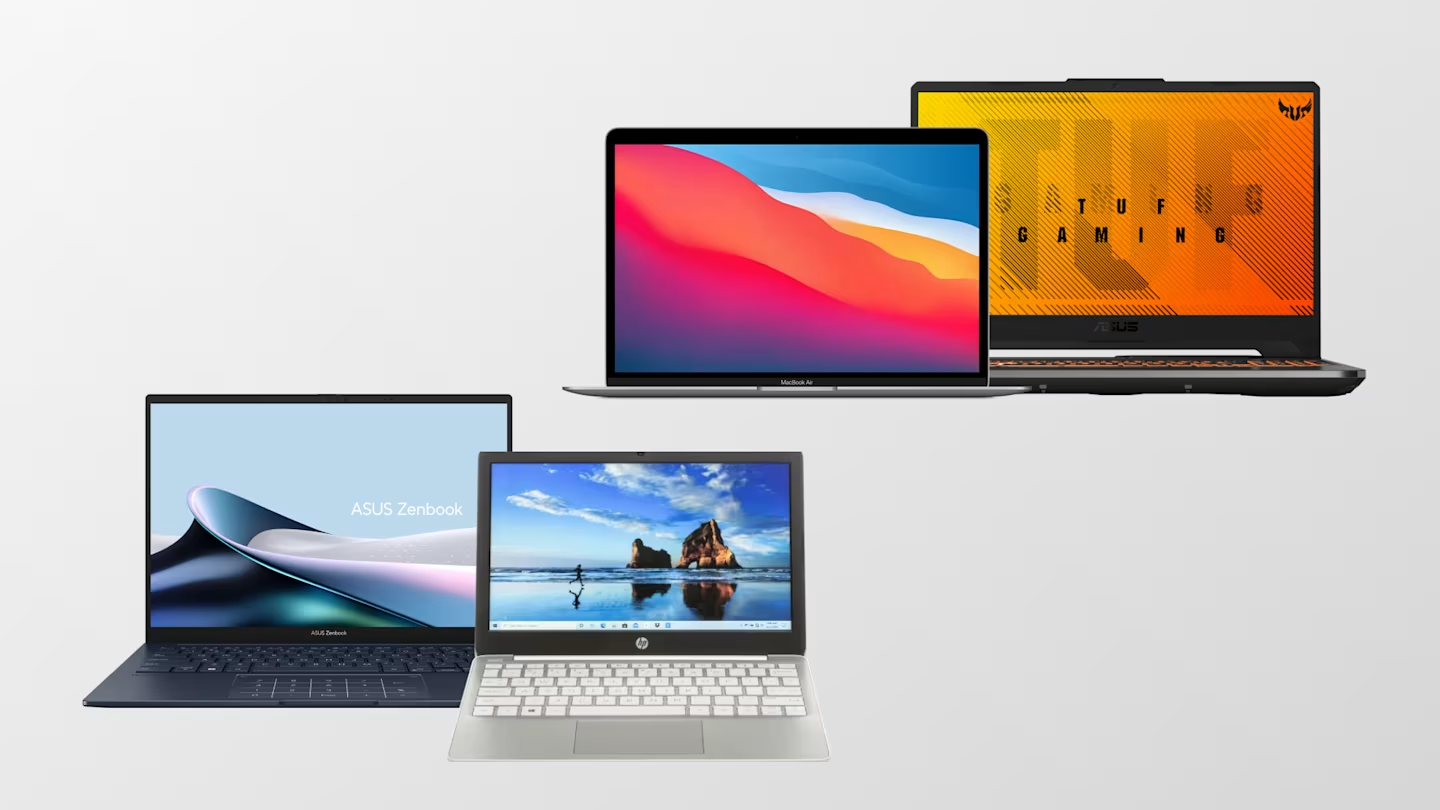
Choosing a laptop
The main advantage of a laptop is its portability. Thanks to a built-in battery, you can work several hours without powering.
Today's laptops can significantly rival desktop computers in terms of performance. The challenge lies in integrating high-performance components into a compact form, as these components often require substantial cooling. So, power users like gamers and graphic designers often lean towards desktop computers.
Choosing a laptop involves balancing performance, weight, noise level, size and battery life.
Read on for our top recommendations on choosing the laptop for your needs.
Ultraportable laptops
If portability tops your list of priorities, opt for a laptop with up to a 14" display.
Look for ports, make sure it has all the ones you need for your peripheral devices. Also make sure the battery life is well suited to perform your tasks. Your options might be a bit restricted when it comes to the performance, but a well-constructed, ultraportable laptop will withstand the relentless travel demands.
Standard laptops
Most people find laptops with a 15" display sufficient. This display size gives enough space to conveniently handle tasks like spreadsheet analysis or writing without feeling excessively restricted.
A 15-inch display is also a suitable for watching movies if you're looking for a laptop that can also serve for watching a film or an episode of your favourite series. It's quite popular in the workplace, given its small size that makes it portable for meetings. Additionally, it offers all the required ports when you need to connect a monitor and other peripheral devices.
You'll often find good deals for this laptop category and get the most performance for your money.
Large laptops
Laptops with 16" display and higher offer an enhanced user experience. With their high-resolution graphics and powerful hardware, they're particularly suitable for gamers and professionals in graphic design and video editing.
Despite being heavier and often having shorter battery lives, their superior performance and rich features make them an excellent choice for many.
Find your perfect fit
Choosing from the sea of available laptops can feel overwhelming. Start your search for a new laptop by asking yourself: What do I need the most? Here are some scenarios and recommendations you might find familiar:
- On the go: If you're frequently on the move, consider an ultraportable laptop with long-lasting battery life, minimal weight and a 12-14" display.
- Students: As you probably spend a lot of time in front of the laptop, the one with a 14-15.6" display size can be the perfect fit for taking notes, completing tasks and occasionally watching a film or series.
- Working remotely: If you often work from home or at fixed locations, the weight and size of the laptop might not be critical. Go for the one that supports an external monitor, keyboard and mouse. A device with a 15.6-16.2" display is an excellent option for remote office setups.
- Graphics & video professionals: If your work is in graphic design or video editing, look for top-tier graphic cards, substantial RAM and a high-resolution display, at least 15.6" or more.
- Gamers: If gaming is your passion, focus on robust overall performance, including processing power, graphics and a high-speed display, at least 15.6" or more.
Your choice becomes easier once you get familiar with the different concepts and technologies. So, let's quickly go over them.
Technical components: a quick run-through
Here's what you need to know about the technical components of laptops:
- Central Processing Unit (CPU): The processor is the brain of the computer. Its speed dictates how quickly your laptop can compute and allocate tasks within programmes. A processor with more cores can manage numerous tasks simultaneously, leading to faster performance. But fast processors usually come at a higher cost.
- Display: Laptop displays can be either glossy or matte. Glossy ones offer more vibrant images but can reflect overhead lights and nearby movements. Some laptops feature touchscreen displays that can fully rotate to function as a tablet.
- Random Access Memory (RAM): RAM equates to the computer's ability to multi-task—the higher the RAM, the larger the working memory, which means more data can be processed simultaneously.
- Graphics Processing Unit (GPU): The graphics card helps your laptop handle visuals like graphics and videos. For routine office work, a basic graphics card will suffice. But for activities like watching movies, gaming, and 3D graphics, a powerful graphics card is a must.
- Hard Disk Drive (HDD): The hard disk is the storage hub where you save pictures, videos, games and documents. While documents don't usually take a lot of space, photos and videos can take up significant storage. The higher the resolution of your saved files, the larger the hard drive you'll need.
- Ports: Inputs and outputs should be compatible with your monitors and other peripheral devices. Many ultraportable laptops might have fewer ports, but a convenient USB docking station with additional outputs can usually make up for this.