



Blenders
Blowtorches
Breadmakers
Coffee Grinders
Coffee Makers
Deep fryers & Airfryers
Food Cookers
Food Dehydrators
Food Mixers & Food Processors
Hand Blenders
Hand Mixers
Ice Cream Makers
Ice Makers
Juicers
Kettles
Kitchen Scales
Meat Slicers
Mincers
Mini Choppers & Spiralisers
Other Kitchen Appliances
Pasta Makers
Popcorn Makers
Sandwich Toasters
Soft Drink Makers
Toasters
Vacuum Sealers
Waffle Makers





Lian Li Computer Spare Parts
Try flexible payments withLearn how
26 products


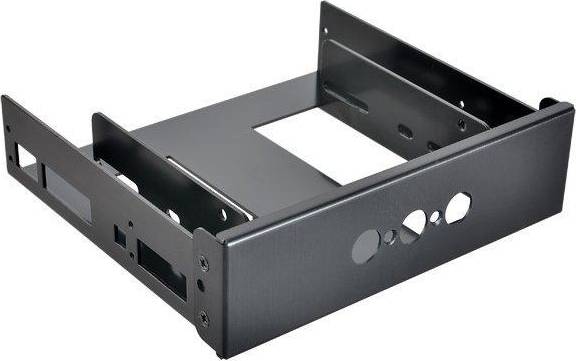
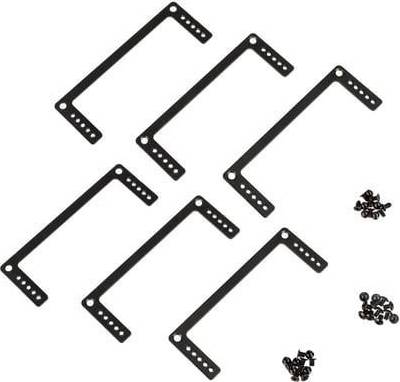


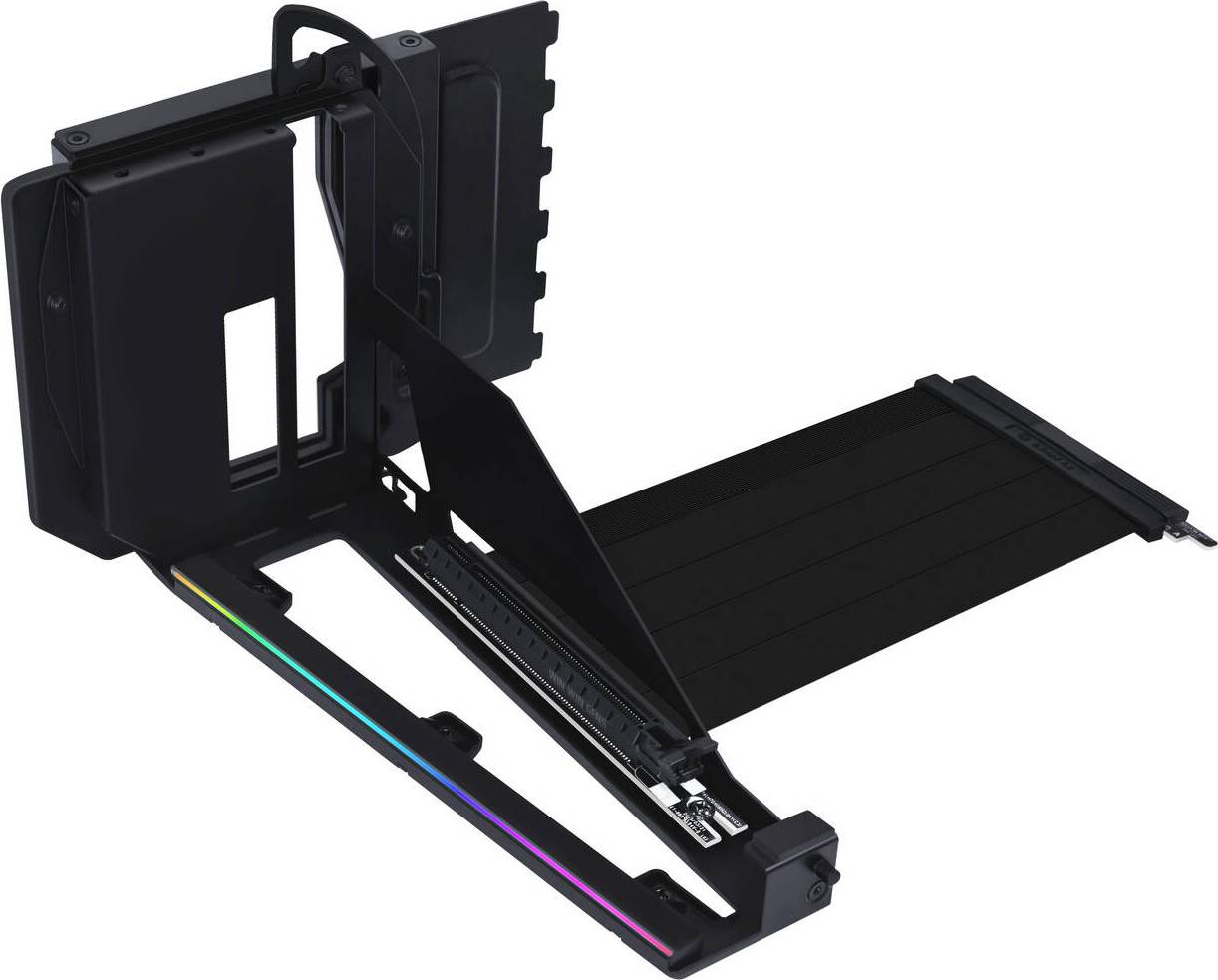


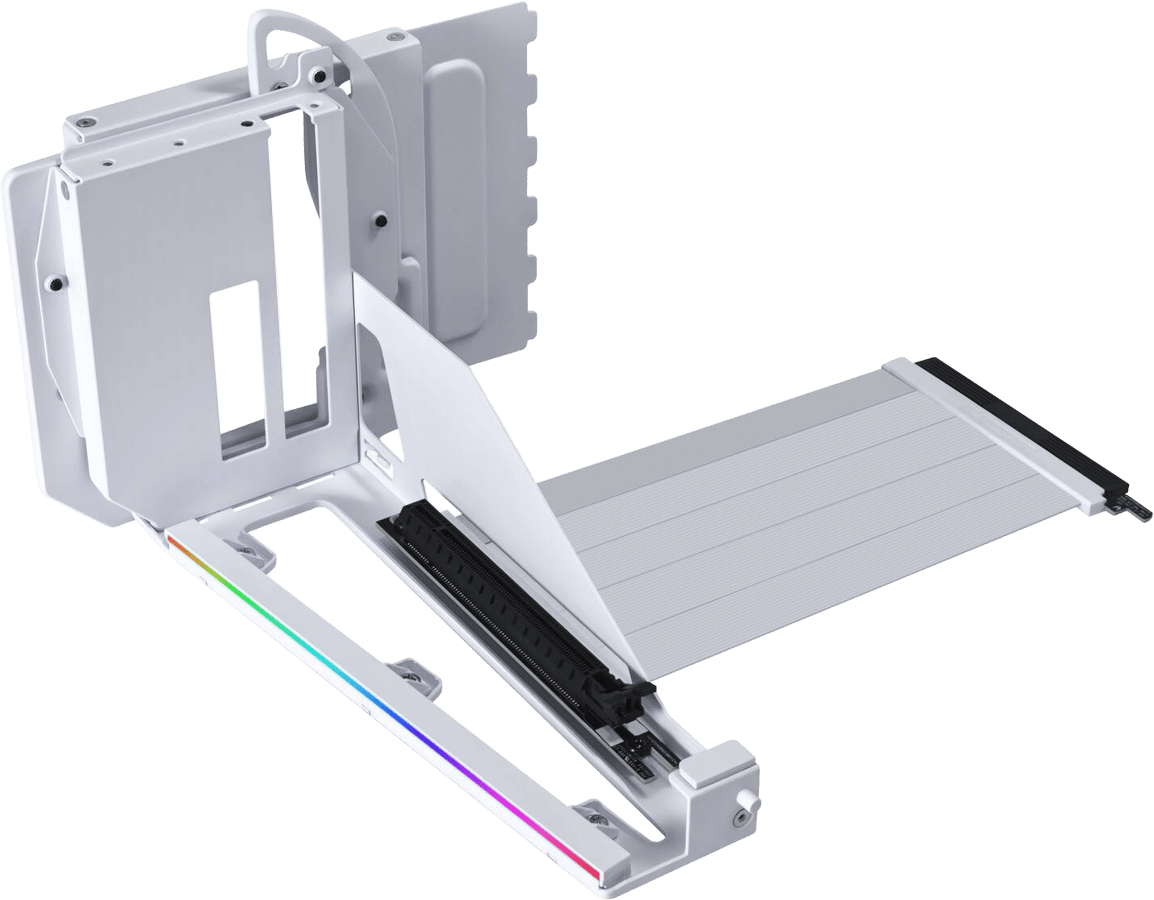


Computer Spare Parts: 3 things to consider before buying
Before purchasing Computer Spare Parts, it's crucial to ensure compatibility with your existing system. Check your computer's specifications to determine the right type of spare parts needed, such as RAM size or processor socket type. For instance, if you're upgrading memory, confirm the maximum RAM capacity your motherboard supports and whether it requires DDR3 or DDR4. This step prevents mismatches that could lead to returns or additional costs.
When choosing Computer Spare Parts, opting for reputable brands can make a significant difference in performance and longevity. Research brands known for reliability and read user reviews to gauge product satisfaction. Trusted brands often offer better warranties and customer support, providing peace of mind. For example, brands like Corsair or Kingston are well-regarded for their durable memory modules.
Investing in Computer Spare Parts that accommodate future upgrades can save you money over time. Think about potential advancements you might need later on, such as additional storage or enhanced graphics capabilities. If you're buying a new hard drive, consider an SSD for faster data access speeds, or choose a power supply unit with higher wattage to support future hardware additions. This approach ensures your system remains adaptable and efficient.
FAQ
Computer spare parts are components used to repair or upgrade computers. These include items like RAM, hard drives, and graphics cards. Choosing the right part depends on compatibility with your system. Check specifications for size, power requirements, and connection types to ensure a perfect fit for your needs.
Computer spare parts like RAM should match your motherboard's specifications. Consider the type (DDR3, DDR4), speed (measured in MHz), and capacity (GB). Ensure compatibility with your system by checking the motherboard manual or manufacturer's website for supported RAM types and configurations.
Computer spare parts such as graphics cards require compatibility with your PC's power supply and motherboard. Look at power consumption, physical size, and connector types. Assess performance needs based on tasks like gaming or video editing to find a card that meets your requirements.
Computer spare parts like hard drives may need replacing due to failure or upgrades for more storage. When choosing a new drive, consider capacity, speed (RPM for HDDs), and interface type (SATA or NVMe). An SSD can improve speed significantly compared to traditional HDDs.
Computer spare parts such as CPUs must match your motherboard's socket type and chipset. Check manufacturer specifications to ensure compatibility. Consider performance needs—higher clock speeds and more cores benefit demanding tasks like gaming or video editing.
Borrowing more than you can afford or paying late may negatively impact your financial status and ability to obtain credit. Credit subject to status. Ts&Cs and late fees apply.
Advertisement
Popular searches in Computer Spare Parts
- Hp pavilion x360
- Hp pavilion x360 14
- Hdd cage
- Ideapad 5 pro 16ach6
- Hp envy x360 15
- Fa507xi
- Corsair cable
- B660 m
- Primergy
- Lian li strimer strimer
- Dell xps 17 9700
- Acer chromebook spin 311 cp311 3h
- Tpm 2.0
- Amd radeon 7900 xtx
- Vertical gpu bracket
- Microserver gen10+
- Hp 250 g7
- Hp 245 g8
- Asus zenbook 14 ux425ea
- Acer aspire 5 a515 44
- Corsair Computer Spare Parts
- HP Computer Spare Parts
- ASUS Computer Spare Parts
- Lenovo Computer Spare Parts
- Computer Spare Parts on sale
- Dell Computer Spare Parts
- Raspberry Pi Computer Spare Parts
- Be Quiet! Computer Spare Parts
- Logitech Computer Spare Parts
Borrowing more than you can afford or paying late may negatively impact your financial status and ability to obtain credit. Credit subject to status. Ts&Cs and late fees apply.