

Blenders
Blowtorches
Breadmakers
Coffee Grinders
Coffee Makers
Deep fryers & Airfryers
Food Cookers
Food Dehydrators
Food Mixers & Food Processors
Hand Blenders
Hand Mixers
Ice Cream Makers
Ice Makers
Juicers
Kettles
Kitchen Scales
Meat Slicers
Mincers
Mini Choppers & Spiralisers
Other Kitchen Appliances
Pasta Makers
Popcorn Makers
Sandwich Toasters
Soft Drink Makers
Toasters
Vacuum Sealers
Waffle Makers


Computer Mice
Searching for the right computer mouse? PriceRunner helps you find the best fit for your needs. We list a wide range of computer mice from top brands and retailers. Use our handy category filters to narrow down your choices by features like design, connectivity, and price range. Whether you prefer a wireless model, an ergonomic design, or a gaming mouse with extra buttons, you can easily compare different options side-by-side. Our platform ensures you get the most up-to-date information and the best deals available. Make the right decision without any fuss. Ready to find your next computer mouse? Begin here and explore the selection tailored to your preferences!
Try flexible payments withLearn how


1000+ products





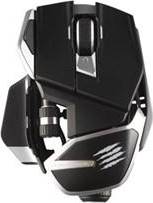





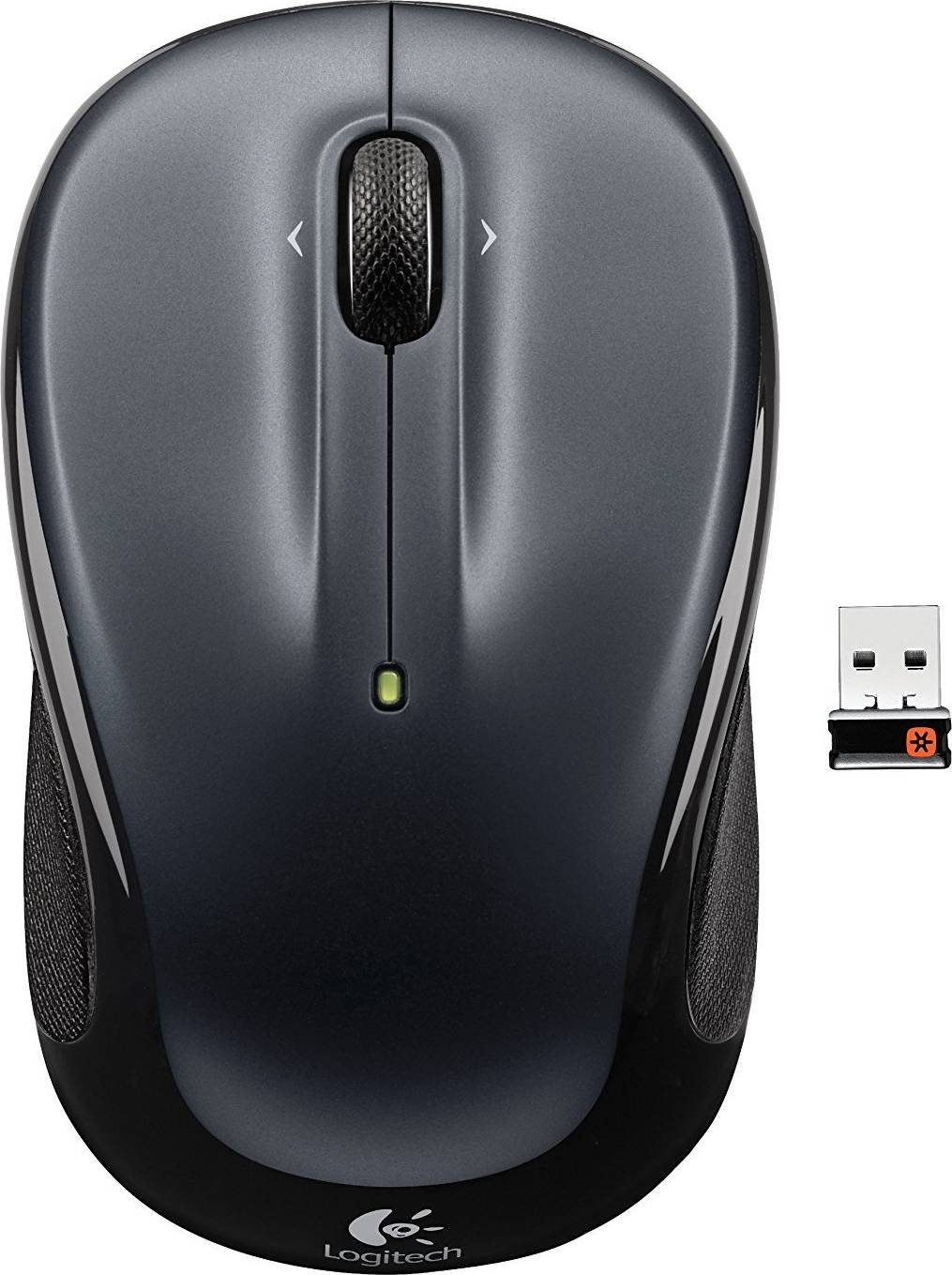


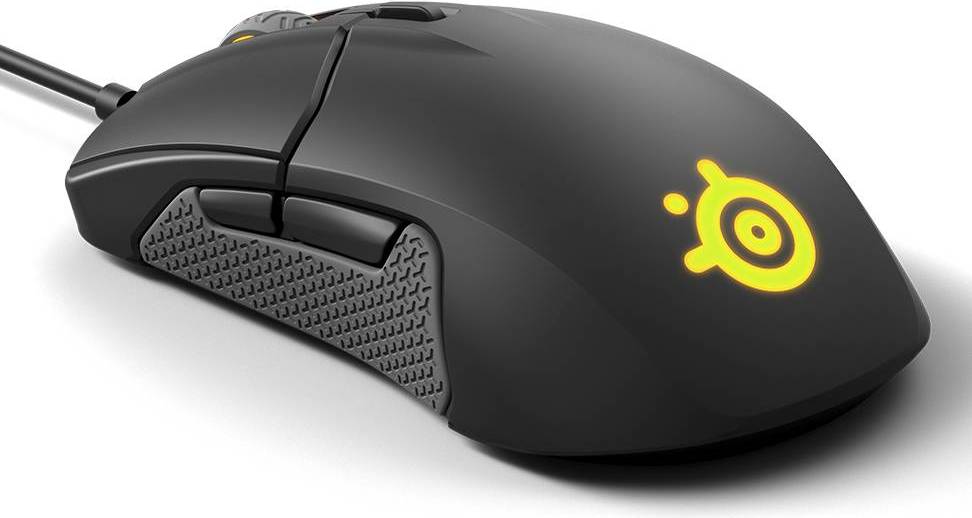
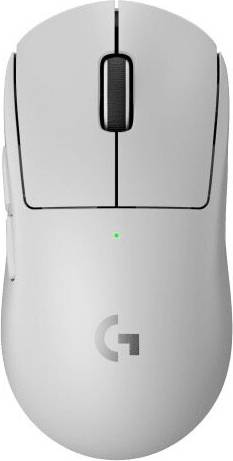
Computer Mice: 3 things to consider before buying
When choosing computer mice, it's crucial to think about how you plan to use them. Are you a gamer, a graphic designer, or someone who primarily uses a computer for browsing and office work? Gaming mice often come with additional programmable buttons and high DPI (dots per inch) for precise movements, which are beneficial for fast-paced games. If you're into design, look for a mouse with ergonomic features to support extended use without causing strain. For general use, a standard optical mouse might be all you need. Tailoring your choice to your specific needs ensures you get the most out of your purchase.
Comfort is key when it comes to computer mice, especially if you'll be using them for long periods. We recommend trying different shapes and sizes to find what feels best in your hand. Ergonomic designs help reduce the risk of repetitive strain injuries by supporting a natural hand position. Look for features like contoured grips or adjustable weights that allow you to customise the feel of the mouse. A comfortable mouse can make a significant difference in your computing experience.
Deciding between wireless and wired computer mice can impact both convenience and performance. Wireless mice offer greater flexibility and reduce clutter on your desk but may require regular battery changes or charging. They are ideal if you value mobility or have limited desk space. On the other hand, wired mice tend to provide more reliable connections and are often preferred by gamers due to their lower latency. Consider where you'll be using the mouse most often and whether you're willing to manage battery life in exchange for convenience.
FAQ
Computer mice are available in various types, including wired, wireless, optical, and ergonomic. Wired mice offer stable connections, while wireless ones provide mobility. Optical mice use LED lights for tracking, and ergonomic designs focus on comfort. Consider your usage needs to choose the right type.
Computer mice for gaming are designed with high precision and additional features. Look for adjustable DPI settings, programmable buttons, and a comfortable grip. A lightweight design can enhance speed and control during gameplay. Evaluate these factors based on your gaming style.
Computer mice with optical sensors use LED lights for tracking movement, suitable for most surfaces. Laser mice use laser beams for higher sensitivity and work on more surface types. Choose optical for standard use or laser if you need more precision on varied surfaces.
Computer mice designed ergonomically help reduce strain during prolonged use. They support a natural hand position, which can prevent discomfort or injury over time. If you spend long hours at the computer, investing in an ergonomic mouse can improve comfort significantly.
Computer mice should be cleaned regularly to maintain functionality. Use a soft cloth slightly dampened with water or alcohol to wipe the exterior. For stubborn dirt around buttons or sensors, a cotton swab can be helpful. Regular cleaning ensures optimal performance and hygiene.
Borrowing more than you can afford or paying late may negatively impact your financial status and ability to obtain credit. Credit subject to status. Ts&Cs and late fees apply.
Advertisement
Navigate your way to the best computer mouse
Choosing the right computer mouse can make all the difference in your daily computing experience. From gaming to everyday use, there's a mouse for everyone. Let's explore the different types available and what to consider when making your choice.
Gaming mice: Precision and speed
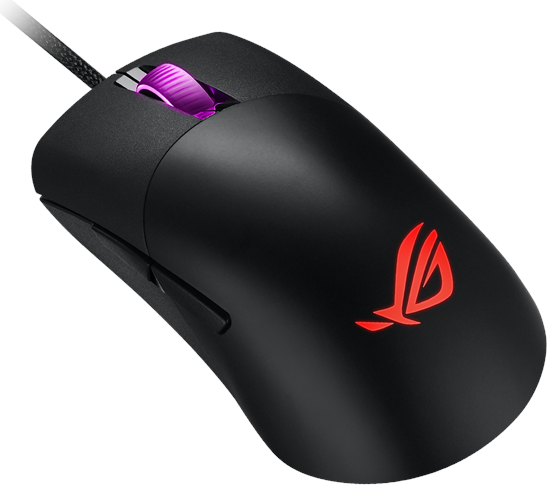
For gamers, a gaming mouse is essential. These mice are designed for precision and speed, often featuring high DPI settings like 26000dpi for quick movements. Look for a wireless gaming mouse with multiple buttons—some offer up to six—to enhance your gameplay. Customisable RGB lighting and ergonomic designs add to the appeal, making gaming sessions more enjoyable.
Standard mice: Everyday essentials
A standard mouse is perfect for everyday tasks. Whether you're browsing the web or working on documents, these mice are reliable and straightforward. Consider a wireless optical mouse with 1600dpi for smooth operation. They're easy to set up and often come in various designs to suit your style.
Trackpads: Sleek and versatile
If you're looking for something sleek and versatile, trackpads are a great option. They offer multi-touch gestures, making navigation intuitive and fluid. Ideal for those who prefer a minimalist setup, trackpads are often used with laptops or as a standalone device for desktops.
Trackballs: Comfort and control
For users seeking comfort and control, trackballs are worth considering. These mice require less wrist movement, reducing strain. They are excellent for precision tasks, such as graphic design, where fine control is needed. Trackballs are also a good choice for those with limited desk space.
3D mice: A new dimension
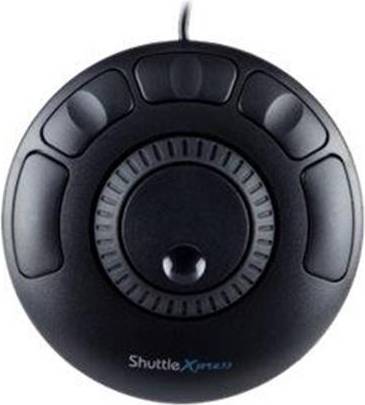
Professionals in fields like 3D modelling and CAD can benefit from 3D mice. These devices allow for seamless navigation in three-dimensional environments, offering a unique way to interact with digital models. They enhance productivity and provide a more immersive experience.
Key features to consider
When selecting a computer mouse, consider the key features that match your needs. Ergonomics is crucial for comfort during long hours of use. Look for designs that fit your hand size and grip style. Connectivity is another factor—decide between wired and wireless options based on your preference for freedom of movement or consistent connection.
Customisation can enhance your experience. Some mice offer programmable buttons and adjustable DPI settings, allowing you to tailor the device to your tasks. Battery life is important for wireless models; opt for rechargeable options or those with long-lasting batteries.
Materials and design
The materials used in a mouse can affect its durability and feel. Look for models with high-quality plastics or rubberised grips for better control. The design should complement your workspace, whether you prefer a sleek modern look or a more traditional style.
Make the right choice
With so many options available, finding the right mouse can be overwhelming. Consider your primary use—gaming, work, or design—and the features that matter most to you. Use PriceRunner to compare prices and find the best deal on your ideal computer mouse today!
Shop smarter with PriceRunner
Find the best option with the help of our handy tools. Compare prices, apply smart filters, read user reviews, and explore price history—all in one place.
Filter and sort
Searching for something particular? Filter by everything from price and brand to material or colour to see only the products relevant to you. Since delivery options and shipping costs can vary between shops, you can easily find your perfect match by filtering based on these criteria as well.
Reviews: See what other users think
Reviews from other users can provide valuable insights into the product's features and durability. Product ratings help you quickly assess popularity and customer satisfaction.
Price history: Find real deals
To ensure that you've found a good deal, you can view the product's price history. Select a time period and whether you wish to include international prices. Price history for the past three months is shown by default, but you can also look into a longer time period. If you want to determine if a deal from a specific shop is as good as it seems you can click on "Choose store" above the price graph to show an individual shop's pricing history.
Popular searches in Computer Mice
- Logitech wireless mouse
- Logitech mx master
- Microsoft bluetooth mouse
- Logitech g pro x superlight 2
- Logitech mx master 4
- Logitech pebble 2
- Usb c mouse
- Logitech g pro x superlight
- Microsoft ergonomic mouse
- Razer v2 pro
- Logitech g pro x 2 lightspeed
- Apple magic mouse black
- Logitech signature m650
- Logitech mouse bluetooth
- Mechanical switches
- Logitech g pro
- Glorious model o
- Multi usb
- Apple wireless mouse
- Mouse wireless
- Gaming Mice
- Standard Mice
- Microsoft Computer Mice
- Logitech Gaming Mice
- Computer Mice on sale
- Trackballs
- Wireless Gaming Mice
- Logitech Computer Mice
- Razer Computer Mice
- Wireless Computer Mice
- USB - Wireless Gaming Mice
- 3D Mice
- Gaming Mice
- Rollerbars
- Trust Computer Mice
- Bluetooth - Wireless Computer Mice
- Wireless Computer Mice on sale
- HP Computer Mice
- Apple Trackpads
- Corsair Wireless Computer Mice
Borrowing more than you can afford or paying late may negatively impact your financial status and ability to obtain credit. Credit subject to status. Ts&Cs and late fees apply.