
Blenders
Blowtorches
Breadmakers
Coffee Grinders
Coffee Makers
Deep fryers & Airfryers
Food Cookers
Food Dehydrators
Food Mixers & Food Processors
Hand Blenders
Hand Mixers
Ice Cream Makers
Ice Makers
Juicers
Kettles
Kitchen Scales
Meat Slicers
Mincers
Mini Choppers & Spiralisers
Other Kitchen Appliances
Pasta Makers
Popcorn Makers
Sandwich Toasters
Soft Drink Makers
Toasters
Vacuum Sealers
Waffle Makers

USB Hubs
Looking for the right USB hub? We guide you through the selection of USB hubs to find one that fits your needs. Whether you're connecting multiple devices or need extra ports for your laptop, our listings cover a wide range of options. Use our handy category filters to narrow down your choices by brand, number of ports, or price. Compare prices across thousands of retailers to ensure you get the best deal. With PriceRunner, you can easily see which USB hub matches your preferences and requirements. Our user reviews add an extra layer of insight, helping you make the right decision without any hassle. Ready to enhance your connectivity? Begin here to find the USB hub that's perfect for your setup.
Try flexible payments withLearn how
1000+ products








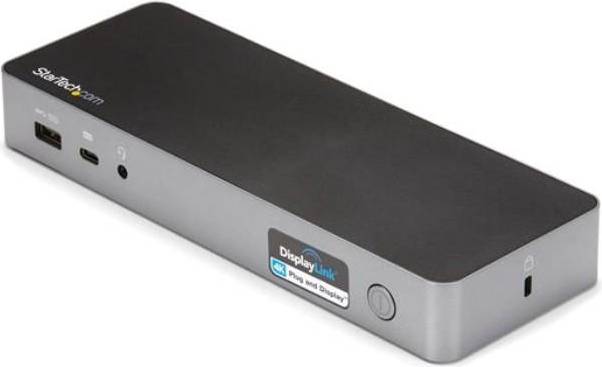


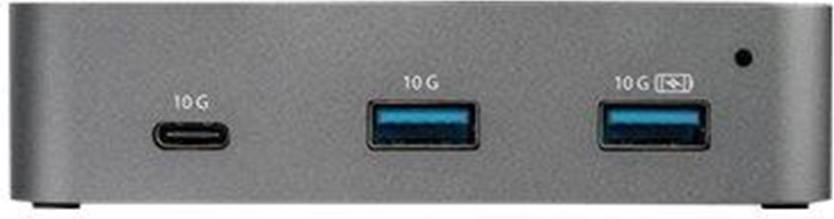

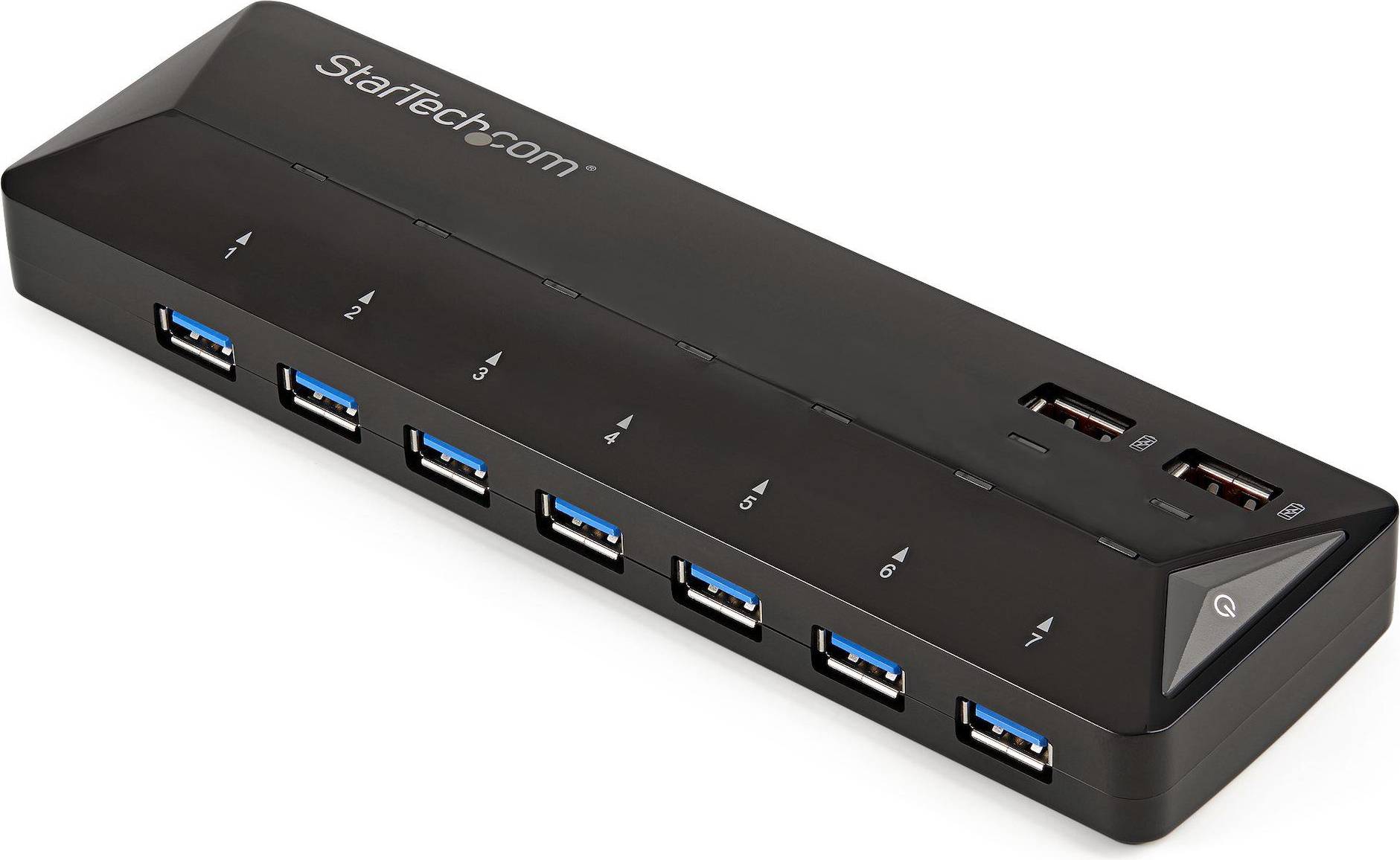


USB Hubs: 3 things to consider before buying
When selecting USB hubs, think about how many devices you plan to connect. If you have multiple gadgets like a keyboard, mouse, and external hard drive, opt for USB hubs with at least four ports. More ports allow greater flexibility and future-proofing for additional devices. Remember that some USB hubs offer a mix of USB-A and USB-C ports, which can be handy if you have newer devices.
USB hubs can be powered or unpowered. Powered USB hubs come with an external power adapter and are ideal for connecting power-hungry devices such as printers or scanners. On the other hand, unpowered USB hubs draw power from your computer, making them suitable for low-power devices like flash drives. Consider your specific needs to choose the right type of hub.
Ensure the USB hubs you choose are compatible with your devices' operating systems and support the required data transfer speeds. For instance, if you frequently transfer large files or stream high-definition content, look for USB 3.0 or 3.1 hubs, as they offer faster data rates compared to older versions like USB 2.0. Backward compatibility is also essential if you have older devices; most modern hubs will accommodate them without issue.
FAQ
USB hubs are devices that expand a single USB port into multiple ports, allowing you to connect several peripherals to your computer. They are ideal for users needing more connectivity options for devices like keyboards, mice, and external drives. Consider the number of ports and power supply when choosing one.
USB hubs are selected based on the number of ports, data transfer speed, and power requirements. Determine how many devices you need to connect and whether high-speed data transfer is essential. Some hubs offer additional features like charging capabilities or compatibility with specific operating systems.
USB hubs can affect performance if they do not provide sufficient power or bandwidth for connected devices. Choose powered hubs for better performance with multiple high-demand devices. Ensure the hub supports USB 3.0 or higher for faster data transfer rates.
USB hubs are generally compatible with most computers, but it's essential to check the hub's specifications against your computer's USB version. For optimal performance, match the hub's USB version (e.g., USB 3.0) with your computer's port capabilities.
USB hubs can charge devices if they have dedicated charging ports or are powered hubs. Check if the hub offers charging capabilities and ensure it provides enough power output for your device needs. Powered hubs usually deliver better charging efficiency than non-powered ones.
Borrowing more than you can afford or paying late may negatively impact your financial status and ability to obtain credit. Credit subject to status. Ts&Cs and late fees apply.
Advertisement
Connect and expand: Find the right USB hub for your needs
In today's digital world, a USB hub can be a game-changer. It lets you connect multiple devices to your computer, making life easier and more organised. Whether you need extra ports for work or play, there's a hub out there for you.
Types of USB hubs
Different USB hubs suit different needs. Here are some common types you might consider:
Standard USB hubs
Standard hubs are simple and effective. They expand a single usb port into several. These are great for connecting keyboards, mice, and other peripherals. They often come in black or grey, matching most devices.
Powered USB hubs
Powered hubs come with an external power supply. This means they can handle more power-hungry devices like external hard drives. If you have lots of gadgets, a powered hub might be the best choice. Look for options in black or silver for a sleek look.
USB-C hubs
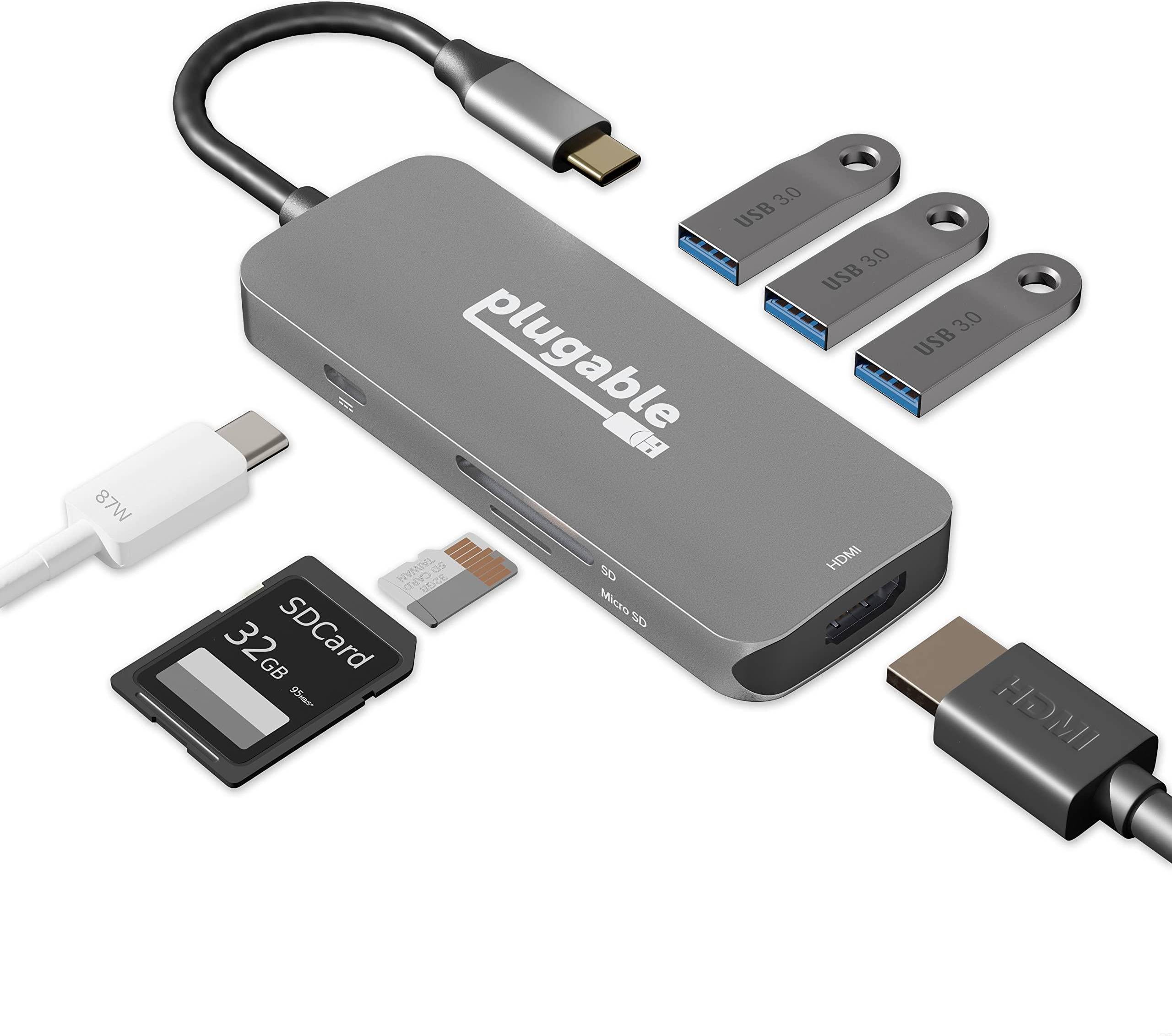
usb-c hubs are perfect for modern devices. They offer faster data transfer and can support more functions. If your laptop or tablet has usb-c ports, this type is ideal. Many usb-c hubs also include hdmi, ethernet, and sd card slots for added versatility.
Key features to consider
When choosing a USB hub, consider these important features:
Number of ports
Think about how many devices you need to connect. Hubs range from two to ten or more ports. More ports offer greater flexibility, but make sure they fit your space and needs.
Compatibility
Check that the hub is compatible with your devices. Most hubs work with USB-A, micro-USB, and USB-C connections. Some might require adapters, so keep that in mind.
Data transfer speed
For quick file transfers, look for hubs with USB 3.0 or higher. These offer faster speeds than older USB 2.0 models. If speed is a priority, USB-c hubs are often the best option.
Materials and design
The design and materials of a usb hub can impact its durability and style. Many hubs are made from plastic, but metal options like aluminium offer more durability. Choose a colour that matches your setup—black, grey, and silver are popular choices.
Popular brands
Several brands are known for their quality USB hubs. Here are a few to consider:
- Anker: Known for reliable and high-quality hubs with various port options.
- Belkin: Offers a range of hubs with sleek designs and good compatibility.
- Ugreen: Provides affordable hubs with solid performance and multiple ports.
Enhance your connectivity
Choosing the right usb hub can simplify your digital life. Whether you need a basic hub for peripherals or a powered hub for multiple devices, there's something for everyone. Consider your needs, the number of ports, and compatibility to make the right decision.
Use PriceRunner to compare prices and find the best deal on your next USB hub.
Shop smarter with PriceRunner
Find the best option with the help of our handy tools. Compare prices, apply smart filters, read user reviews, and explore price history—all in one place.
Filter and sort
Searching for something particular? Filter by everything from price and brand to material or colour to see only the products relevant to you. Since delivery options and shipping costs can vary between shops, you can easily find your perfect match by filtering based on these criteria as well.
Reviews: See what other users think
Reviews from other users can provide valuable insights into the product's features and durability. Product ratings help you quickly assess popularity and customer satisfaction.
Price history: Find real deals
To ensure that you've found a good deal, you can view the product's price history. Select a time period and whether you wish to include international prices. Price history for the past three months is shown by default, but you can also look into a longer time period. If you want to determine if a deal from a specific shop is as good as it seems you can click on "Choose store" above the price graph to show an individual shop's pricing history.
Popular searches in USB Hubs
- Powered usb hub
- Sandberg saver
- Usb a hub
- Usb multiport
- Usb 3.2 hub 4 port
- Usb c hub hdmi
- Anker usb c hub
- Usb 3.1 hub
- Displaylink docking station
- Usb c splitter
- Displaylink
- Multi hdmi adapter
- Long ethernet cable
- Ugreen usb c hub
- Hdmi splitter
- Usb 3.2 10gbps hub
- Usb splitter
- Usb c hub med power
- Powered usb hub fast
- Macbook air power
- Anker USB Hubs
- USB-C USB Hubs
- Sony USB Hubs
- Ethernet USB Hubs
- USB-A USB Hubs
- Power Supply USB Hubs
- Targus USB Hubs
- UGREEN USB Hubs
- HDMI USB Hubs
- Ethernet - HDMI - USB 3 - USB-C USB Hubs
- Ethernet - USB 3 - USB-C USB Hubs
- External USB Hubs
- USB-C USB Hubs
- USB-A USB Hubs
- Ethernet - USB-A USB Hubs
- USB 3 USB Hubs
- Ethernet - USB 3 USB Hubs
- USB 4 USB Hubs
- USB USB Hubs
- Sabrent USB Hubs
Borrowing more than you can afford or paying late may negatively impact your financial status and ability to obtain credit. Credit subject to status. Ts&Cs and late fees apply.