


Blenders
Blowtorches
Breadmakers
Coffee Grinders
Coffee Makers
Deep fryers & Airfryers
Food Cookers
Food Dehydrators
Food Mixers & Food Processors
Hand Blenders
Hand Mixers
Ice Cream Makers
Ice Makers
Juicers
Kettles
Kitchen Scales
Meat Slicers
Mincers
Mini Choppers & Spiralisers
Other Kitchen Appliances
Pasta Makers
Popcorn Makers
Sandwich Toasters
Soft Drink Makers
Toasters
Vacuum Sealers
Waffle Makers






Motherboards
Looking for the right motherboard? PriceRunner helps you find the best one to match your needs. Our extensive listing covers millions of products from thousands of brands and retailers. Use our category filters to narrow down your choices based on your preferences—whether it's form factor, socket type, or price range. Compare different models side-by-side to see which motherboard suits you best. We make it easy to navigate the vast world of motherboards, ensuring you make the right decision without any hassle. With our user reviews, you gain insights from real experiences to guide your choice. Save time and money by finding great deals and offers. Ready to upgrade or build your computer with the right motherboard? Begin here and discover the ideal match for your setup!
Try flexible payments withLearn how
1000+ products


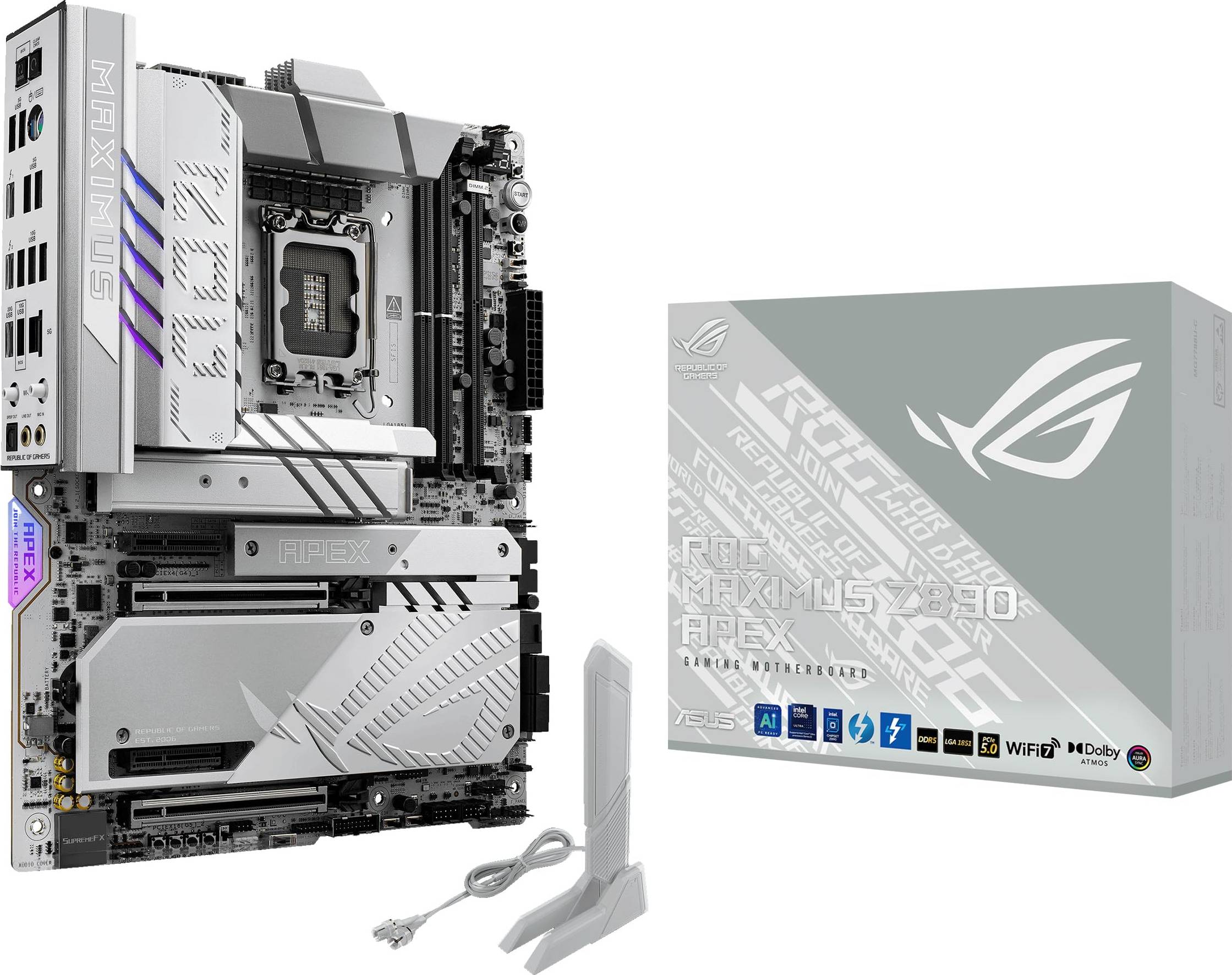

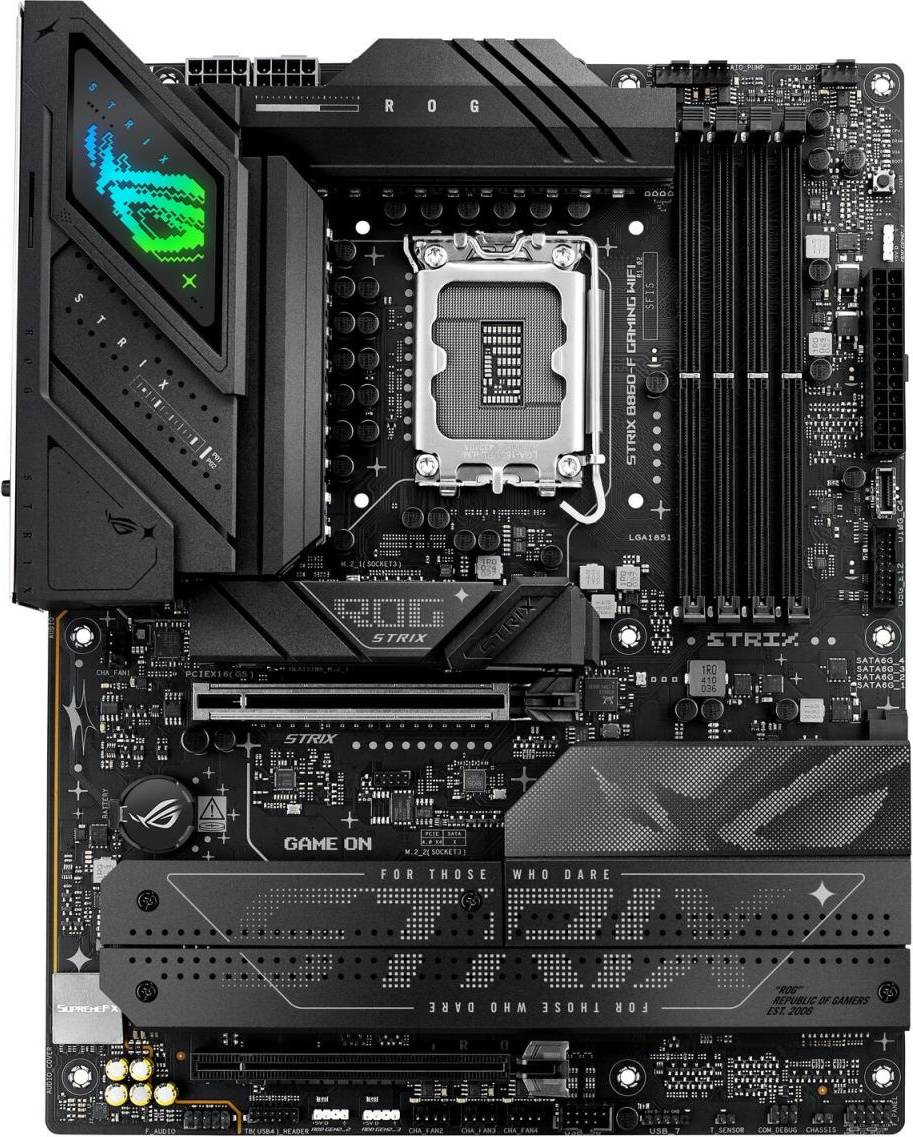




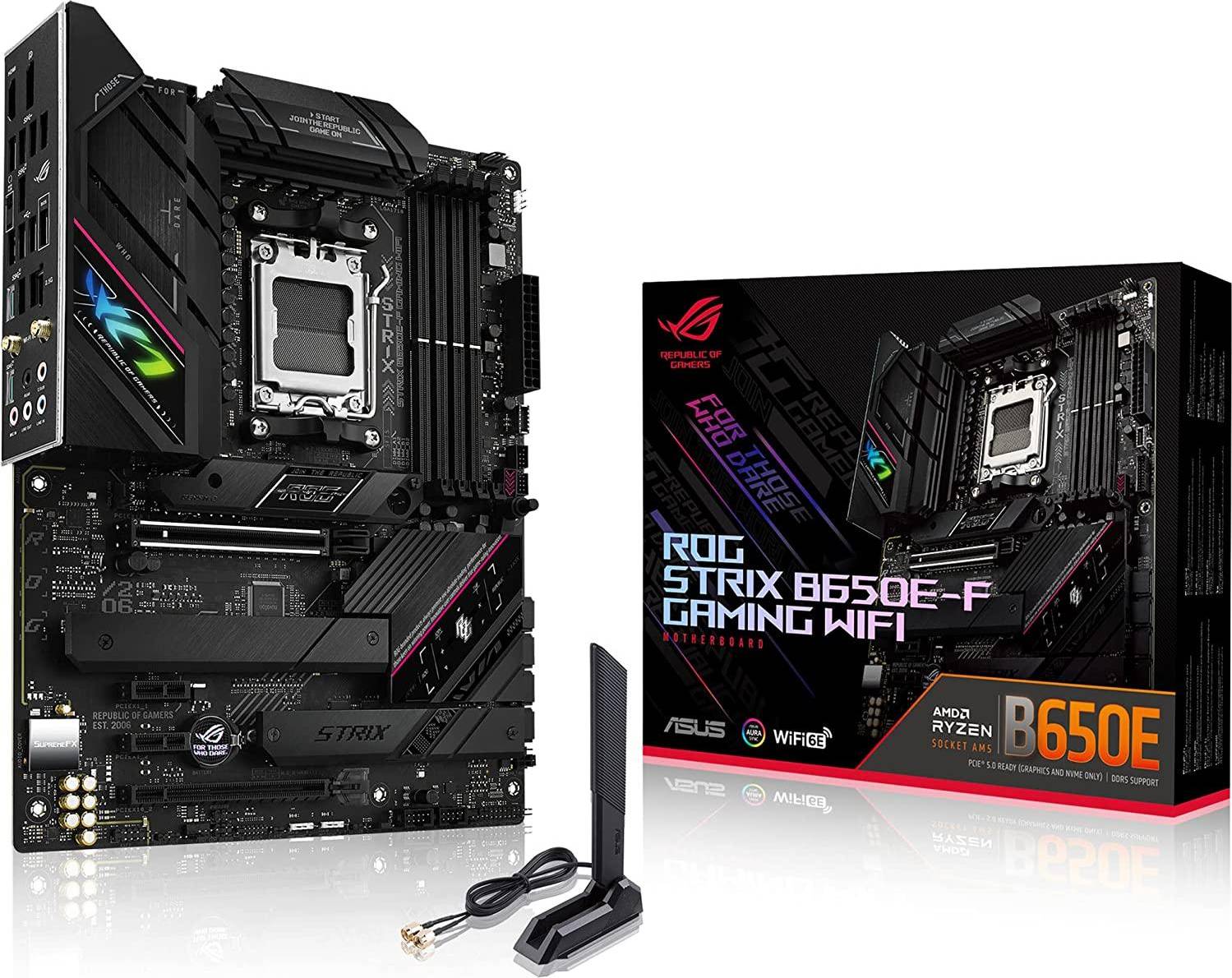


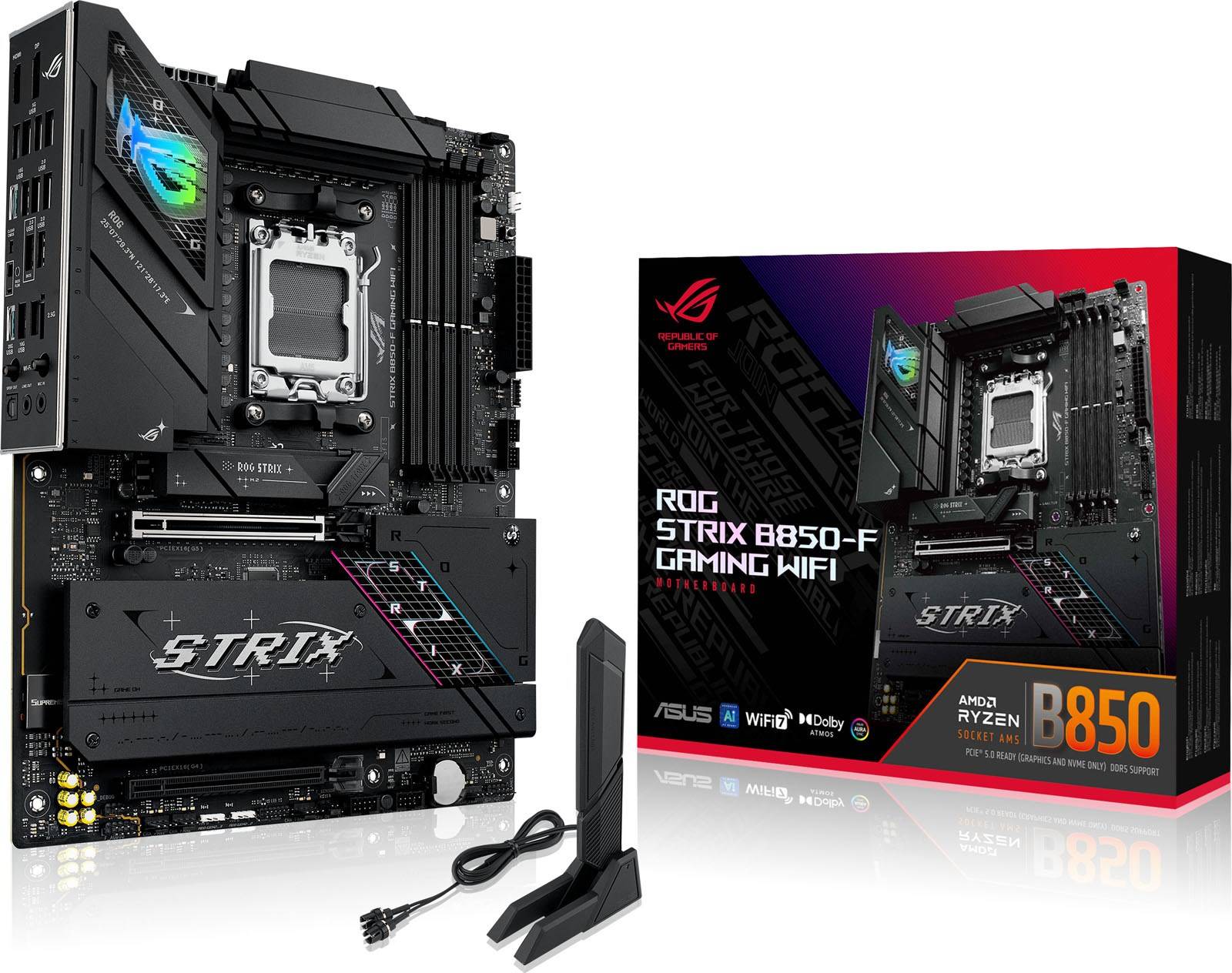


Motherboards: 3 things to consider before buying
When selecting a motherboard, it's crucial to ensure compatibility with your processor. Motherboards come in different socket types, such as LGA 1200 or AM4, which must match the socket of your CPU. Additionally, check the chipset compatibility. For example, if you're using an Intel processor, you might look for a motherboard with a compatible Z590 or B560 chipset. This ensures that the motherboard can fully support the features and performance of your processor.
Motherboards offer various expansion slots and connectivity options that can enhance your computing experience. Consider the number of PCIe slots for graphics cards or other expansion cards you may want to add. Look at the availability of USB ports, including USB-C, and consider whether you need features like Wi-Fi or Bluetooth built-in. If you plan on using multiple storage devices, ensure there are enough SATA ports and M.2 slots for SSDs.
It's important to consider how much RAM your motherboard can support both now and in the future. Look for motherboards that support at least 16GB of RAM with room to expand up to 64GB or more if needed. Check the type of RAM supported (such as DDR4 or DDR5) and the maximum speed it can handle. This will not only ensure smooth performance but also provide flexibility should you decide to upgrade components later on.
FAQ
Motherboards are the main circuit boards in computers that connect all components and peripherals. They serve as the backbone, allowing communication between the CPU, RAM, storage, and other devices. When choosing a motherboard, consider compatibility with your processor, RAM capacity, and available slots for expansion.
Motherboards are chosen based on compatibility with your CPU and desired features. Ensure it supports your processor type and has enough RAM slots and ports for your peripherals. Also, consider future-proofing by checking for extra PCIe slots or support for newer technologies like USB-C.
Motherboards are available in various sizes: ATX, Micro-ATX, and Mini-ITX. ATX boards offer more slots and features, while smaller formats fit compact cases but may have fewer options. Your choice depends on your case size and how many components you plan to install.
Motherboards use chipsets to manage data flow between components. The chipset determines supported features like overclocking, RAID configurations, and USB versions. Choose a motherboard with a chipset that matches your performance needs and budget to ensure optimal functionality.
Motherboards affect compatibility by determining which CPUs, RAM types, and expansion cards you can use. Check socket type for CPU compatibility and ensure it supports your preferred memory type (DDR4 or DDR5). This ensures all parts work together seamlessly in your build.
Borrowing more than you can afford or paying late may negatively impact your financial status and ability to obtain credit. Credit subject to status. Ts&Cs and late fees apply.
Borrowing more than you can afford, or paying late, may make it harder to get credit in the future. Credit subject to status. A downpayment of 10% or higher may be required.
Financing has a representative 21.9% APR (fixed). Representative example: 21.9% APR representative based on a loan amount of £1200 repayable over 6 months at an interest rate of 21.9% p.a. (Fixed). 5 monthly payments of £211.81 and last payment of £210.37. Total amount payable of £1,269.42. Total charge for credit £69.42. Minimum and maximum purchase amount £250 - £10,000. Lender: Klarna Financial Services UK Limited (nr 14290857). T&Cs and late fees apply
Advertisement
Unlock your PC's potential with the right motherboard
A motherboard is the heart of your computer. It connects all the components and ensures they work together seamlessly. Choosing the right one can boost performance and meet your specific needs.
Key features to consider
When selecting a motherboard, several features are crucial. These include the form factor, socket type, and chipset. Understanding these can help you make the right choice.
Form factor
The form factor determines the size and shape of the motherboard. Common options include ATX, Micro-ATX, and Mini-ITX. ATX is the most popular, offering ample space for additional components. Micro-ATX is smaller but still provides good expandability. Mini-ITX is compact, ideal for small builds.
Socket type
The socket type is where the CPU connects to the motherboard. It's important to match the socket type with your processor. Socket AM4 is a common choice for AMD processors. Newer CPUs might require Socket AM5, which supports advanced features.
Chipset
The chipset determines the motherboard's capabilities. It affects the number of USB ports, PCIe slots, and RAM support. B450 and B650 are popular choices for AMD builds. B450 offers a balance of features and cost. B650 provides more advanced features like PCIe 4.0 for faster data transfer.
Connectivity options
Modern motherboards come with various connectivity options. These ensure your computer can connect to other devices and networks efficiently.
Audio and video outputs
For audio, look for motherboards with high-quality sound chips. Some models include Optical S/PDIF for superior audio quality. Video outputs like HDMI and DisplayPort are essential for connecting monitors.
Expansion slots
Expansion slots allow you to add extra components like graphics cards and network cards. PCIe slots are the most common. Ensure your motherboard has enough slots for your needs.
RAM and storage
The amount of RAM and storage your motherboard supports is vital. More RAM allows for smoother multitasking. Check the maximum RAM capacity and the number of RAM slots available. For storage, look for motherboards with multiple SATA ports and M.2 slots for SSDs.
Popular brands and models
Several brands offer reliable and high-performance motherboards. ASUS, MSI, and Gigabyte are popular choices. They provide a range of models catering to different needs and budgets.
Make the right choice
Choosing the right motherboard depends on your specific needs. Consider the form factor, socket type, chipset, and connectivity options. Whether you're building a gaming rig or a workstation, there's a motherboard that suits your requirements. Use PriceRunner to compare prices and find the best deal on your next motherboard.
Shop smarter with PriceRunner
Find the best option with the help of our handy tools. Compare prices, apply smart filters, read user reviews, and explore price history—all in one place.
Filter and sort
Searching for something particular? Filter by everything from price and brand to material or colour to see only the products relevant to you. Since delivery options and shipping costs can vary between shops, you can easily find your perfect match by filtering based on these criteria as well.
Reviews: See what other users think
Reviews from other users can provide valuable insights into the product's features and durability. Product ratings help you quickly assess popularity and customer satisfaction.
Price history: Find real deals
To ensure that you've found a good deal, you can view the product's price history. Select a time period and whether you wish to include international prices. Price history for the past three months is shown by default, but you can also look into a longer time period. If you want to determine if a deal from a specific shop is as good as it seems you can click on "Choose store" above the price graph to show an individual shop's pricing history.
Popular searches in Motherboards
- B550 motherboard
- Cpu motherboard bundle
- Lga 1200
- Mini itx am4
- Lga1700 motherboard
- Gigabyte aorus ice
- Motherboard lga 1700 ddr5
- B850
- B550m motherboard
- B650 motherboard atx
- Tomahawk
- Usb 4.0
- Asus z790 hero
- X670e plus
- Msi x670
- X870 i
- 870e
- N100 motherboard
- Asrock z890 taichi
- Motherboard pcie 5.0
- Mini-ITX - Socket AM4 Motherboards
- Optical S/PDIF - Socket AM5 Motherboards
- Socket AM4 Motherboards
- Optical S/PDIF Motherboards
- Socket AM5 Motherboards
- ATX - Socket 1200 Motherboards
- AMD X570 Motherboards
- Mini-ITX - Socket AM5 Motherboards
- AMD B550 Motherboards
- Mini-ITX Motherboards
- Mini-ITX - Socket 1200 Motherboards
- Socket 1151 Motherboards
- Z690 Motherboards
- Z790 Motherboards
- LGA-1851 Motherboards
- Micro-ATX - Socket AM4 Motherboards
- Micro-ATX Motherboards
- Mini-ITX - Optical S/PDIF Motherboards
- Micro-ATX - Optical S/PDIF - Socket AM5 Motherboards
- Optical S/PDIF - Socket AM4 Motherboards
Borrowing more than you can afford or paying late may negatively impact your financial status and ability to obtain credit. Credit subject to status. Ts&Cs and late fees apply.
Borrowing more than you can afford, or paying late, may make it harder to get credit in the future. Credit subject to status. A downpayment of 10% or higher may be required.
Financing has a representative 21.9% APR (fixed). Representative example: 21.9% APR representative based on a loan amount of £1200 repayable over 6 months at an interest rate of 21.9% p.a. (Fixed). 5 monthly payments of £211.81 and last payment of £210.37. Total amount payable of £1,269.42. Total charge for credit £69.42. Minimum and maximum purchase amount £250 - £10,000. Lender: Klarna Financial Services UK Limited (nr 14290857). T&Cs and late fees apply