
Blenders
Blowtorches
Breadmakers
Coffee Grinders
Coffee Makers
Deep fryers & Airfryers
Food Cookers
Food Dehydrators
Food Mixers & Food Processors
Hand Blenders
Hand Mixers
Ice Cream Makers
Ice Makers
Juicers
Kettles
Kitchen Scales
Meat Slicers
Mincers
Mini Choppers & Spiralisers
Other Kitchen Appliances
Pasta Makers
Popcorn Makers
Sandwich Toasters
Soft Drink Makers
Toasters
Vacuum Sealers
Waffle Makers


Controller Cards
Looking to enhance your computer's performance? Controller cards can be the key to unlocking more speed and efficiency. At PriceRunner, we help you find the best options to suit your needs. Whether you're after increased storage capabilities or faster data transfer rates, our extensive selection of controller cards has you covered. Use our category filters to easily narrow down your choices by brand, price, or specific features. Compare prices on millions of products from thousands of brands and retailers to ensure you make the right decision for your setup. We list all offers transparently, so you can trust the information you receive. Ready to boost your computer's capabilities? Begin your search here and find the right controller card to elevate your system's performance.
Try flexible payments withLearn how






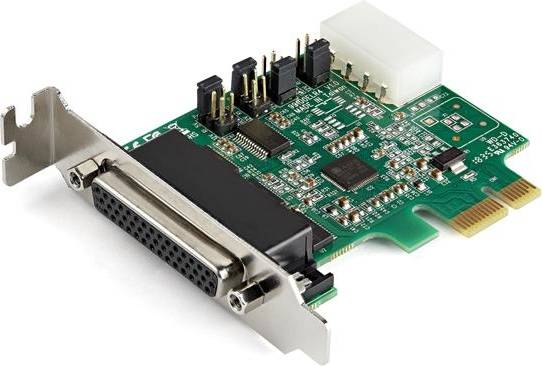
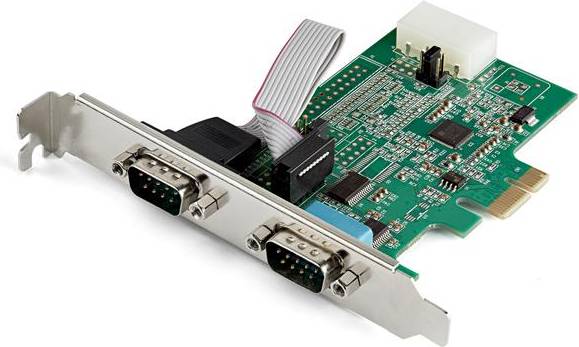
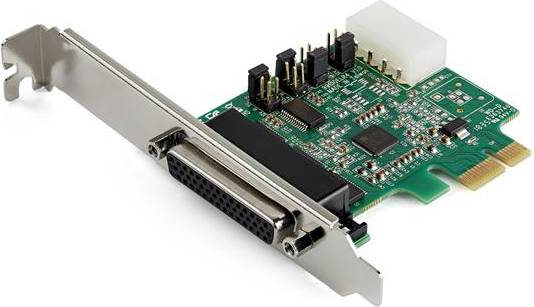
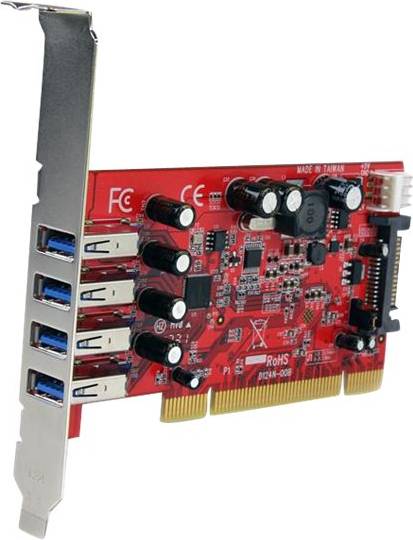




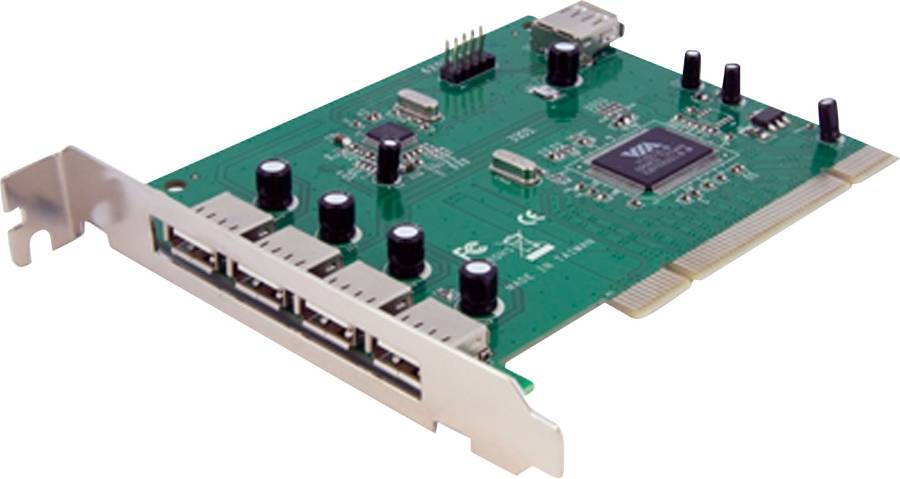
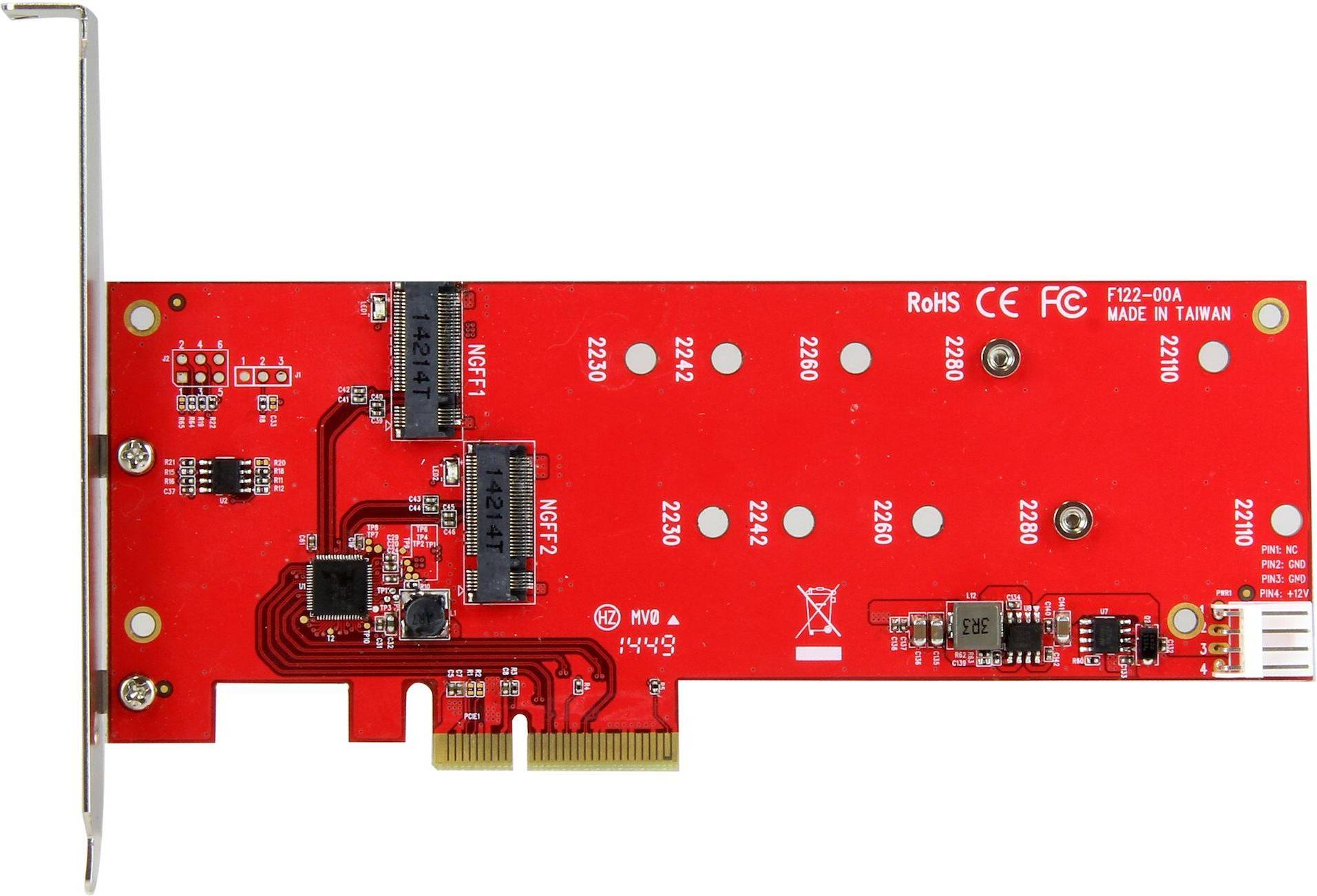
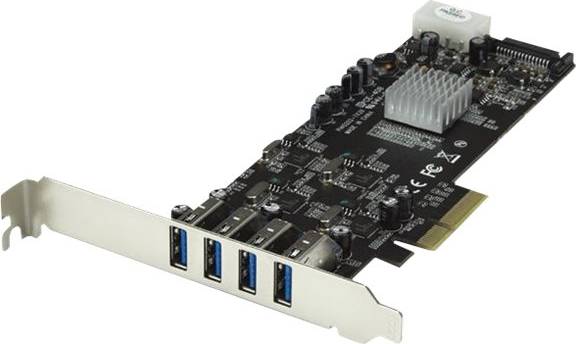
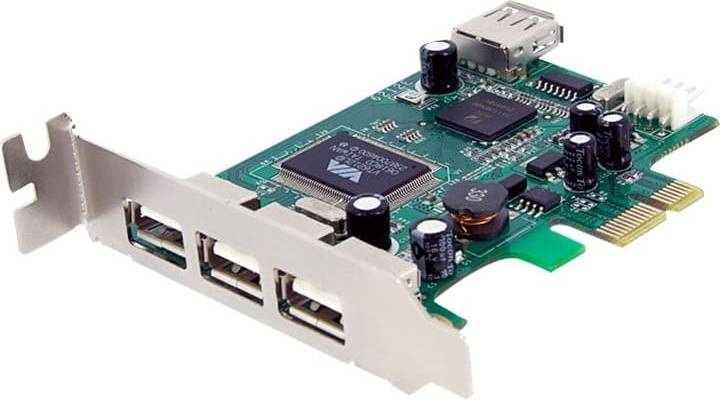


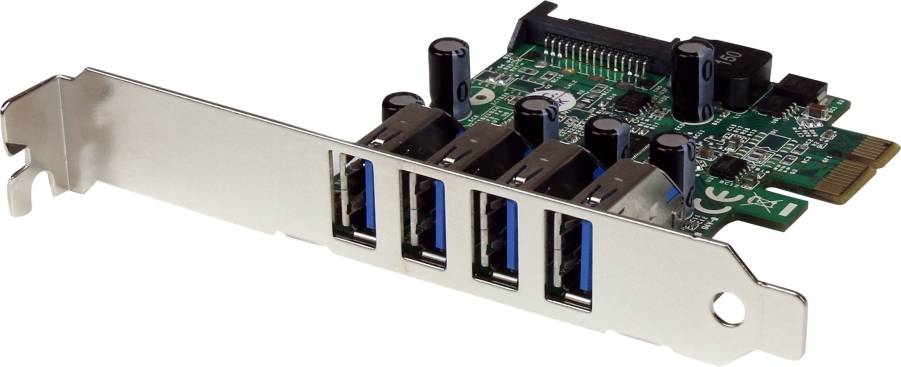
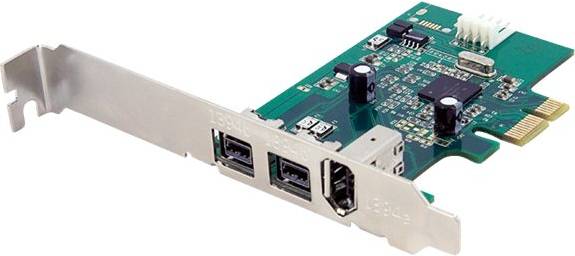
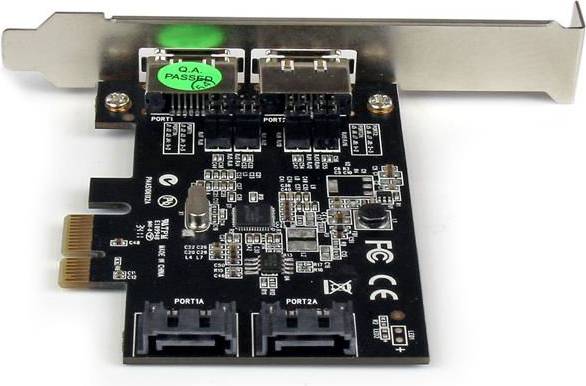
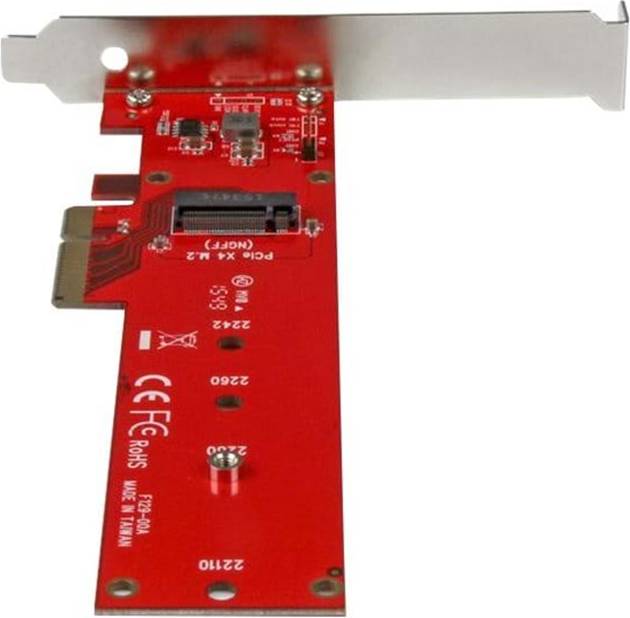


Controller Cards: 3 things to consider before buying
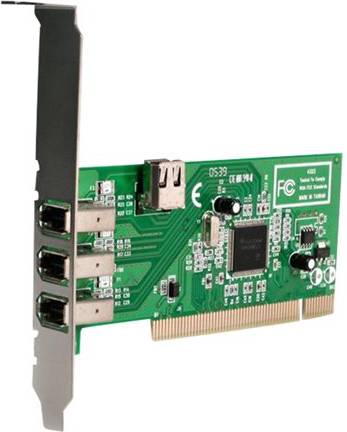
Before purchasing Controller Cards, it's crucial to ensure compatibility with your existing hardware. Check the specifications of your motherboard and other components to determine the correct interface, such as PCIe or PCI. Additionally, consider the number of slots available and any size restrictions within your computer case. This ensures a seamless integration without unexpected surprises.
Controller Cards come in various types designed for different performance levels. If you are setting up a system for gaming or high-performance computing, look for cards that support faster data transfer rates and advanced features like RAID configurations. On the other hand, if you're building a basic setup, a standard card might suffice. Assess your needs carefully to avoid overspending on unnecessary features.
When selecting Controller Cards, think about future-proofing your system. Opt for cards that offer additional ports or support for newer technologies, which can accommodate upgrades down the line. This approach not only saves money in the long run but also keeps your system adaptable to evolving technological advancements.
FAQ
Controller Cards are hardware components that manage data flow between a computer and its peripherals. They help improve the performance and expand the capabilities of your system. Choosing the right Controller Card depends on your specific computing needs, such as whether you require additional USB ports or enhanced graphics capabilities.
Controller Cards work by connecting to a computer’s motherboard and managing data transmission between the system and external devices. They ensure efficient communication and can enhance overall system performance. Consider compatibility with your motherboard and the types of connections you need when selecting a card.
Controller Cards are used to expand or improve a computer's functionality, such as adding more ports or increasing data transfer speeds. They are essential for users needing extra connectivity options or better performance for tasks like gaming or video editing. Identify your specific needs to choose a suitable card.
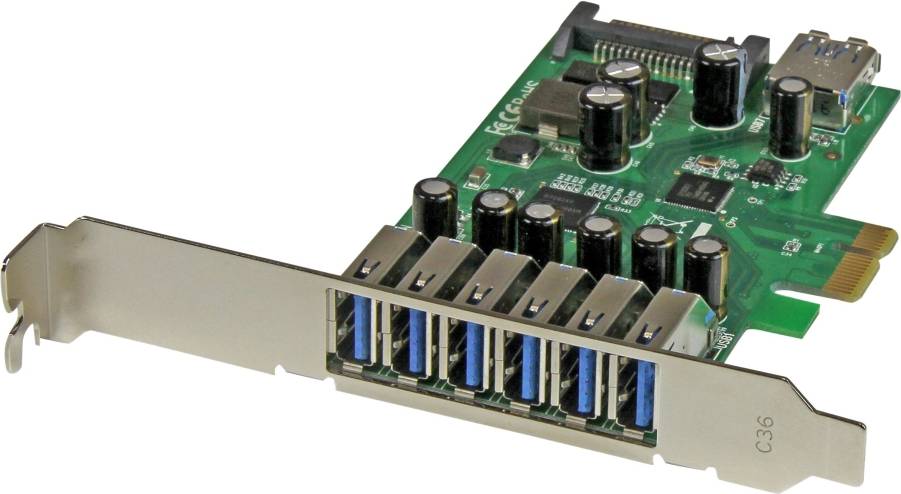
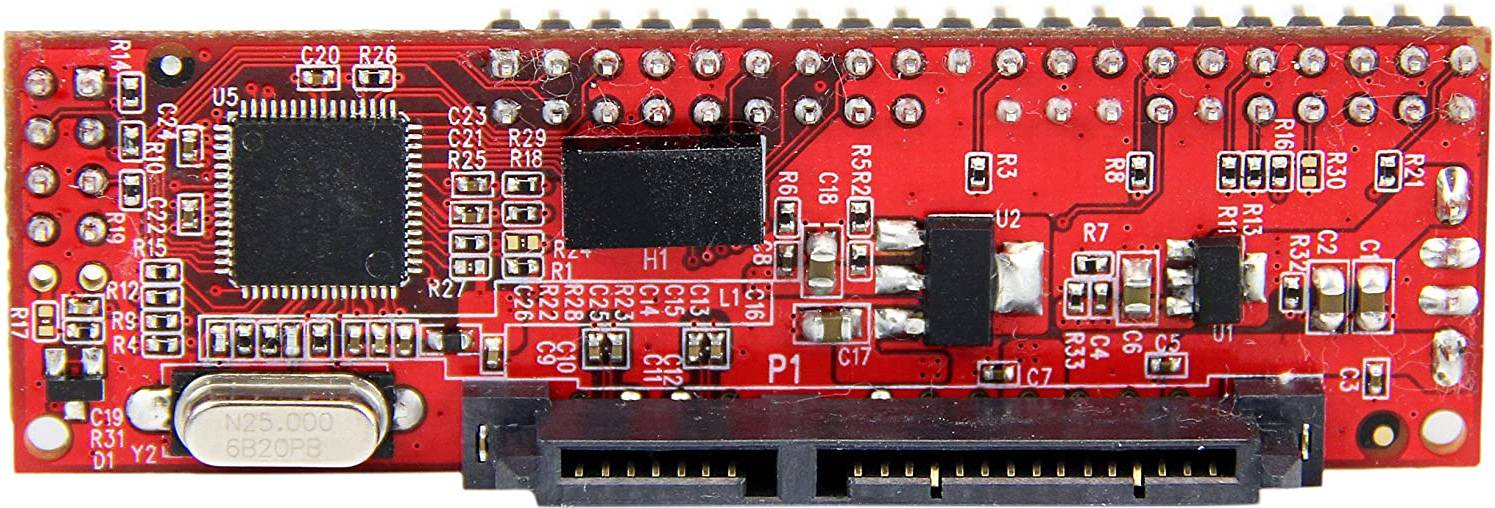
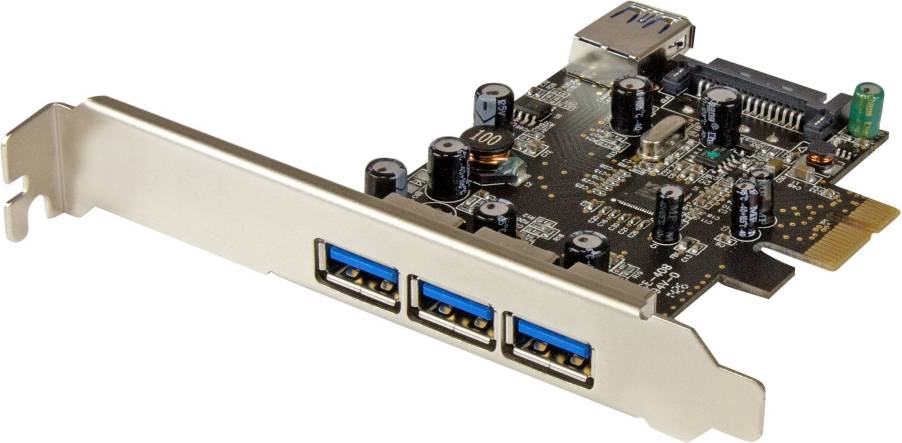
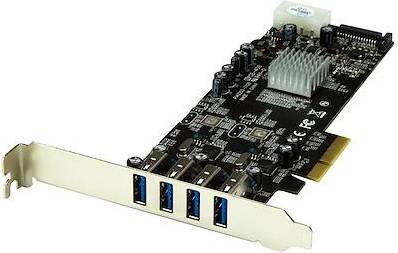
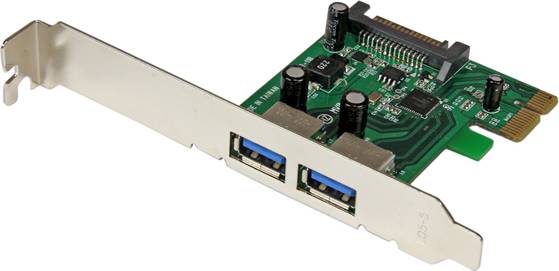
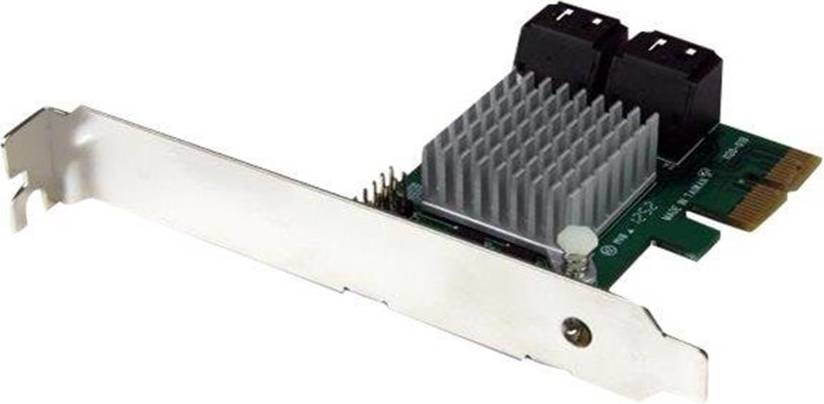
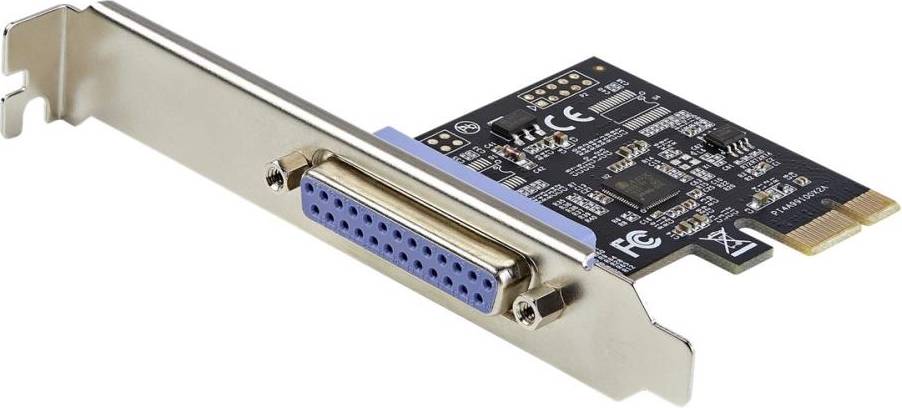
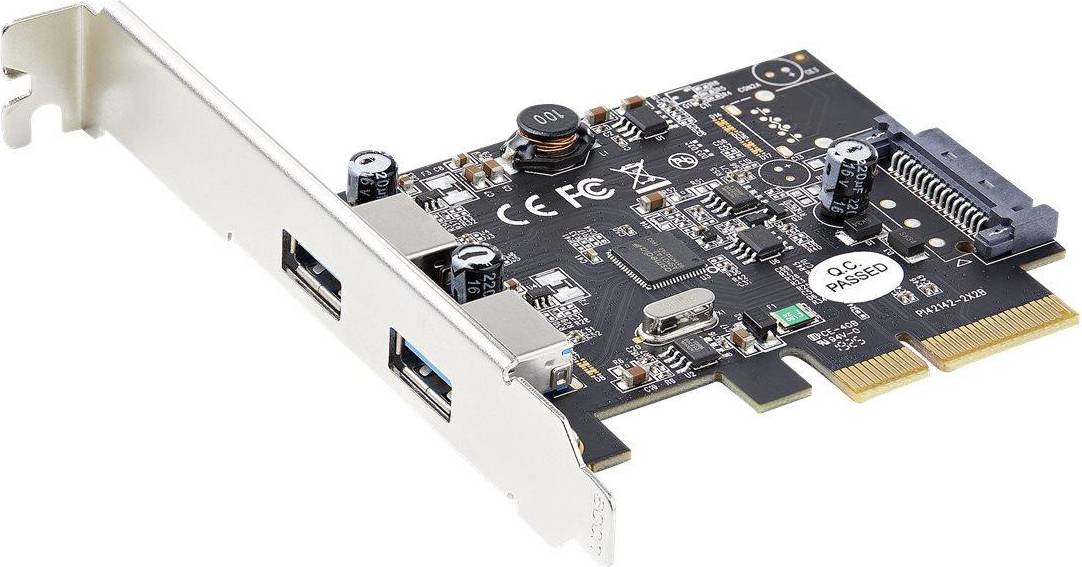
Controller Cards come in various types, including USB, SATA, RAID, and network cards, each serving different functions. USB cards add more ports, SATA cards manage internal drives, RAID cards offer data redundancy, and network cards improve connectivity. Evaluate what enhancements your system requires before purchasing.
Installing a Controller Card involves inserting it into an open slot on your computer’s motherboard and connecting any necessary cables. It is usually straightforward but may vary by card type. Refer to the manufacturer's instructions for detailed guidance to ensure proper installation.
Borrowing more than you can afford or paying late may negatively impact your financial status and ability to obtain credit. Credit subject to status. Ts&Cs and late fees apply.
Advertisement
Unleash the potential of your system with controller cards
Controller cards are essential for enhancing the capabilities of your computer system. They allow you to expand connectivity and improve performance. Whether you're a tech enthusiast or a professional, understanding different types of controller cards can help you make the right choice.
Types of controller cards
There are several types available. Each serves a unique purpose and caters to different needs.
M.2 controller cards for speed
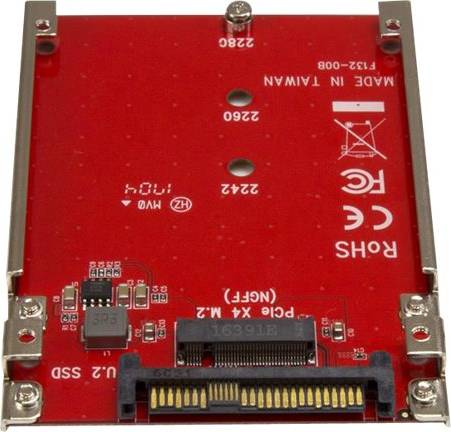
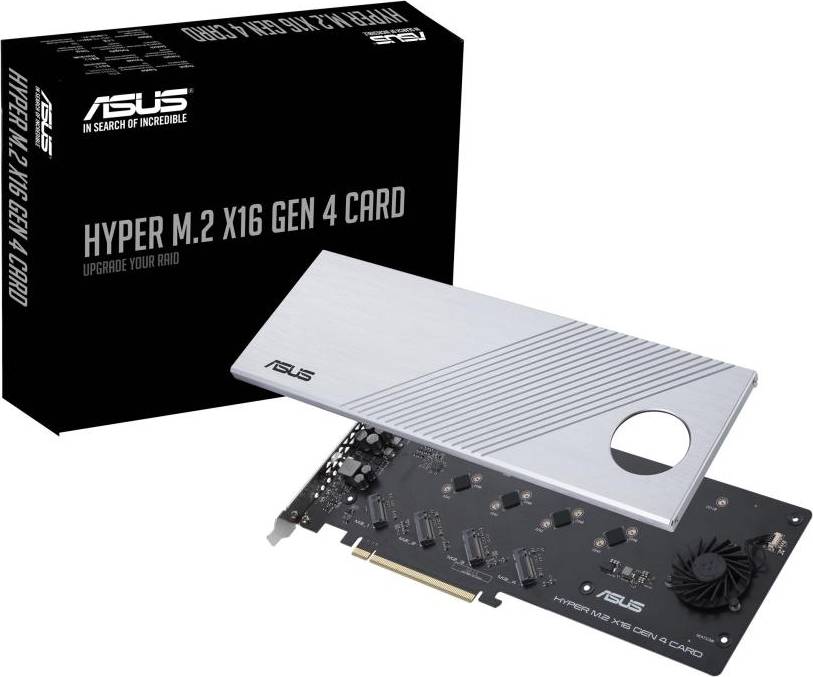
M.2 are known for their compact size and high-speed performance. They are ideal for those looking to upgrade their storage capabilities. With M.2 cards, you can achieve faster data transfer rates, making them suitable for gaming and high-performance computing.
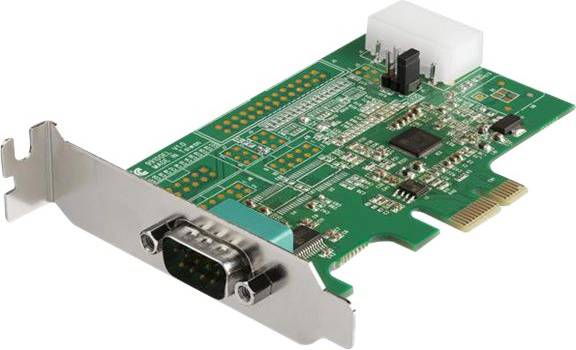
RS-232 controller cards for legacy support
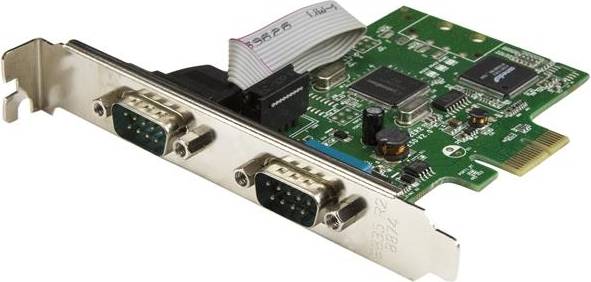
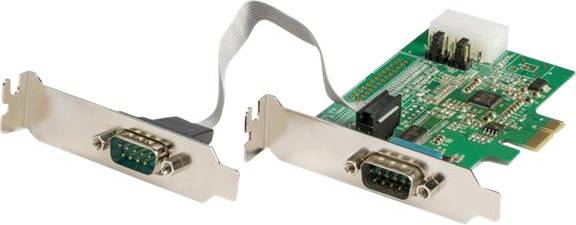
If you work with older equipment, RS-232 are a good choice. They provide connectivity for legacy devices that still use serial ports. This makes them valuable for industrial applications and environments where older technology is still in use.
JBOD controller cards for storage flexibility
For those needing flexible storage solutions, JBOD (Just a Bunch Of Disks) are ideal. They allow you to connect multiple drives without the need for RAID configurations. JBOD is perfect for users who want to maximise storage space without complex setups.
SATA controller cards for reliable storage
SATA are widely used for connecting storage devices. They offer a reliable and affordable way to increase your system's storage capacity. SATA cards are compatible with most hard drives and SSDs, making them a versatile option for everyday use.
USB-C controller cards for modern connectivity
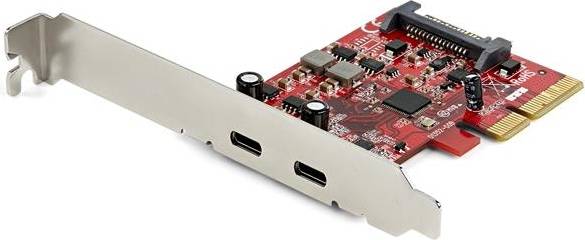
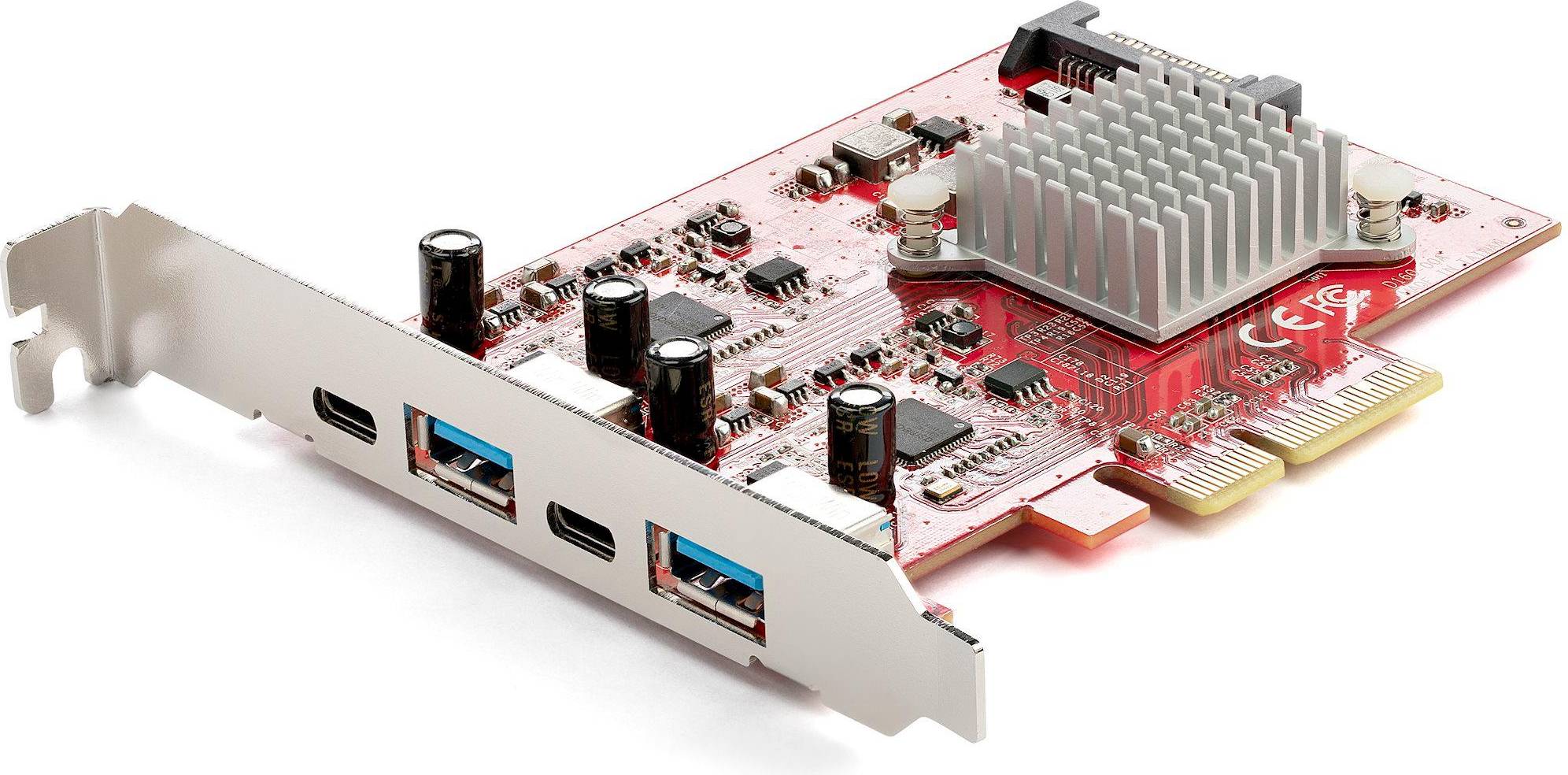
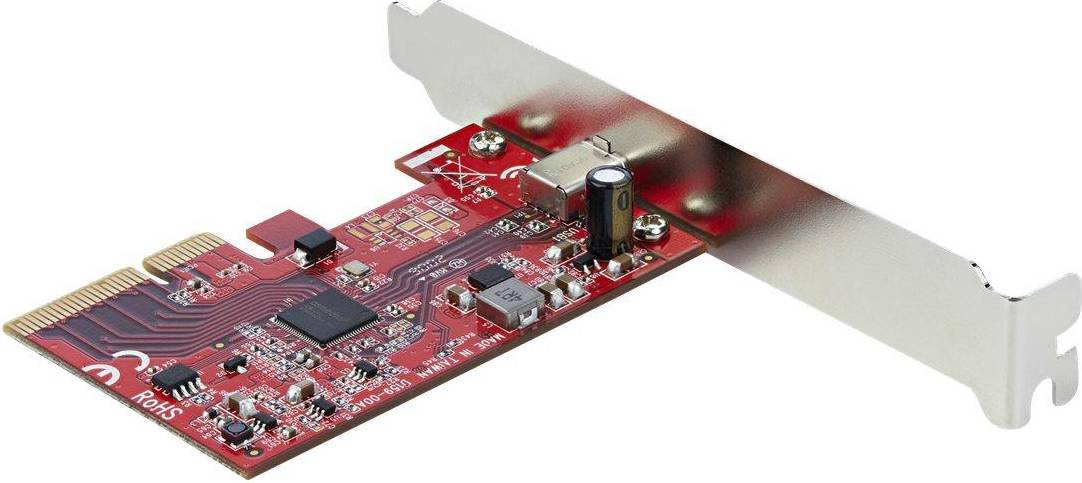
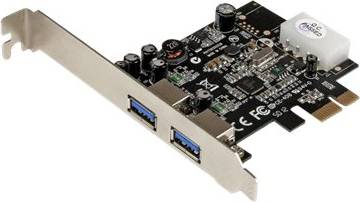
USB-C provide the latest in connectivity options. They support fast data transfer rates and power delivery, making them perfect for connecting modern peripherals. USB-C cards are great for those who need to connect multiple devices with ease.
Key features to consider
When choosing a controller card, several features should be considered to ensure it meets your needs.
Compatibility and installation
Check the compatibility of the card with your system. Ensure it fits your motherboard and has the necessary slots available. Installation should be straightforward, allowing you to add the card without hassle.
Performance and speed
Consider the performance capabilities of the card. Look for cards that offer high data transfer rates if speed is a priority. This is especially important for tasks like gaming or video editing.
Number of ports
The number of ports on a controller card can vary. Determine how many devices you plan to connect and choose a card with enough ports to accommodate them.
Build quality and durability
Opt for cards made from durable materials. This ensures longevity and reliable performance over time.
Make the right choice
Choosing the right controller card can significantly enhance your system's performance and connectivity. Whether you need the speed of M.2, the flexibility of JBOD, or the modern connectivity of USB-C, there's a controller card to suit your needs. Use PriceRunner to compare prices and find the best deal on controller cards today.
Shop smarter with PriceRunner
Find the best option with the help of our handy tools. Compare prices, apply smart filters, read user reviews, and explore price history—all in one place.
Filter and sort
Searching for something particular? Filter by everything from price and brand to material or colour to see only the products relevant to you. Since delivery options and shipping costs can vary between shops, you can easily find your perfect match by filtering based on these criteria as well.
Reviews: See what other users think
Reviews from other users can provide valuable insights into the product's features and durability. Product ratings help you quickly assess popularity and customer satisfaction.
Price history: Find real deals
To ensure that you've found a good deal, you can view the product's price history. Select a time period and whether you wish to include international prices. Price history for the past three months is shown by default, but you can also look into a longer time period. If you want to determine if a deal from a specific shop is as good as it seems you can click on "Choose store" above the price graph to show an individual shop's pricing history.
Popular searches in Controller Cards
- Nvme m.2 adapter
- Nvme sata adapter
- Ide adapter
- 8654
- Ssd m.2 sata key b 2242
- M.2 sata controller
- Pcie nvme m.2 adapter
- Usb 3 pci express
- Sata gbps 6
- Poweredge r250
- Pcie til sata 3 adapter
- Nvme x8
- Nvme pcie 3.0 adapter
- Hdd ssd adapter
- Extension pcie
- 8643
- M.2 - PCIe x4 Controller Cards
- M.2 - PCI Controller Cards
- M.2 Controller Cards
- USB-A Controller Cards
- RAID 10 Controller Cards
- RJ45 (LAN) Controller Cards
- M.2 Controller Cards
- PCIe x4 Controller Cards
- SATA Controller Cards
- U.2 Controller Cards
- SAS Controller Cards
- MSATA Controller Cards
- IDE Controller Cards
- SATA Controller Cards
- PCI Controller Cards
- PCIe x1 Controller Cards
- PCIe x1 - SATA Controller Cards
- PCIe x4 - SATA Controller Cards
- PCIe x8 Controller Cards
- PCIe x16 Controller Cards
- M.2 - PCIe x16 Controller Cards
- PCIe x2 Controller Cards
- PCI-X Controller Cards
- ExpressCard Controller Cards
Borrowing more than you can afford or paying late may negatively impact your financial status and ability to obtain credit. Credit subject to status. Ts&Cs and late fees apply.