



Blenders
Blowtorches
Breadmakers
Coffee Grinders
Coffee Makers
Deep fryers & Airfryers
Food Cookers
Food Dehydrators
Food Mixers & Food Processors
Hand Blenders
Hand Mixers
Ice Cream Makers
Ice Makers
Juicers
Kettles
Kitchen Scales
Meat Slicers
Mincers
Mini Choppers & Spiralisers
Other Kitchen Appliances
Pasta Makers
Popcorn Makers
Sandwich Toasters
Soft Drink Makers
Toasters
Vacuum Sealers
Waffle Makers





StarTech KVM Switches
Try flexible payments withLearn how
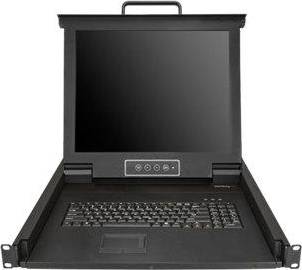


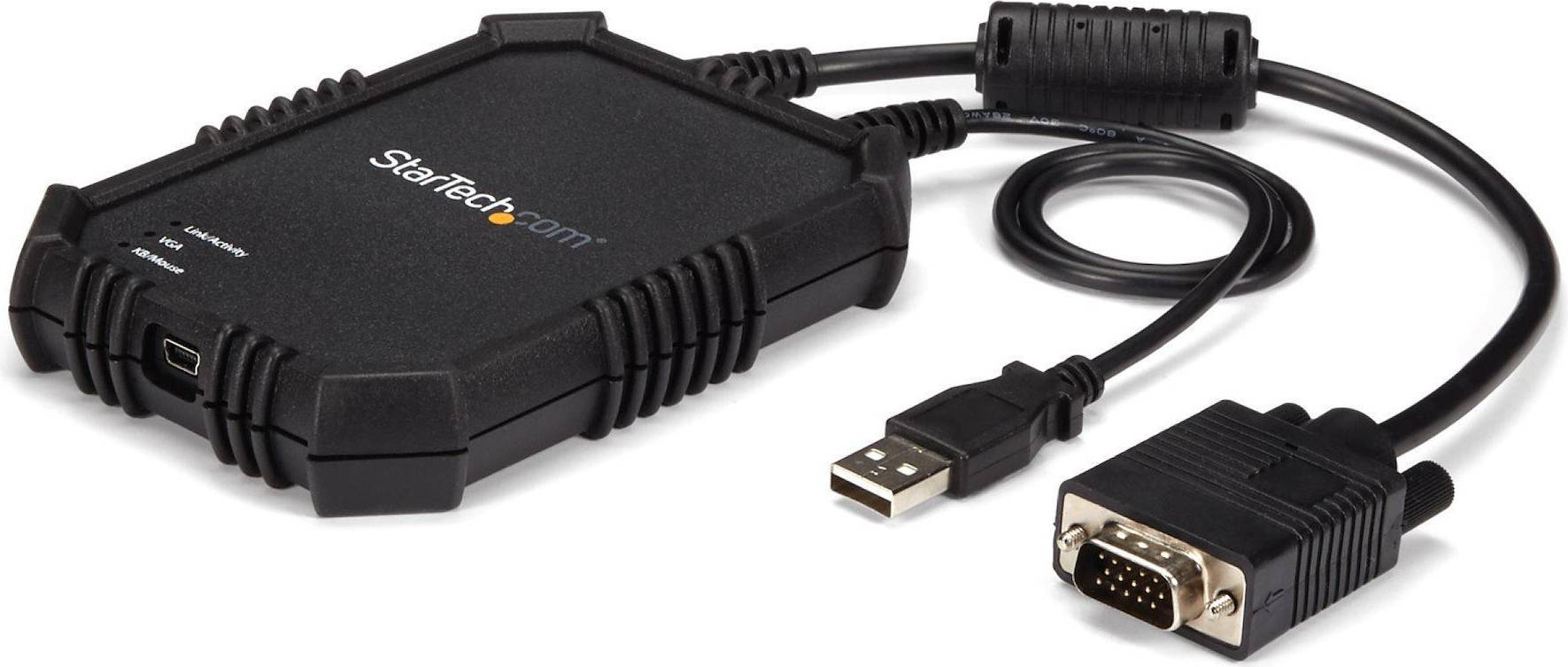


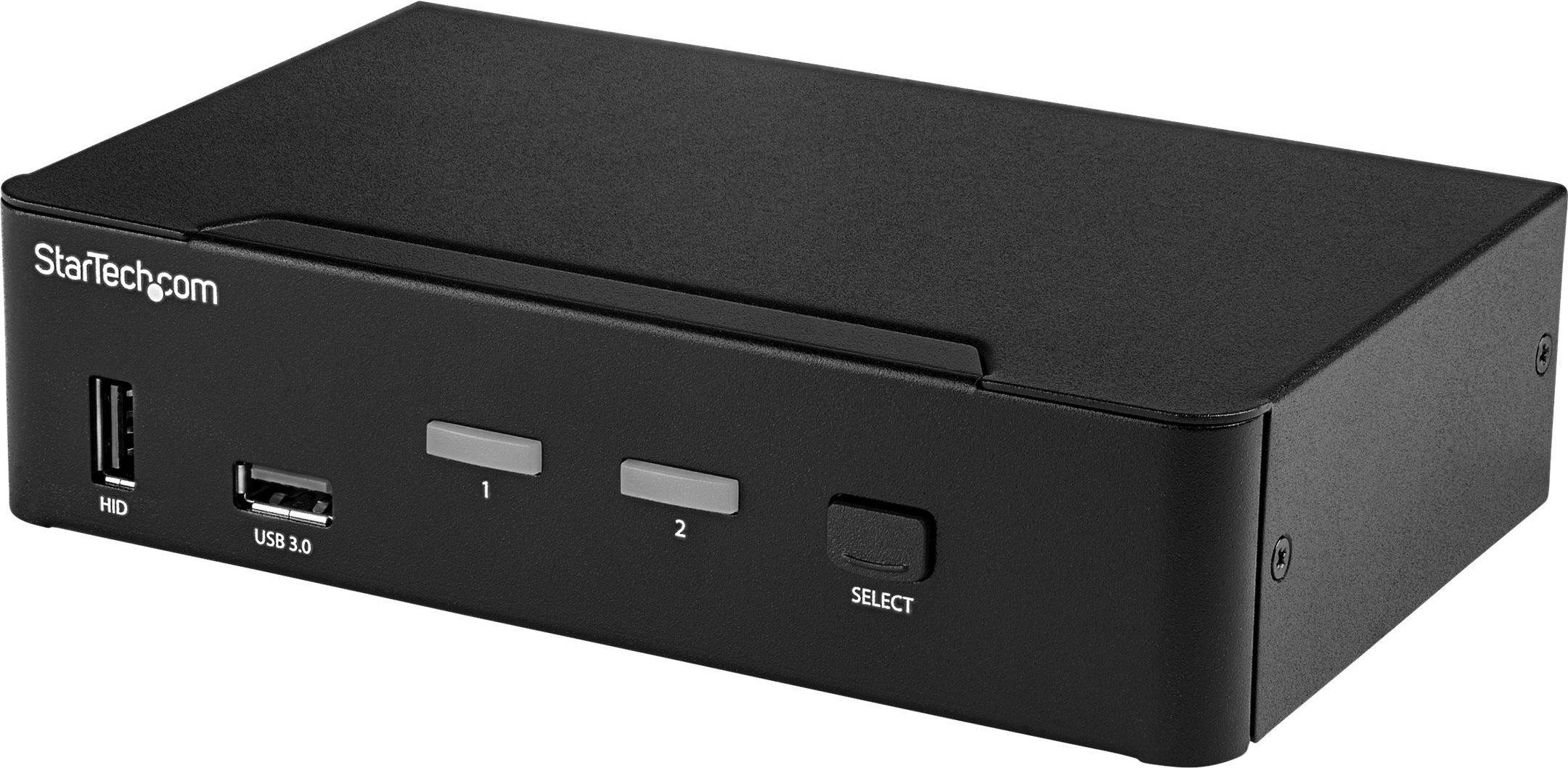


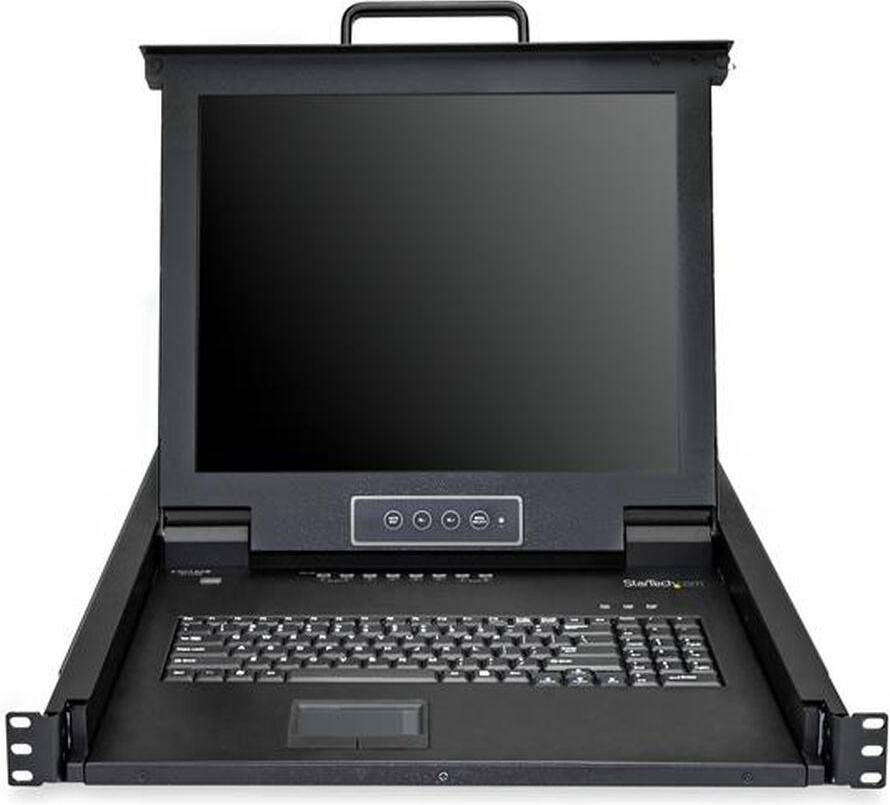


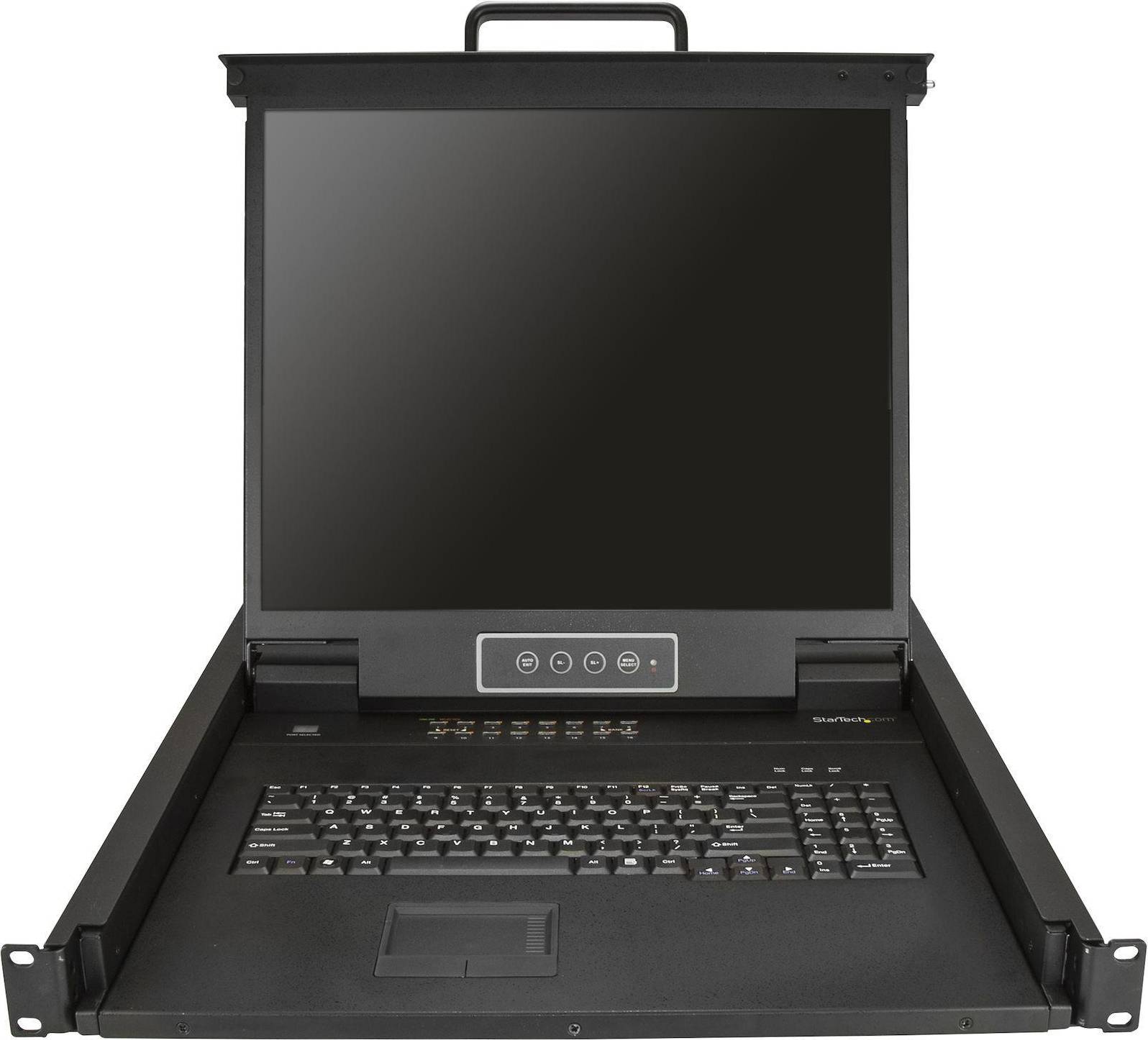

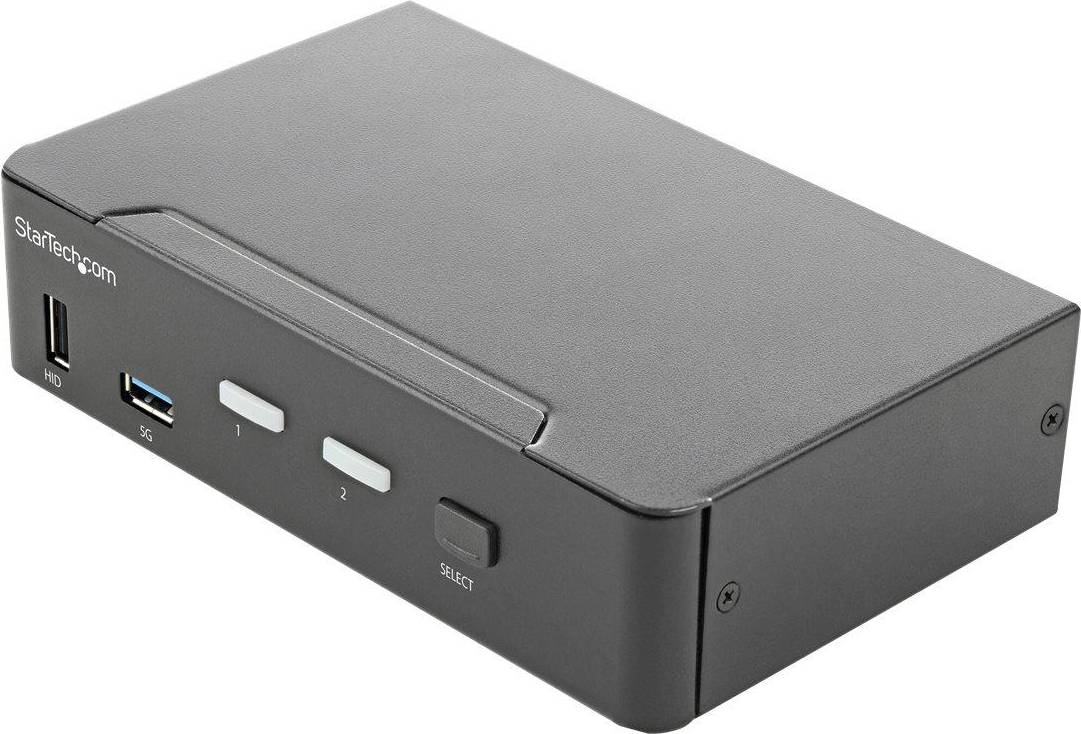


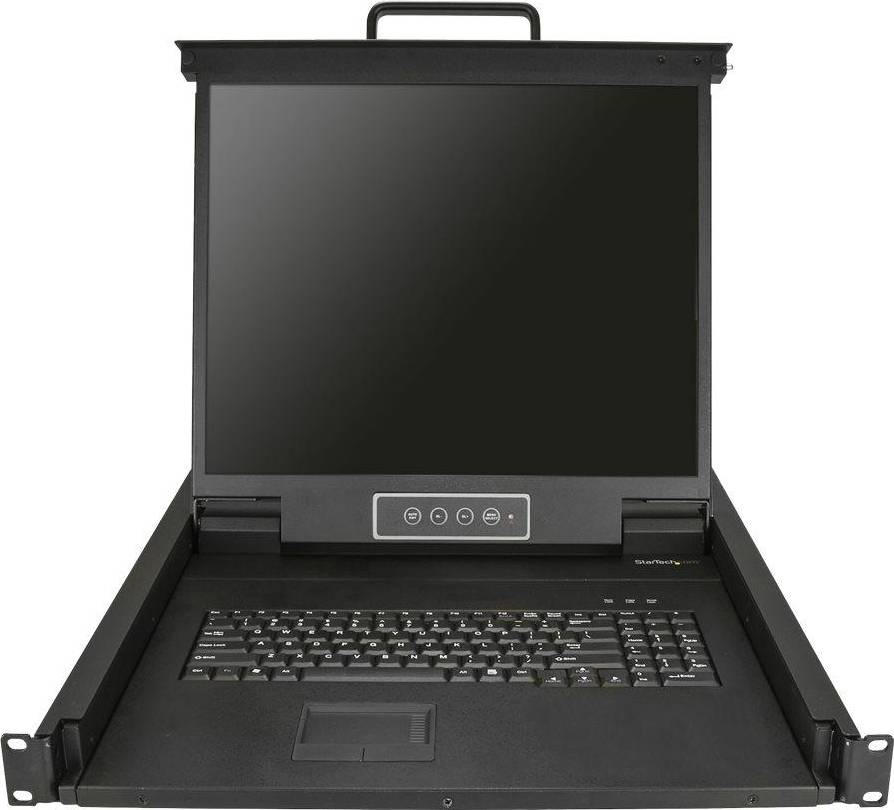

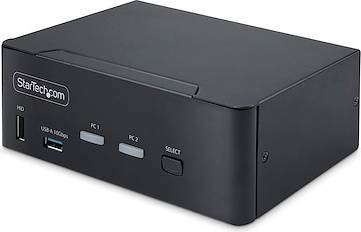


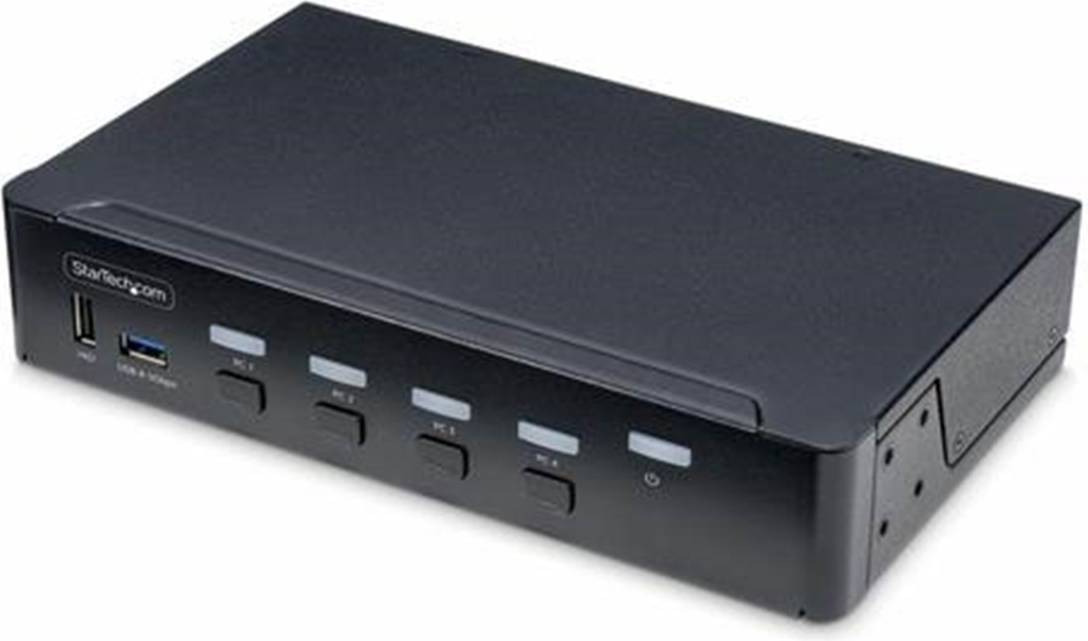
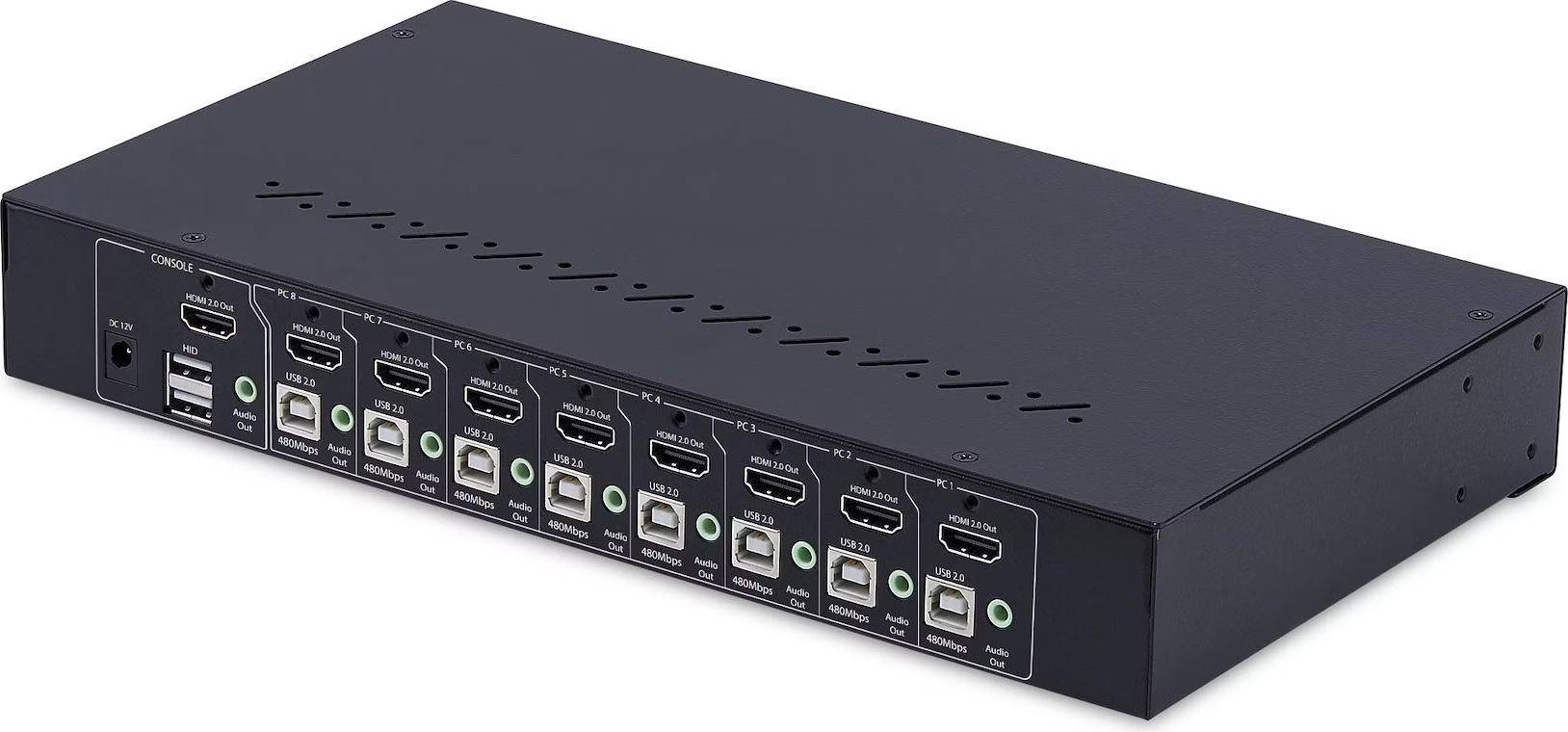
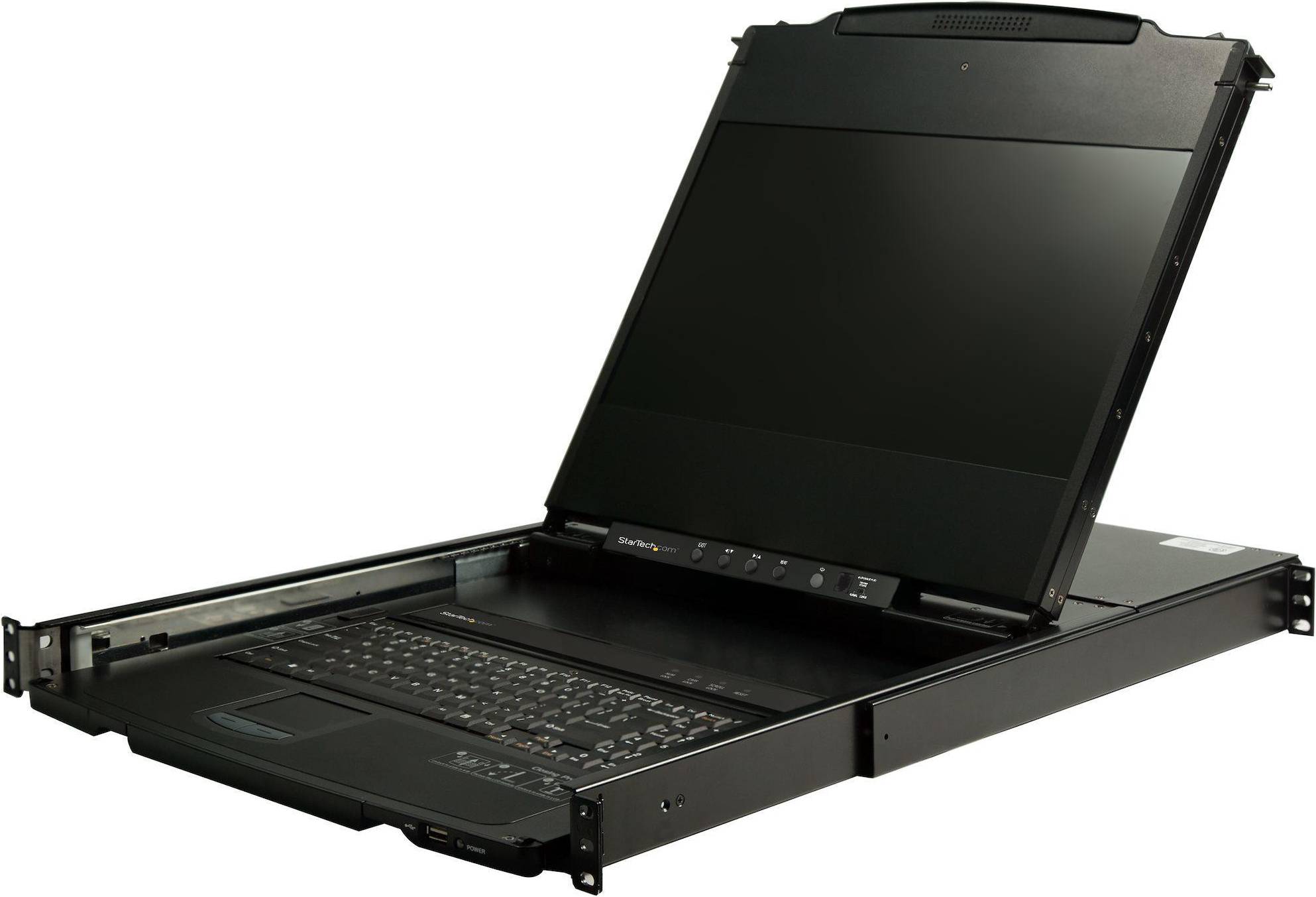
KVM Switches: 3 things to consider before buying
Before purchasing KVM Switches, determine how many computers or servers you plan to connect. KVM Switches vary in the number of ports they offer, typically ranging from 2 to 16 or more. If you only need to connect a couple of devices, a 2-port switch may suffice. However, for larger setups, consider a switch with more ports to accommodate future expansions. It's always wise to have a few extra ports available for unexpected needs.
Ensure that the KVM Switches you are considering are compatible with your existing hardware and operating systems. Look for switches that support the types of connections your devices use, such as HDMI, DVI, or USB-C. Additionally, verify that the switch supports the operating systems running on your computers, whether it's Windows, macOS, or Linux. Compatibility is key to seamless integration and operation.
KVM Switches come with various features that can enhance usability and efficiency. Consider whether you need features like remote access, which allows you to control connected devices from different locations; audio support, if sound is essential; or hotkey switching, which lets you switch between devices using keyboard shortcuts. Prioritize features based on your workflow and requirements to ensure you're investing in a solution that truly meets your needs.
FAQ
KVM Switches are devices that allow you to control multiple computers using one keyboard, video monitor, and mouse. They simplify managing several systems by reducing the need for extra peripherals. Consider how many computers you need to manage and ensure compatibility with your existing hardware before purchasing.
KVM Switches work by connecting multiple computers to a single set of peripherals through ports. You can switch between computers using buttons or hotkeys. Ensure the switch supports the number of devices you have and check for any additional features like USB sharing or audio support.
KVM Switches are useful for saving space and reducing clutter by eliminating the need for multiple keyboards, monitors, and mice. They are ideal for IT professionals or anyone managing multiple computers. Assess your workspace needs and the number of systems to determine if a KVM Switch is right for you.
KVM Switches are available in various types, including desktop, rack-mounted, and IP-based models. Desktop models suit small setups, while rack-mounted ones fit server environments. IP-based switches allow remote access over networks. Choose based on your location setup and remote access needs.
Consider the number of computers you want to connect, compatibility with your peripherals, and additional features like USB ports or audio support. Evaluate whether you need local or remote access capabilities and ensure the switch supports your operating systems for seamless integration.
Borrowing more than you can afford or paying late may negatively impact your financial status and ability to obtain credit. Credit subject to status. Ts&Cs and late fees apply.
Advertisement
Popular searches in KVM Switches
- 8 port kvm
- Ugreen usb switch
- Server rack
- Dual monitor kvm switch
- UGREEN KVM Switches
- Aten KVM Switches
- 3.2 (Gen 2) KVM Switches
- 3.0 KVM Switches
- HDMI KVM Switches
- Rack Mounted KVM Switches
- DisplayPort KVM Switches
- Black KVM Switches
- 3840 x 2160 KVM Switches
- 7680 x 4320 KVM Switches
- 3.2 (Gen 1) KVM Switches
- 3 pcs KVM Switches
- 5 pcs KVM Switches
- 2 KVM Switches
- Trendnet KVM Switches
- Vertiv KVM Switches
- KVM Switches on sale
Borrowing more than you can afford or paying late may negatively impact your financial status and ability to obtain credit. Credit subject to status. Ts&Cs and late fees apply.