


Blenders
Blowtorches
Breadmakers
Coffee Grinders
Coffee Makers
Deep fryers & Airfryers
Food Cookers
Food Dehydrators
Food Mixers & Food Processors
Hand Blenders
Hand Mixers
Ice Cream Makers
Ice Makers
Juicers
Kettles
Kitchen Scales
Meat Slicers
Mincers
Mini Choppers & Spiralisers
Other Kitchen Appliances
Pasta Makers
Popcorn Makers
Sandwich Toasters
Soft Drink Makers
Toasters
Vacuum Sealers
Waffle Makers






KVM Switches
Looking for the right KVM switch to streamline your setup? PriceRunner helps you find the ideal one with ease. Kvm switches allow you to control multiple computers using a single keyboard, video monitor, and mouse. Our extensive listing covers a variety of options from numerous brands and retailers. Use our category filters to narrow down your choices based on features like the number of ports, compatibility, and price range. Compare different models side-by-side to see which kvm switch suits your needs best. With detailed user reviews and price comparisons, you can make the right decision without any hassle. PriceRunner ensures you have all the information needed to find the best deal and the right product for your requirements. Ready to simplify your workspace and enhance your productivity? Start here and discover the KVM switch that fits your needs perfectly.
Try flexible payments withLearn how
1000+ products

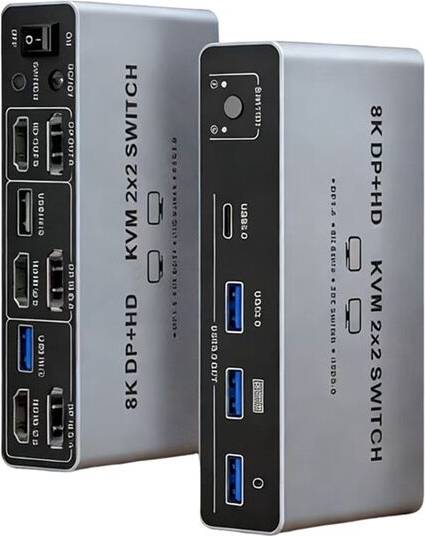


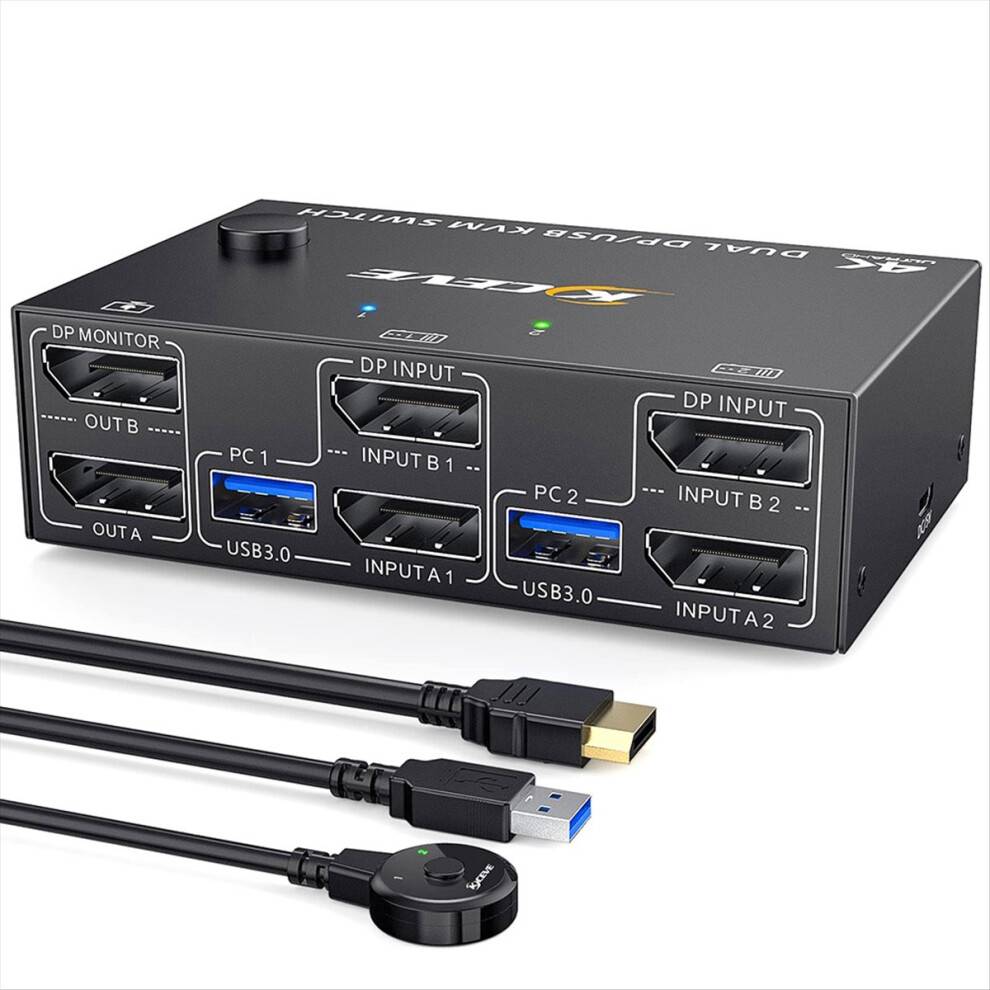


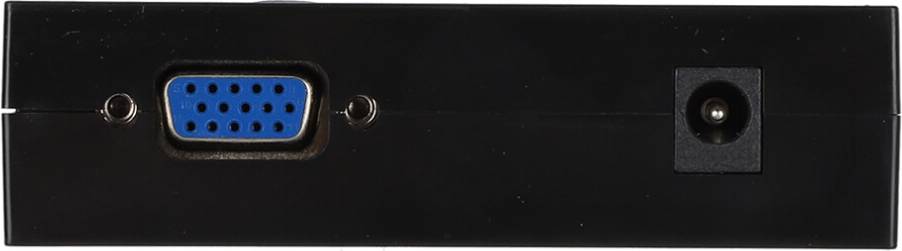
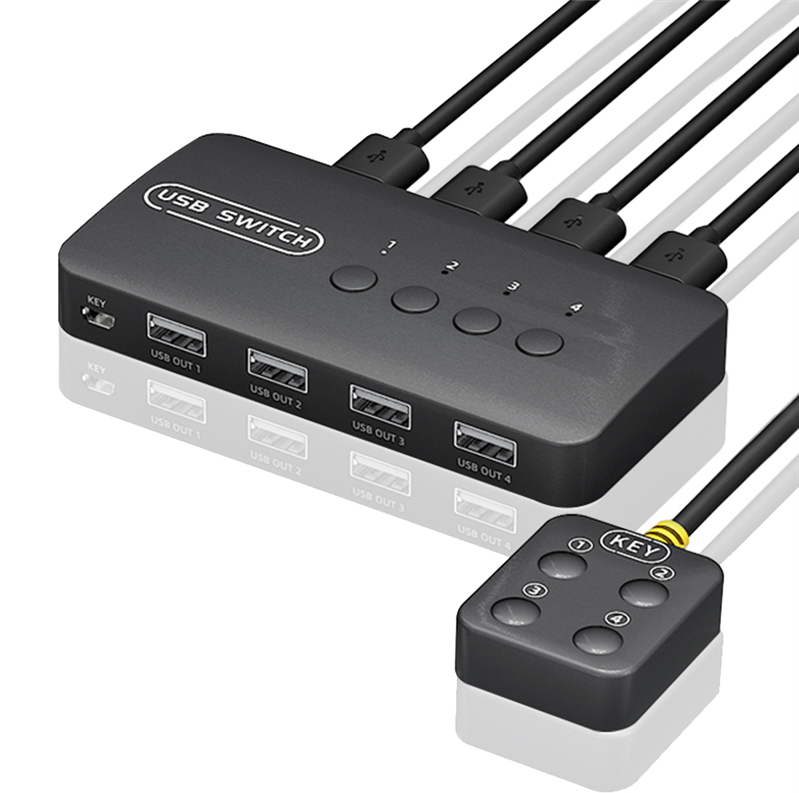

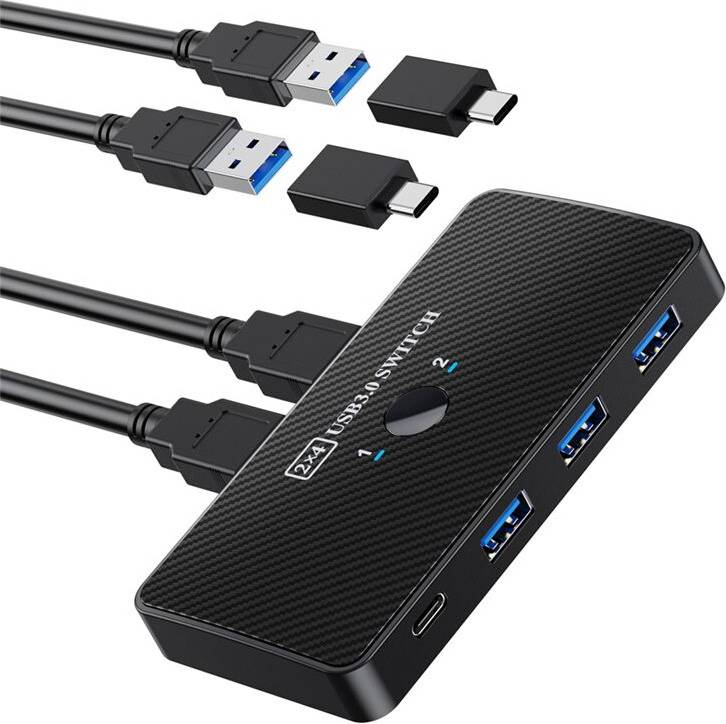


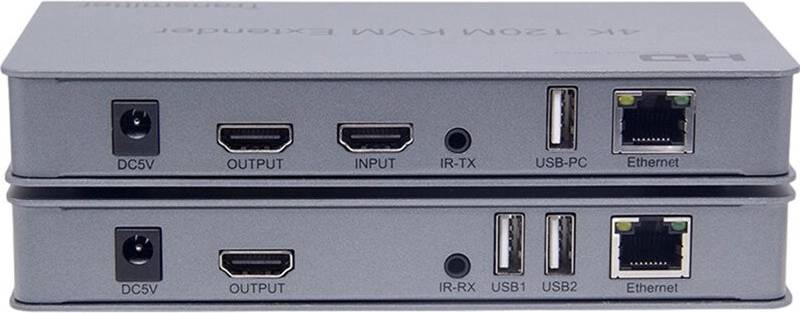

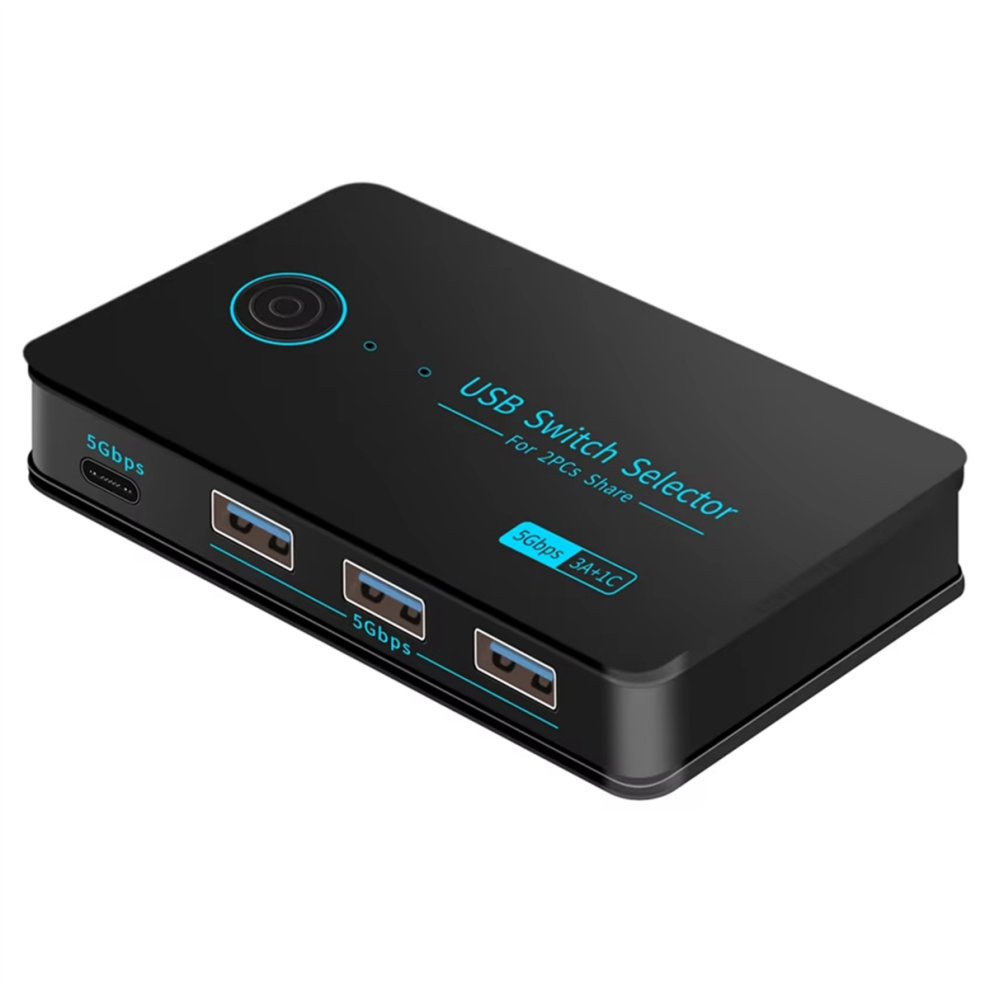


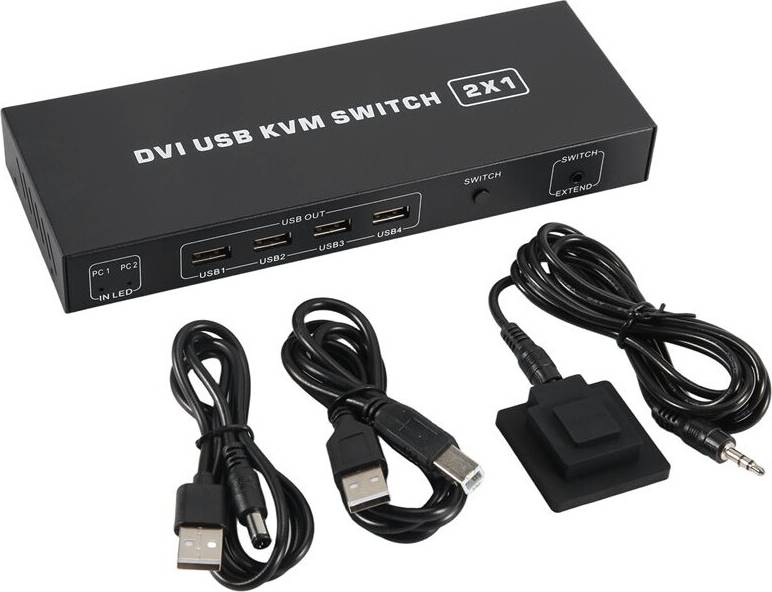


KVM Switches: 3 things to consider before buying
Before purchasing KVM Switches, determine how many computers or servers you plan to connect. KVM Switches vary in the number of ports they offer, typically ranging from 2 to 16 or more. If you only need to connect a couple of devices, a 2-port switch may suffice. However, for larger setups, consider a switch with more ports to accommodate future expansions. It's always wise to have a few extra ports available for unexpected needs.
Ensure that the KVM Switches you are considering are compatible with your existing hardware and operating systems. Look for switches that support the types of connections your devices use, such as HDMI, DVI, or USB-C. Additionally, verify that the switch supports the operating systems running on your computers, whether it's Windows, macOS, or Linux. Compatibility is key to seamless integration and operation.
KVM Switches come with various features that can enhance usability and efficiency. Consider whether you need features like remote access, which allows you to control connected devices from different locations; audio support, if sound is essential; or hotkey switching, which lets you switch between devices using keyboard shortcuts. Prioritize features based on your workflow and requirements to ensure you're investing in a solution that truly meets your needs.
FAQ
KVM Switches are devices that allow you to control multiple computers using one keyboard, video monitor, and mouse. They simplify managing several systems by reducing the need for extra peripherals. Consider how many computers you need to manage and ensure compatibility with your existing hardware before purchasing.
KVM Switches work by connecting multiple computers to a single set of peripherals through ports. You can switch between computers using buttons or hotkeys. Ensure the switch supports the number of devices you have and check for any additional features like USB sharing or audio support.
KVM Switches are useful for saving space and reducing clutter by eliminating the need for multiple keyboards, monitors, and mice. They are ideal for IT professionals or anyone managing multiple computers. Assess your workspace needs and the number of systems to determine if a KVM Switch is right for you.
KVM Switches are available in various types, including desktop, rack-mounted, and IP-based models. Desktop models suit small setups, while rack-mounted ones fit server environments. IP-based switches allow remote access over networks. Choose based on your location setup and remote access needs.
Consider the number of computers you want to connect, compatibility with your peripherals, and additional features like USB ports or audio support. Evaluate whether you need local or remote access capabilities and ensure the switch supports your operating systems for seamless integration.
Borrowing more than you can afford or paying late may negatively impact your financial status and ability to obtain credit. Credit subject to status. Ts&Cs and late fees apply.
Advertisement
Seamless control: Find the right KVM switch
Managing multiple computers can be a hassle. A KVM switch simplifies this by letting you control several PCs with one keyboard, monitor, and mouse. Whether for home or office use, it's a practical solution for efficient multitasking.
Popular brands
When choosing a KVM switch, several brands are known for reliability and quality. Here are some you might consider:
- Aten: Offers a wide range of models, known for their robust build and user-friendly interfaces.
- Black Box: Known for high-performance switches suitable for complex IT setups.
- StarTech: Provides versatile options with features like USB and HDMI support.
- IOGEAR: Offers affordable solutions with easy setup.
- Digitus: Known for compact designs and efficient functionality.
Key features to consider
KVM switches come with various features. Understanding these can help you make the right choice for your setup.
Port options for flexibility
The number of ports determines how many computers you can connect. Basic models support two to four computers, while advanced ones can handle up to 16 or more. Consider your current needs and potential future expansions.
Connectivity types for compatibility
Different KVM switches offer various connectivity options. USB is common for peripherals, while HDMI or DisplayPort ensures high-quality video output. Check compatibility with your devices to avoid any connection issues.
Switching methods for convenience
Switching between computers can be done in several ways. Some models use hotkeys, while others have buttons on the unit. Choose a method that suits your workflow. Some advanced models even offer remote switching capabilities.
Typical user needs
KVM switches cater to a wide range of users. Understanding your specific needs can guide you to the right product.
Home office users
If you work from home and use multiple computers, a KVM switch can streamline your workspace. Look for compact models with easy installation.
IT professionals
For IT professionals managing server rooms, high-capacity switches with advanced features are essential. Consider models with remote management capabilities for added convenience.
Gamers and streamers
Gamers and streamers often use multiple PCs. A switch with fast response times and high-quality video output is crucial. Ensure it supports your preferred resolution and refresh rate.
Materials and durability
The build quality of a KVM switch affects its durability. Metal casings offer better protection compared to plastic ones. If you frequently move your equipment, opt for a sturdy model that can withstand wear and tear.
Enhance your setup today
Choosing the right KVM switch can transform your computing experience. Compare brands like Aten, Black Box, StarTech, IOGEAR, and Digitus to find the best match for your needs. Use PriceRunner to explore all offers and make a well-thought-out decision for your workspace.
Shop smarter with PriceRunner
Find the best option with the help of our handy tools. Compare prices, apply smart filters, read user reviews, and explore price history—all in one place.
Filter and sort
Searching for something particular? Filter by everything from price and brand to material or colour to see only the products relevant to you. Since delivery options and shipping costs can vary between shops, you can easily find your perfect match by filtering based on these criteria as well.
Reviews: See what other users think
Reviews from other users can provide valuable insights into the product's features and durability. Product ratings help you quickly assess popularity and customer satisfaction.
Price history: Find real deals
To ensure that you've found a good deal, you can view the product's price history. Select a time period and whether you wish to include international prices. Price history for the past three months is shown by default, but you can also look into a longer time period. If you want to determine if a deal from a specific shop is as good as it seems you can click on "Choose store" above the price graph to show an individual shop's pricing history.
Popular searches in KVM Switches
- Usb c splitter
- Usb sharing switch usb
- Ugreen usb switch
- Server rack
- Pikvm
- Dual monitor kvm switch
- 8 port kvm
- UGREEN KVM Switches
- Aten KVM Switches
- StarTech KVM Switches
- 3.2 (Gen 2) KVM Switches
- 3.0 KVM Switches
- HDMI KVM Switches
- Rack Mounted KVM Switches
- DisplayPort KVM Switches
- Black KVM Switches
- 3840 x 2160 KVM Switches
- 7680 x 4320 KVM Switches
- 3.2 (Gen 1) KVM Switches
- 3 pcs KVM Switches
- 5 pcs KVM Switches
- 2 KVM Switches
- Trendnet KVM Switches
- Vertiv KVM Switches
- KVM Switches on sale
Borrowing more than you can afford or paying late may negatively impact your financial status and ability to obtain credit. Credit subject to status. Ts&Cs and late fees apply.