


Blenders
Blowtorches
Breadmakers
Coffee Grinders
Coffee Makers
Deep fryers & Airfryers
Food Cookers
Food Dehydrators
Food Mixers & Food Processors
Hand Blenders
Hand Mixers
Ice Cream Makers
Ice Makers
Juicers
Kettles
Kitchen Scales
Meat Slicers
Mincers
Mini Choppers & Spiralisers
Other Kitchen Appliances
Pasta Makers
Popcorn Makers
Sandwich Toasters
Soft Drink Makers
Toasters
Vacuum Sealers
Waffle Makers






Black Trackballs
Try flexible payments withLearn how
42 products
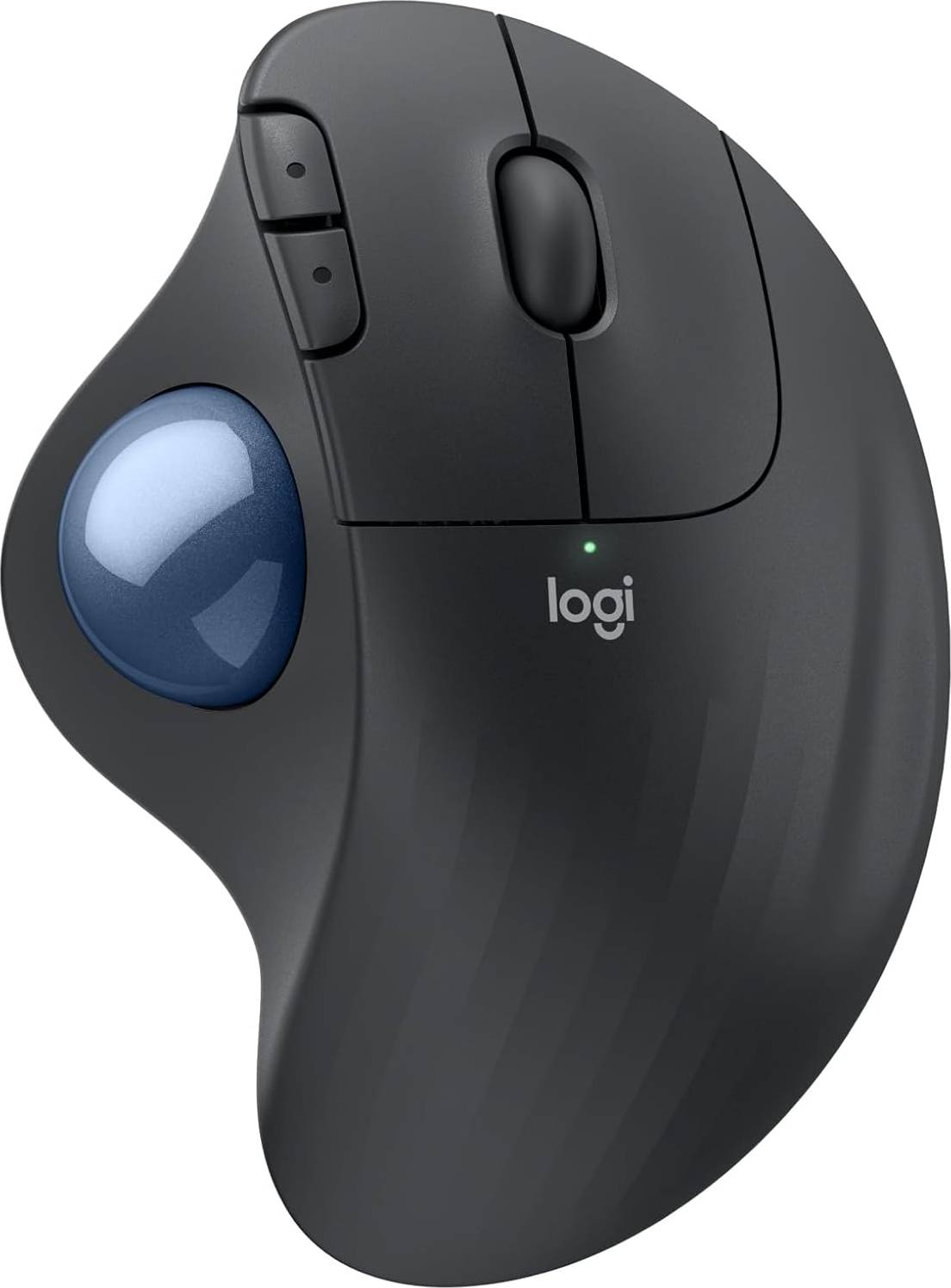


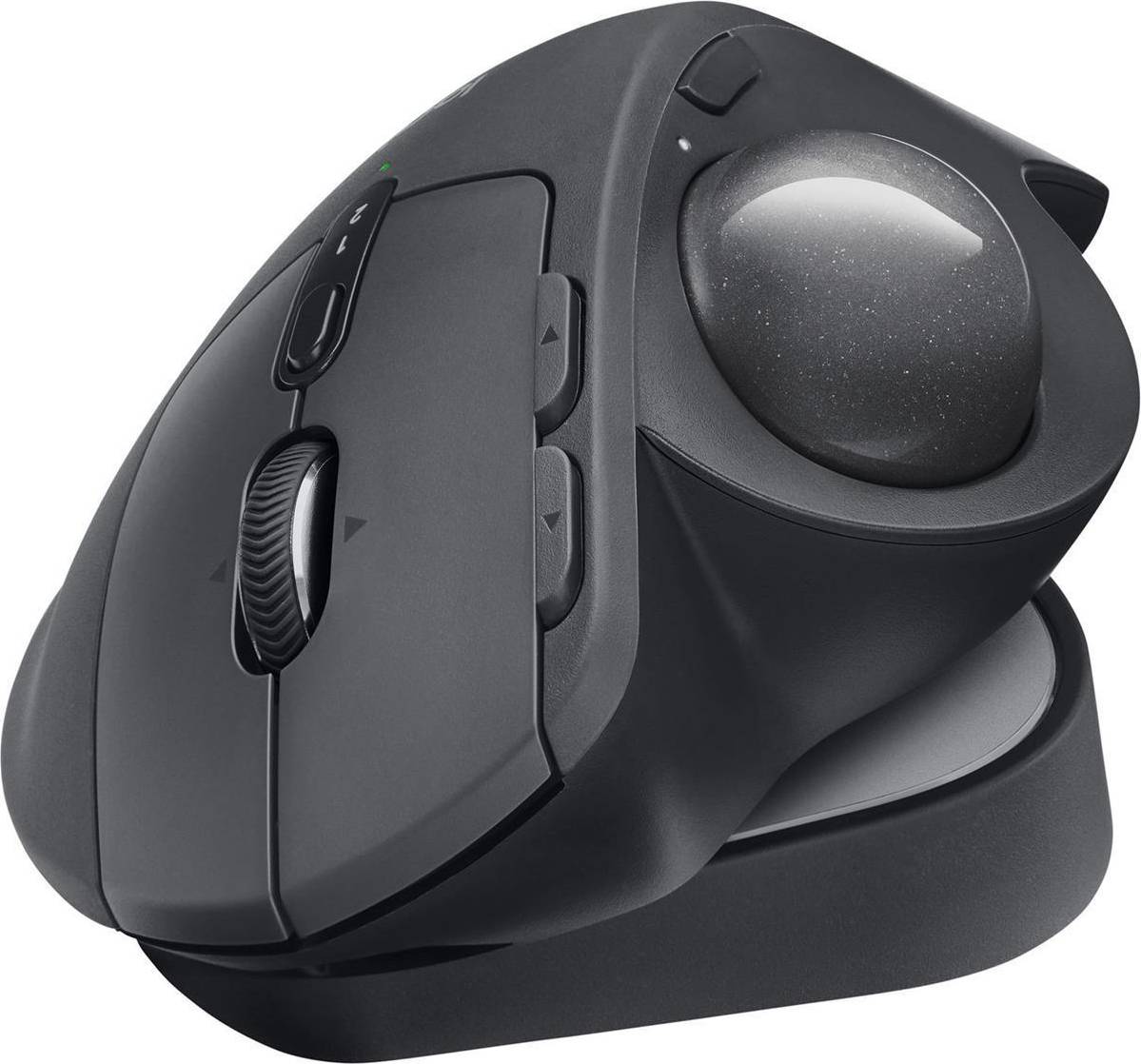


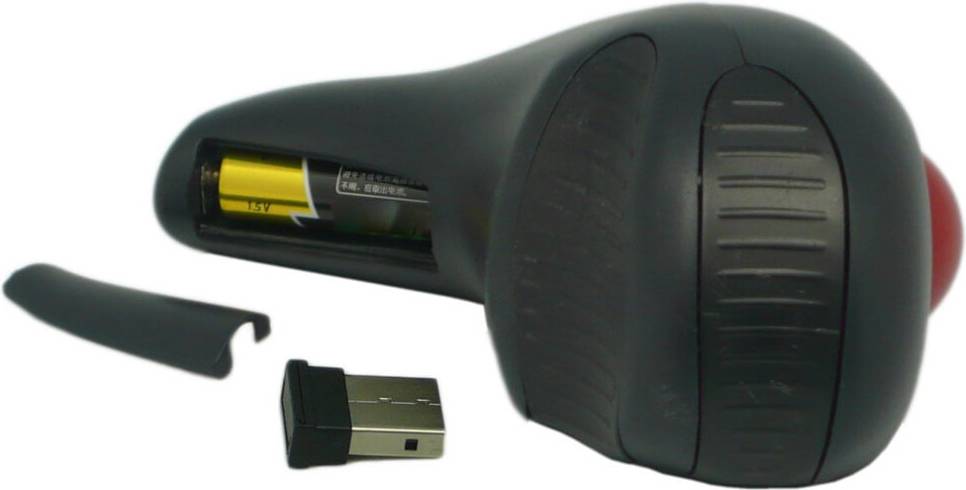


Trackballs: 3 things to consider before buying
When choosing trackballs, it's important to think about size and ergonomics. A comfortable fit can make a huge difference in your experience. If you have larger hands, opt for a bigger trackball to ensure a good grip. Conversely, smaller hands might find a compact design more suitable. Look for features like adjustable angles or wrist supports to enhance comfort during long sessions.
Trackballs generally come in two types: thumb-controlled and finger-controlled. Thumb-controlled trackballs allow you to navigate using your thumb while your fingers click buttons. This can be ideal for those who prefer a more traditional mouse-like feel. Finger-controlled options let you use your fingers to roll the ball, offering more precision and control. Consider which style suits your natural hand movements better.
Before purchasing, ensure that the trackball is compatible with your device's operating system. Most modern trackballs support both Windows and macOS, but double-checking saves hassle later on. Also, consider whether you prefer a wired or wireless connection. Wired models provide consistent power without needing batteries, while wireless ones offer more freedom of movement. Choose based on your setup needs and personal preference.
FAQ
Trackballs are input devices that control the cursor on your computer screen by rotating a ball. Unlike traditional mice, they stay stationary while you move the ball with your fingers. This design can help reduce wrist strain and is ideal for limited desk space.
A trackball works by detecting the movement of a ball that you spin with your hand. Sensors inside the device track the ball's motion and translate it into cursor movement on your screen. This allows for precise control without needing to move the entire device.
Trackballs are designed with various features for gaming, such as programmable buttons and high DPI settings. Look for models that offer customization options and fast response times to enhance your gaming experience.
Trackballs are beneficial for reducing wrist strain and saving desk space. They remain stationary, allowing you to operate them in tight spaces or on uneven surfaces. Users often find them more comfortable for extended use compared to traditional mice.
Trackballs are suitable for graphic design due to their precision and control. Many designers appreciate the ability to make fine adjustments easily, which is crucial in detailed work. Consider models with high DPI settings for improved sensitivity and accuracy.
Trackballs are generally compatible with most computers via USB or Bluetooth connections. Ensure your chosen model matches your operating system requirements, such as Windows or macOS, for seamless integration.
Borrowing more than you can afford or paying late may negatively impact your financial status and ability to obtain credit. Credit subject to status. Ts&Cs and late fees apply.
Advertisement
Popular searches in Trackballs
- Logitech wireless mouse
- Logitech mx master
- Microsoft bluetooth mouse
- Logitech g pro x superlight 2
- Logitech mx master 4
- Mz1
- Usb c mouse
- Microsoft ergonomic mouse
- Logitech g pro x superlight
- Logitech g pro x 2 lightspeed
- Apple magic mouse black
- Logitech signature m650
- Logitech mouse bluetooth
- Logitech g pro
- Glorious model o
- Razer mouse dock
- Multi usb
- Apple wireless mouse
- Logitech pebble pink
- Mouse wireless
Borrowing more than you can afford or paying late may negatively impact your financial status and ability to obtain credit. Credit subject to status. Ts&Cs and late fees apply.