
Blenders
Blowtorches
Breadmakers
Coffee Grinders
Coffee Makers
Deep fryers & Airfryers
Food Cookers
Food Dehydrators
Food Mixers & Food Processors
Hand Blenders
Hand Mixers
Ice Cream Makers
Ice Makers
Juicers
Kettles
Kitchen Scales
Meat Slicers
Mincers
Mini Choppers & Spiralisers
Other Kitchen Appliances
Pasta Makers
Popcorn Makers
Sandwich Toasters
Soft Drink Makers
Toasters
Vacuum Sealers
Waffle Makers



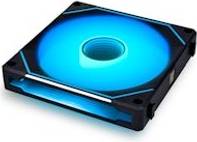


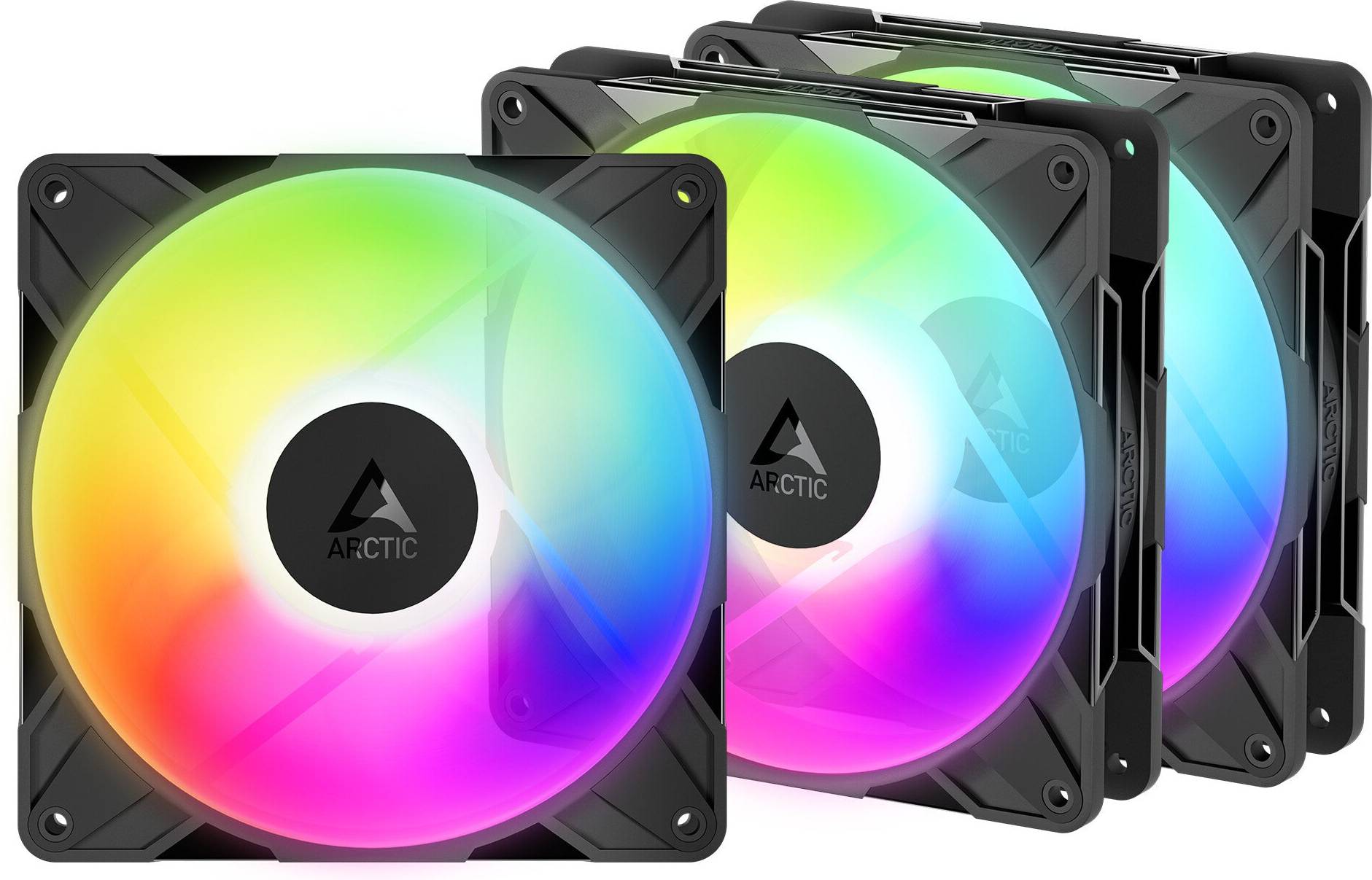


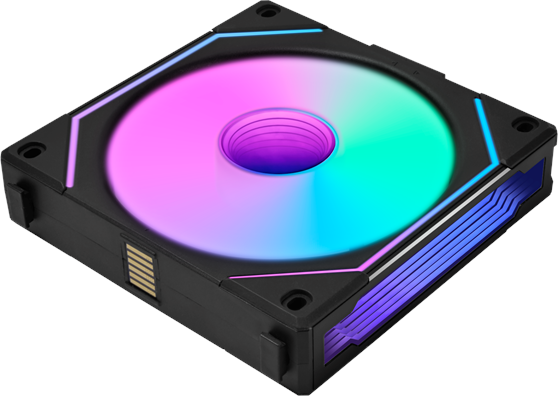
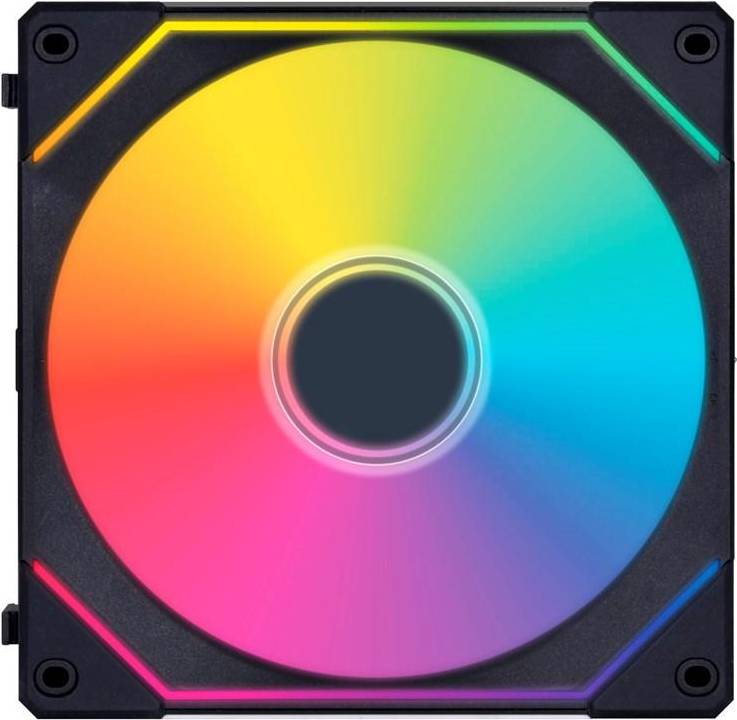
Fans: 3 things to consider before buying
When selecting fans, it's crucial to consider the size that best fits your cooling requirements. Fans typically range from 80 mm to 140 mm in diameter. Larger fans often provide better airflow and operate more quietly, making them ideal for larger cases or setups where noise is a concern. However, ensure your case has enough space to accommodate them. Smaller fans can be effective in tight spaces but might produce more noise. Always check your case specifications before purchasing.
Understanding the difference between airflow and static pressure is key to choosing the right fan. Airflow fans are designed to move air efficiently and are best used in open areas of your case, such as exhaust or intake positions. Static pressure fans, on the other hand, are built to push air through obstructions like radiators or heatsinks. If you're building a system with liquid cooling or densely packed components, opt for static pressure fans for optimal performance.
Fans come with various features that can enhance performance and aesthetics. Consider PWM (Pulse Width Modulation) control, which allows you to adjust fan speed based on temperature changes, helping maintain an optimal balance between cooling and noise levels. Additionally, if you value aesthetics, look for fans with RGB lighting options to add a personal touch to your build. Some models also offer anti-vibration mounts or longer lifespan bearings for improved durability and quieter operation.
FAQ
A computer fan is a device that cools computer components. Fans prevent overheating, ensuring optimal performance. They come in various sizes and speeds to suit different systems. Choosing the right one depends on your computer's specifications and cooling needs.
Choosing the right fan depends on size, airflow, and noise level. Measure the space in your PC case to ensure compatibility. Consider fans with high airflow for better cooling and low noise for quieter operation.
The best fan size depends on your PC case and cooling requirements. Common sizes are 120mm and 140mm. Larger fans often move more air at lower noise levels. Check your case specifications for compatible sizes.
RGB fans add visual appeal to your PC with customizable lighting effects. They do not affect performance but enhance aesthetics. If you value style, RGB fans can be a worthwhile addition to your setup.
A loud computer fan may indicate dust build-up or high temperatures. Regular cleaning can reduce noise. Ensure proper ventilation and consider upgrading to quieter models if noise persists.
Borrowing more than you can afford or paying late may negatively impact your financial status and ability to obtain credit. Credit subject to status. Ts&Cs and late fees apply.
Advertisement
Popular searches in Fans
Borrowing more than you can afford or paying late may negatively impact your financial status and ability to obtain credit. Credit subject to status. Ts&Cs and late fees apply.