



Blenders
Blowtorches
Breadmakers
Coffee Grinders
Coffee Makers
Deep fryers & Airfryers
Food Cookers
Food Dehydrators
Food Mixers & Food Processors
Hand Blenders
Hand Mixers
Ice Cream Makers
Ice Makers
Juicers
Kettles
Kitchen Scales
Meat Slicers
Mincers
Mini Choppers & Spiralisers
Other Kitchen Appliances
Pasta Makers
Popcorn Makers
Sandwich Toasters
Soft Drink Makers
Toasters
Vacuum Sealers
Waffle Makers





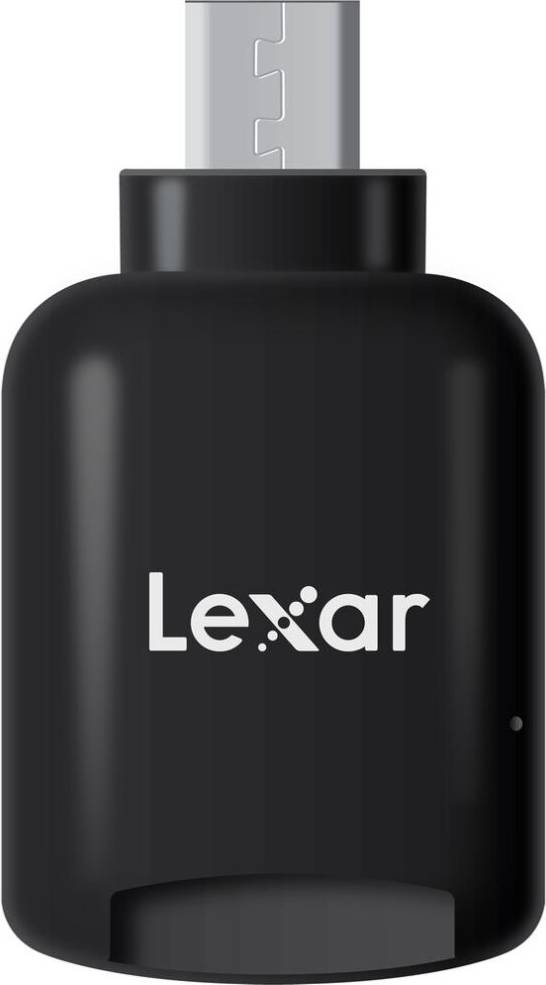
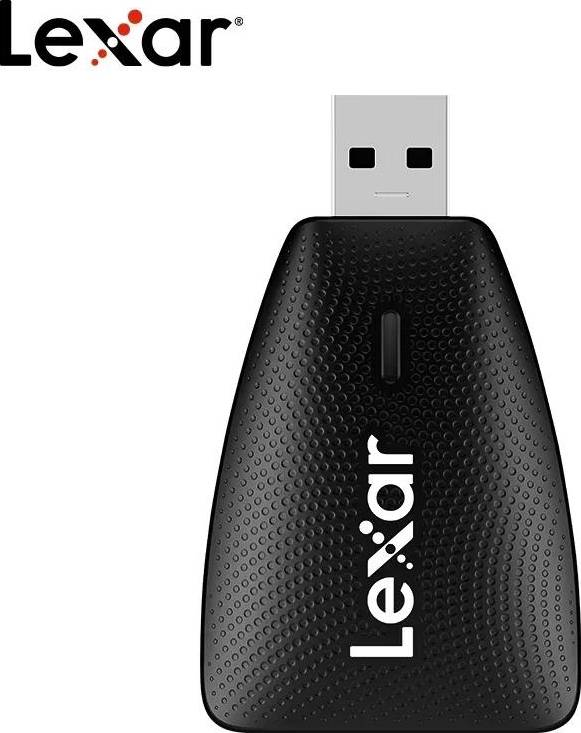
LEXAR Memory Card Readers
Try flexible payments withLearn how
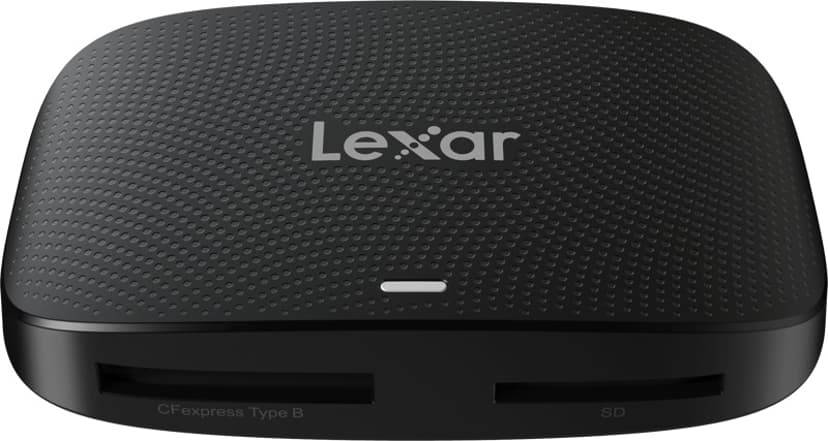

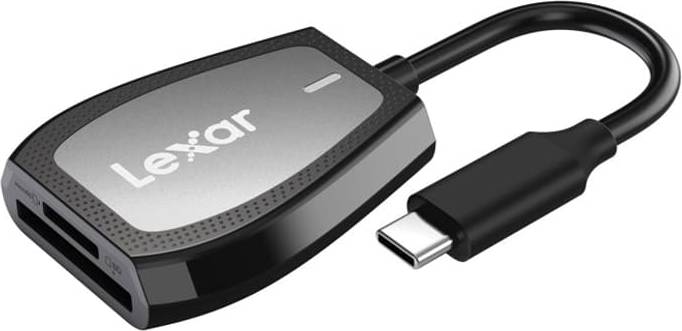

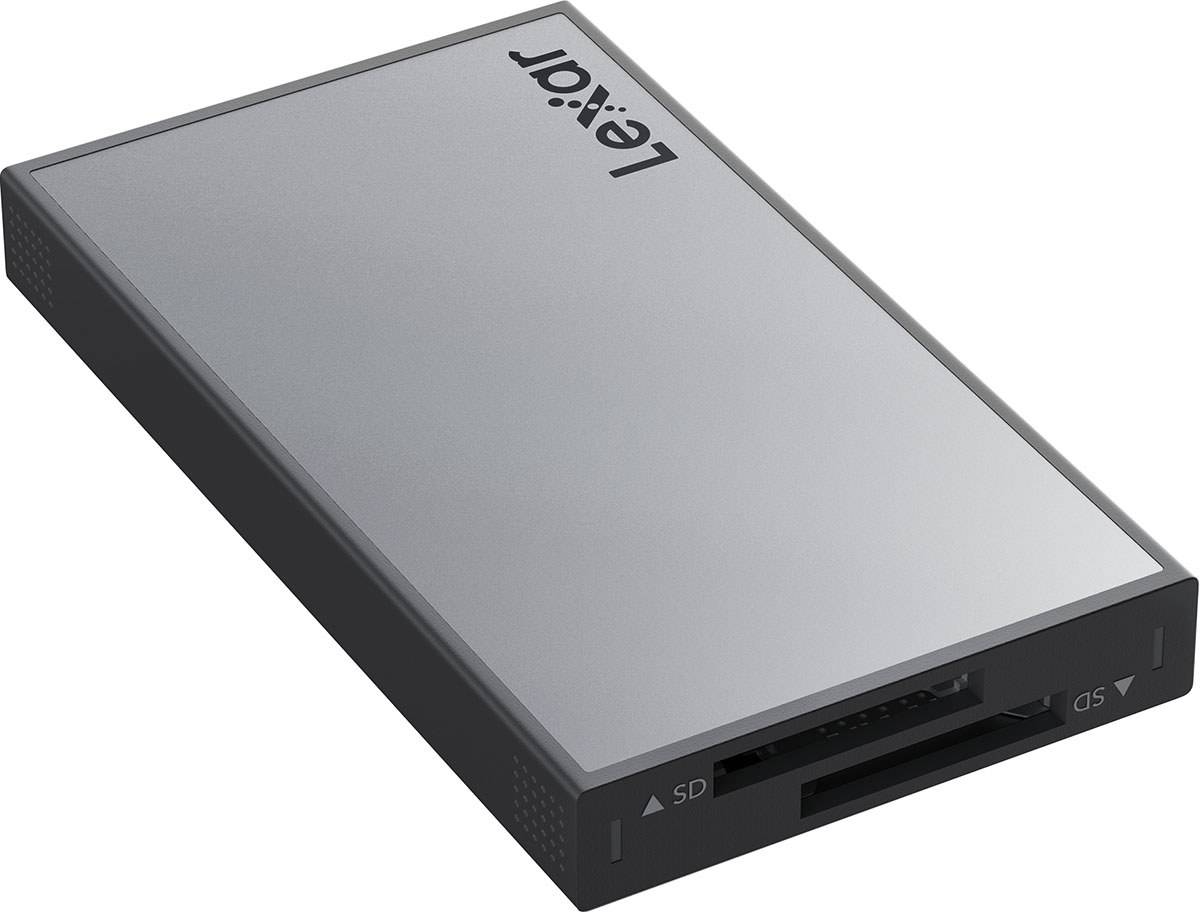


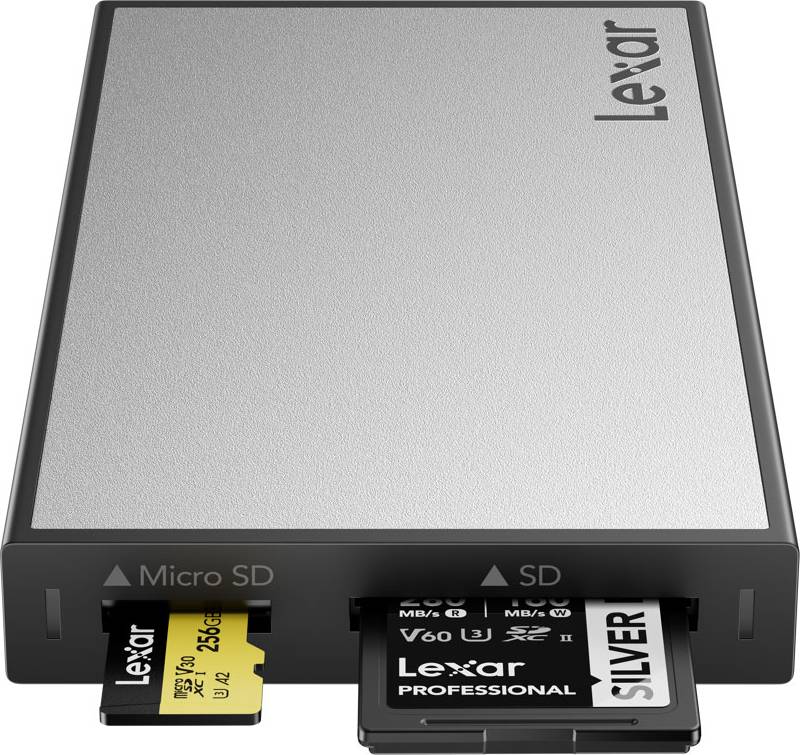
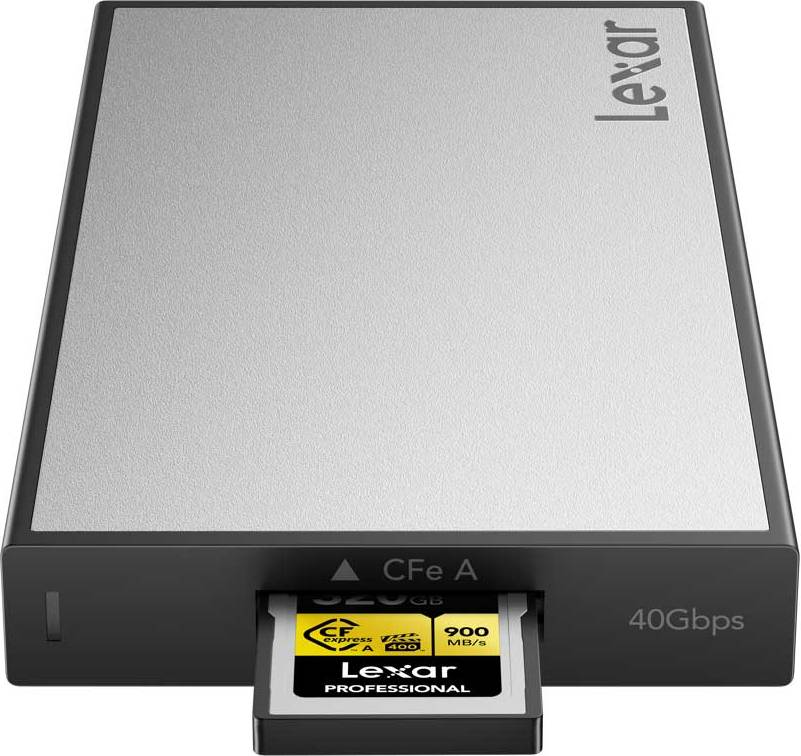
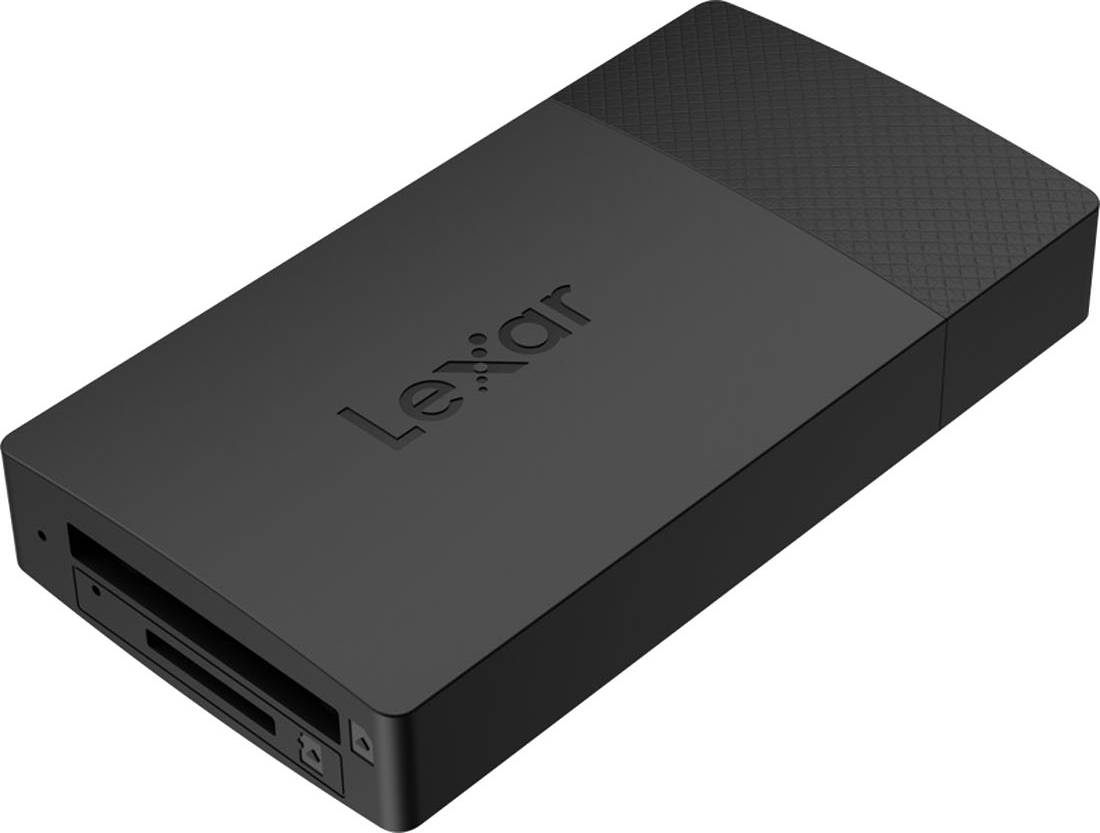
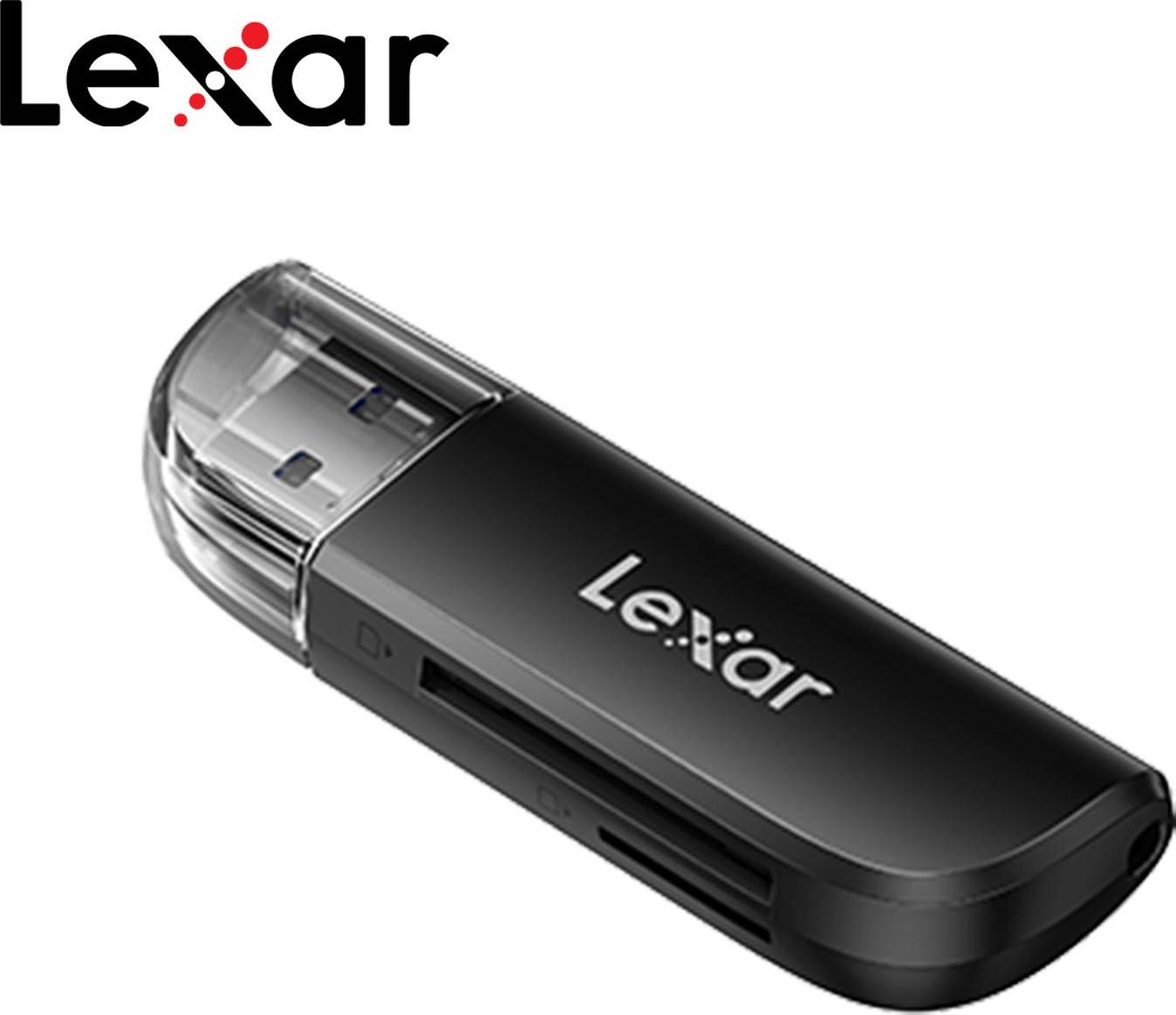


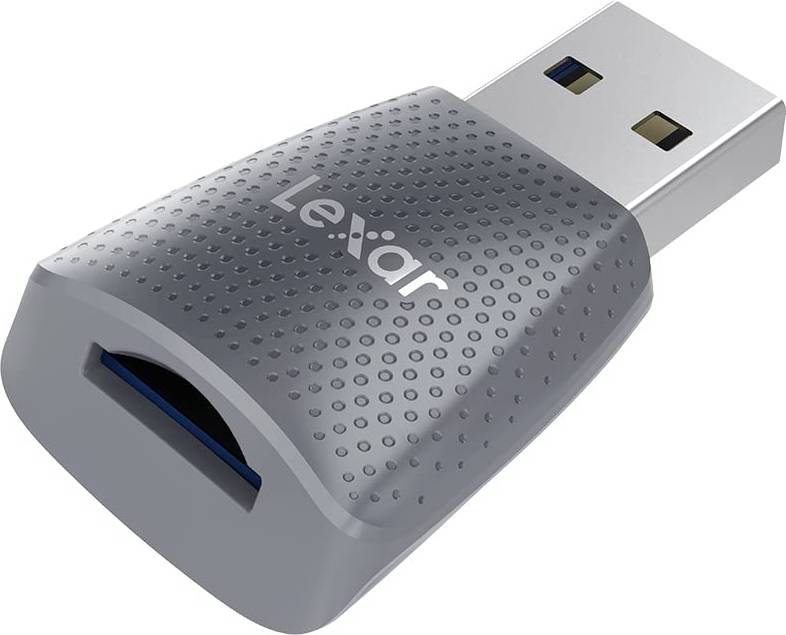





Memory Card Readers: 3 things to consider before buying
When choosing a memory card reader, ensure it is compatible with the devices you plan to use. Check the types of memory cards you commonly use, such as SD, microSD, or CF, and make sure the reader supports them. Additionally, consider the connection type—whether it's USB-C, USB 3.0, or another format—to ensure it matches your computer's ports. For example, if you have a newer laptop with only USB-C ports, you'll need a reader that supports USB-C connections.
Transfer speed is crucial for efficiently moving large files like videos and high-resolution photos. Look for readers that support high-speed data transfer, often indicated by terms like UHS-I or UHS-II for SD cards. A faster transfer rate can significantly reduce waiting times when transferring data from your card to your computer. If you're frequently working with large files or on tight deadlines, investing in a reader with higher speeds can be beneficial.
If you're often on the go, consider the portability and durability of the memory card reader. Compact and lightweight designs are ideal for travel and easy storage in a laptop bag or backpack. Additionally, look for readers made from robust materials that can withstand regular use and transport. Some models offer protective caps or cases to prevent damage to connectors and slots during transit.
FAQ
Memory Card Readers are devices that allow you to access data stored on memory cards. They connect to a computer or another device, enabling you to transfer photos, videos, and other files. When choosing one, consider compatibility with your card type and connection needs, like USB-C or USB-A.
Choosing the right Memory Card Reader involves checking compatibility with your memory card type and device connections. Consider if you need multi-card support for SD, microSD, or CF cards. Look for features like fast transfer speeds and portability if you travel frequently.
Speed in a Memory Card Reader is crucial for quick data transfers. Faster readers save time when moving large files like high-resolution photos or videos. Check the reader's specifications for read and write speeds to ensure they meet your requirements for efficiency.
A Memory Card Reader may not work with all card types unless it's designed for multiple formats. Look for universal readers supporting SD, microSD, CF, and more. Always verify the supported formats to ensure it meets your specific card needs.
Wireless Memory Card Readers are available and offer convenience by connecting via Wi-Fi or Bluetooth. These models eliminate the need for cables, allowing you to access data from multiple devices wirelessly. They're ideal if you prefer clutter-free setups or need remote access capabilities.
Borrowing more than you can afford or paying late may negatively impact your financial status and ability to obtain credit. Credit subject to status. Ts&Cs and late fees apply.
Advertisement
Popular searches in Memory Card Readers
- Usb c sd card reader
- Cfexpress card b reader
- Usb c til usb a otg adapter
- Compact flash card reader
- Card readers uk
- Apple lightning sd card
- Cf card
- Adapter micro usb til usb c
- Sandisk sd card reader
- Cfexpress type b card reader
- Micro sd card reader
- Usb c otg adapter
- Cfexpress type a reader
- MMC Memory Card Readers
- Smart Media Memory Card Readers
- SanDisk Memory Card Readers
- MiniSD Memory Card Readers
- CFexpress Memory Card Readers
- MicroSD Memory Card Readers
- Microdrive Memory Card Readers
- RS-MMC Memory Card Readers
- White Memory Card Readers
- MMC Plus Memory Card Readers
- SD Memory Card Readers
- USB-A Memory Card Readers
- MMC Mobile Memory Card Readers
- UHS-I Memory Card Readers
- UHS-II Memory Card Readers
- Black Memory Card Readers
- Grey Memory Card Readers
- Gold Memory Card Readers
- Silver Memory Card Readers
- Aluminium Memory Card Readers
- UHS-I Memory Card Readers
- UHS-II Memory Card Readers
- Cfast Memory Card Readers
- CF Memory Card Readers
- CF II Memory Card Readers
- MS Memory Card Readers
- MS Duo Memory Card Readers
Borrowing more than you can afford or paying late may negatively impact your financial status and ability to obtain credit. Credit subject to status. Ts&Cs and late fees apply.