

Blenders
Blowtorches
Breadmakers
Coffee Grinders
Coffee Makers
Deep fryers & Airfryers
Food Cookers
Food Dehydrators
Food Mixers & Food Processors
Hand Blenders
Hand Mixers
Ice Cream Makers
Ice Makers
Juicers
Kettles
Kitchen Scales
Meat Slicers
Mincers
Mini Choppers & Spiralisers
Other Kitchen Appliances
Pasta Makers
Popcorn Makers
Sandwich Toasters
Soft Drink Makers
Toasters
Vacuum Sealers
Waffle Makers


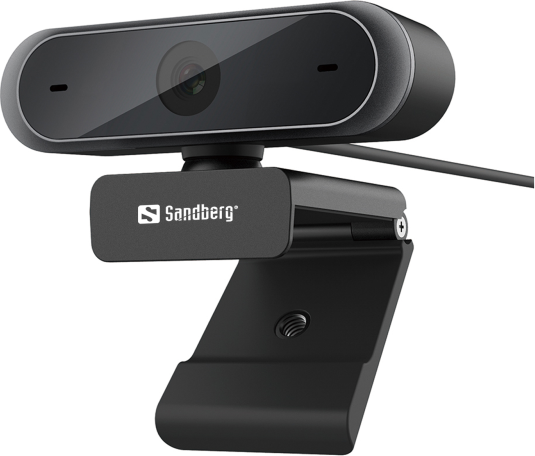
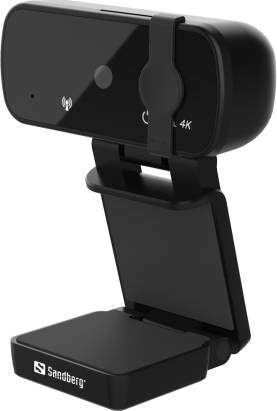
Sandberg Webcams
Try flexible payments withLearn how




Webcams: 3 things to consider before buying
When purchasing webcams, resolution is a key factor to consider. A higher resolution means clearer and more detailed images, which is crucial for video calls or streaming. We recommend looking for webcams with at least 1080p resolution for a crisp and professional appearance. If you plan to use the webcam for high-end streaming or recording, you might want to consider a 4K webcam. This ensures exceptional image quality, but remember that it also requires more bandwidth and storage.
The frame rate determines how smooth the video appears. Most standard webcams offer 30 frames per second (fps), which is adequate for general use such as video conferencing. However, if you're into gaming or live streaming, opting for a webcam with 60 fps will provide smoother motion and a more professional look. Higher frame rates can make a significant difference in dynamic environments where quick movements are frequent.
Before making a purchase, ensure that the webcam is compatible with your operating system and applications you intend to use it with. Many modern webcams are plug-and-play via USB, but it's wise to check if any additional software or drivers are needed. Additionally, consider features like built-in microphones, autofocus capabilities, and mounting options. Some webcams come with adjustable stands or clips that can attach to monitors or tripods, offering flexibility in positioning.
Borrowing more than you can afford or paying late may negatively impact your financial status and ability to obtain credit. Credit subject to status. Ts&Cs and late fees apply.
Advertisement
Popular searches in Webcams
- Apple pro display xdr
- Usb camera
- Webcam 1080p 60fps
- Lenovo 510
- Webcam wireless
- Hp 325
- C80
- Obsbot tiny 3
- Lifecam
- Microsoft lifecam
- Hama usb c
- Anker powerconf
- Webcam 2k
- Obsbot tiny 2
- Obsbot meet
- Logitech brio 100
- Logitech brio 4k
- Webcam logitech 1080
- Yealink meetingbar a30
- Webcam wide
- Logitech Webcams
- Webcams on sale
- 60 fps - USB Webcams
- 60 fps Webcams
- Razer Webcams
- OBSBOT Webcams
- Webcam Webcams
- 3840x2160 (4K Ultra HD) Webcams
- Anker Webcams
- EMEET Webcams
- 1920x1080 (Full HD) Webcams
- 1920x1080 (Full HD) - Clip - USB Webcams
- Facial Recognition Webcams
- Conference Cam Webcams
- 1920x1080 (Full HD) - USB Webcams
- Microphone Webcams
- Lenovo Webcams
- USB Webcams
- 3840x2160 (4K Ultra HD) - Auto Focus - Clip - Microphone Webcams
- White Webcams
Borrowing more than you can afford or paying late may negatively impact your financial status and ability to obtain credit. Credit subject to status. Ts&Cs and late fees apply.