


Blenders
Blowtorches
Breadmakers
Coffee Grinders
Coffee Makers
Deep fryers & Airfryers
Food Cookers
Food Dehydrators
Food Mixers & Food Processors
Hand Blenders
Hand Mixers
Ice Cream Makers
Ice Makers
Juicers
Kettles
Kitchen Scales
Meat Slicers
Mincers
Mini Choppers & Spiralisers
Other Kitchen Appliances
Pasta Makers
Popcorn Makers
Sandwich Toasters
Soft Drink Makers
Toasters
Vacuum Sealers
Waffle Makers






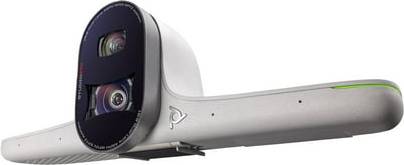
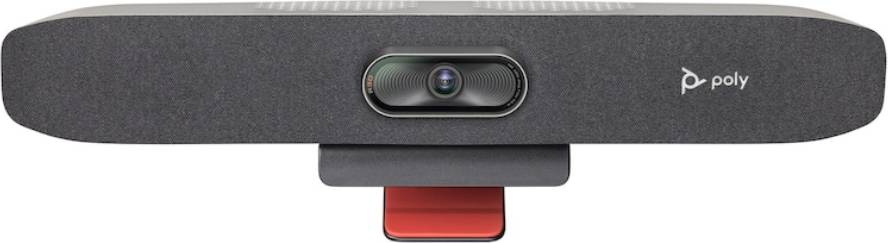
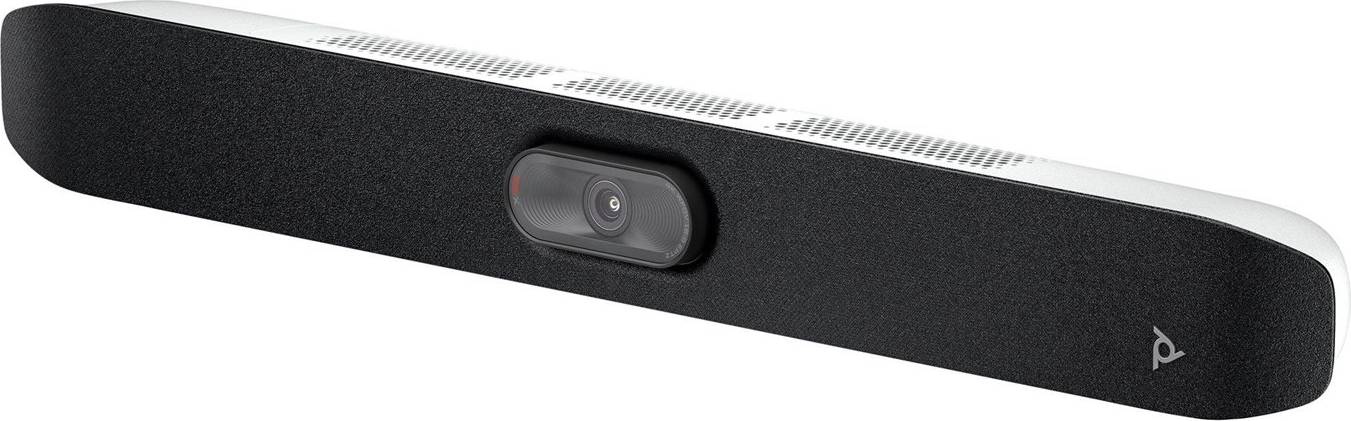
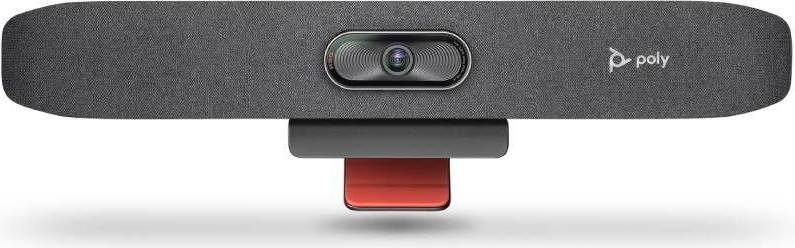
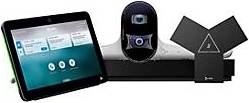
Poly Webcams
Try flexible payments withLearn how
30 products











Webcams: 3 things to consider before buying
When purchasing webcams, resolution is a key factor to consider. A higher resolution means clearer and more detailed images, which is crucial for video calls or streaming. We recommend looking for webcams with at least 1080p resolution for a crisp and professional appearance. If you plan to use the webcam for high-end streaming or recording, you might want to consider a 4K webcam. This ensures exceptional image quality, but remember that it also requires more bandwidth and storage.
The frame rate determines how smooth the video appears. Most standard webcams offer 30 frames per second (fps), which is adequate for general use such as video conferencing. However, if you're into gaming or live streaming, opting for a webcam with 60 fps will provide smoother motion and a more professional look. Higher frame rates can make a significant difference in dynamic environments where quick movements are frequent.
Before making a purchase, ensure that the webcam is compatible with your operating system and applications you intend to use it with. Many modern webcams are plug-and-play via USB, but it's wise to check if any additional software or drivers are needed. Additionally, consider features like built-in microphones, autofocus capabilities, and mounting options. Some webcams come with adjustable stands or clips that can attach to monitors or tripods, offering flexibility in positioning.
FAQ
Webcams are digital cameras that connect to your computer, allowing you to capture video and images. They are essential for video calls, streaming, and online meetings. When choosing a webcam, consider factors like resolution, frame rate, and compatibility with your operating system.
Webcams for video conferencing should have a high resolution and good low-light performance. Look for webcams with at least 1080p resolution and built-in microphones. Consider features like autofocus and wide-angle lenses if you need to capture more in the frame.
Webcams with 720p resolution offer standard HD quality, while 1080p webcams provide full HD quality. The higher the resolution, the clearer and sharper your video will be. For professional use or streaming, 1080p is recommended for better image clarity.
Built-in laptop webcams are convenient but often lack the quality of external webcams. They usually have lower resolutions and fewer features. If you require high-quality video or additional features like zoom or background blur, an external webcam is a better choice.
Webcams typically work with plug-and-play functionality on most computers without needing special software. However, installing manufacturer-specific software can unlock additional features like filters and settings adjustments. Always check compatibility with your operating system before purchasing.
Borrowing more than you can afford or paying late may negatively impact your financial status and ability to obtain credit. Credit subject to status. Ts&Cs and late fees apply.
Advertisement
Popular searches in Webcams
- Apple pro display xdr
- Webcam 1080p 60fps
- Lenovo 510
- Obsbot meet 2
- Hp 325
- Webcam wireless
- Usb kamera
- Hama usb c
- Obsbot tiny 3
- Obsbot tiny 2
- Logitech brio 100
- Webcam 2k
- Webcam logitech 1080
- Webcam wide
- Usb c webcam
- Pink smart tv
- Obsbot meet
- Logitech streamcam – live streaming webcam
- Dell pro wb5023 webcam
- C920
- Logitech Webcams
- Webcams on sale
- 60 fps - USB Webcams
- 60 fps Webcams
- Razer Webcams
- OBSBOT Webcams
- Webcam Webcams
- 3840x2160 (4K Ultra HD) Webcams
- Anker Webcams
- EMEET Webcams
- 1920x1080 (Full HD) Webcams
- 1920x1080 (Full HD) - Clip - USB Webcams
- Facial Recognition Webcams
- Conference Cam Webcams
- Microphone Webcams
- USB Webcams
- Lenovo Webcams
- 3840x2160 (4K Ultra HD) - Auto Focus - Clip - Microphone Webcams
- White Webcams
- HP Webcams
Borrowing more than you can afford or paying late may negatively impact your financial status and ability to obtain credit. Credit subject to status. Ts&Cs and late fees apply.