



Blenders
Blowtorches
Breadmakers
Coffee Grinders
Coffee Makers
Deep fryers & Airfryers
Food Cookers
Food Dehydrators
Food Mixers & Food Processors
Hand Blenders
Hand Mixers
Ice Cream Makers
Ice Makers
Juicers
Kettles
Kitchen Scales
Meat Slicers
Mincers
Mini Choppers & Spiralisers
Other Kitchen Appliances
Pasta Makers
Popcorn Makers
Sandwich Toasters
Soft Drink Makers
Toasters
Vacuum Sealers
Waffle Makers





Graphics Tablets
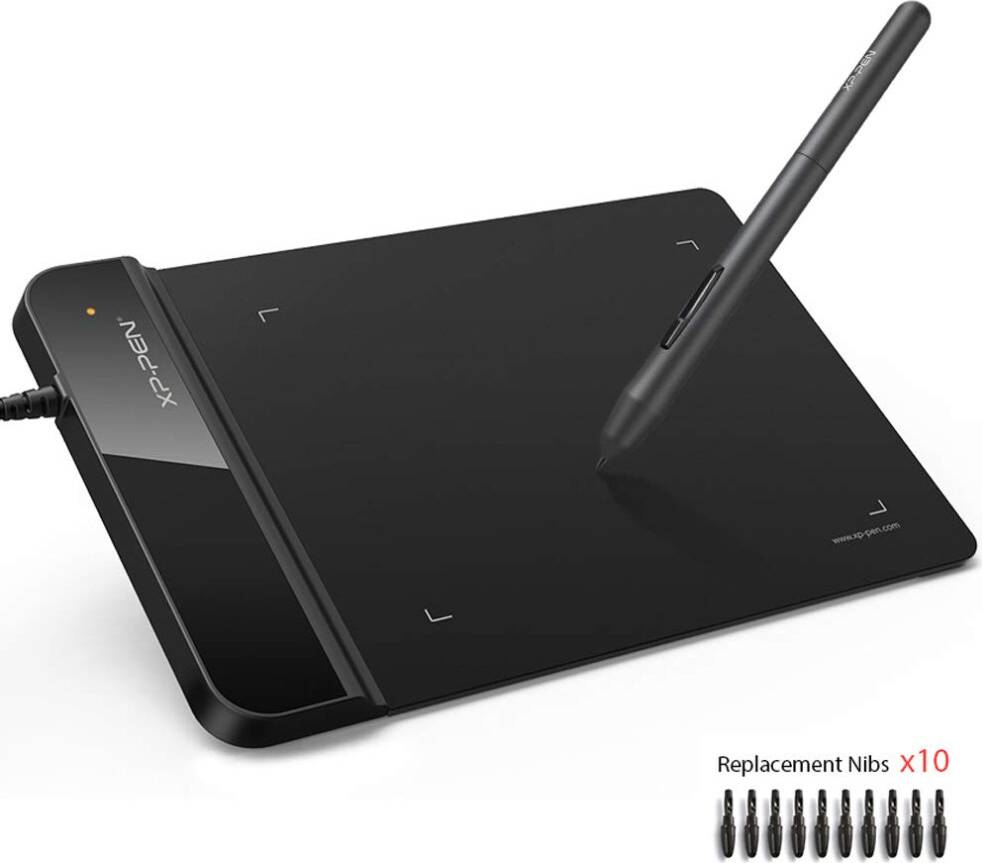
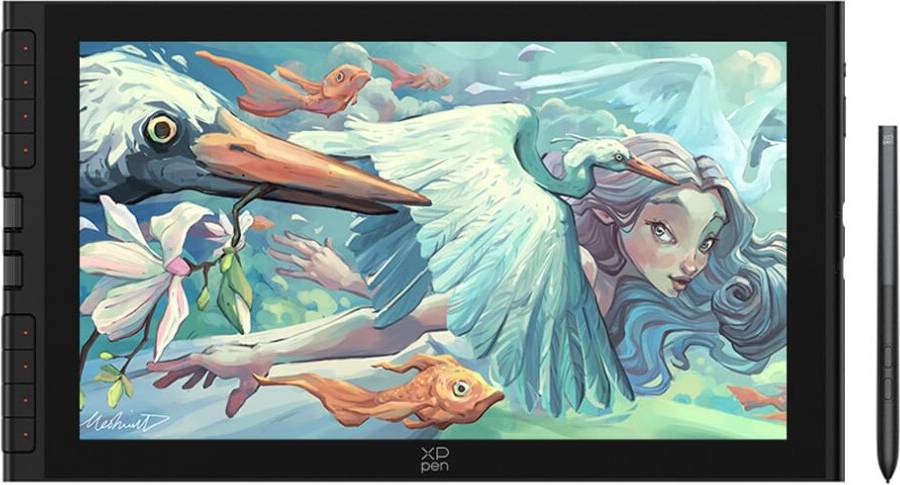
Searching for the right graphics tablet? PriceRunner is here to help you find the ideal one. We list a wide range of graphics tablets, perfect for artists, designers, and creatives. Our category filters make it easy for you to narrow down your choices based on size, pressure sensitivity, and price. You can even filter by brand to find a popular option that suits your style. Compare prices on millions of products from thousands of brands and retailers to ensure you get the best deal. With detailed user reviews, you can make a well-thought-out decision with confidence. Whether you're a professional artist or a hobbyist, we guide you to the right graphics tablet for your needs. Ready to start your creative journey? Begin here and find the graphics tablet that matches your artistic vision!
Try flexible payments withLearn how
















Graphics Tablets: 3 things to consider before buying
When choosing a graphics tablet, it's crucial to consider both size and resolution. A larger tablet offers more space for drawing, which can be beneficial for detailed work, while a smaller one is more portable and easier to handle. Resolution, measured in lines per inch (LPI), determines how much detail the tablet can capture. Higher resolution is ideal for intricate designs. We recommend evaluating your workspace and intended use—whether you need a portable option or a dedicated studio setup—to find the right balance.
Not all graphics tablets are compatible with every software package. Before purchasing, ensure that the tablet works seamlessly with your preferred applications, such as Adobe Photoshop or Corel Painter. Some tablets come with bundled software that can enhance your creative process, so it's worth exploring these options too. We suggest checking the manufacturer's website for compatibility lists and user reviews to avoid any surprises.
Pressure sensitivity is a key feature of graphics tablets that affects how they respond to your touch. Tablets with higher pressure sensitivity levels allow for more nuanced lines and strokes, providing greater control over your artwork's depth and texture. Look for tablets offering at least 2048 pressure levels if you're serious about digital art. This feature is particularly important for artists who require precision in their work, such as illustrators or graphic designers. By understanding your artistic needs, you can choose a tablet that enhances your creative expression.
FAQ
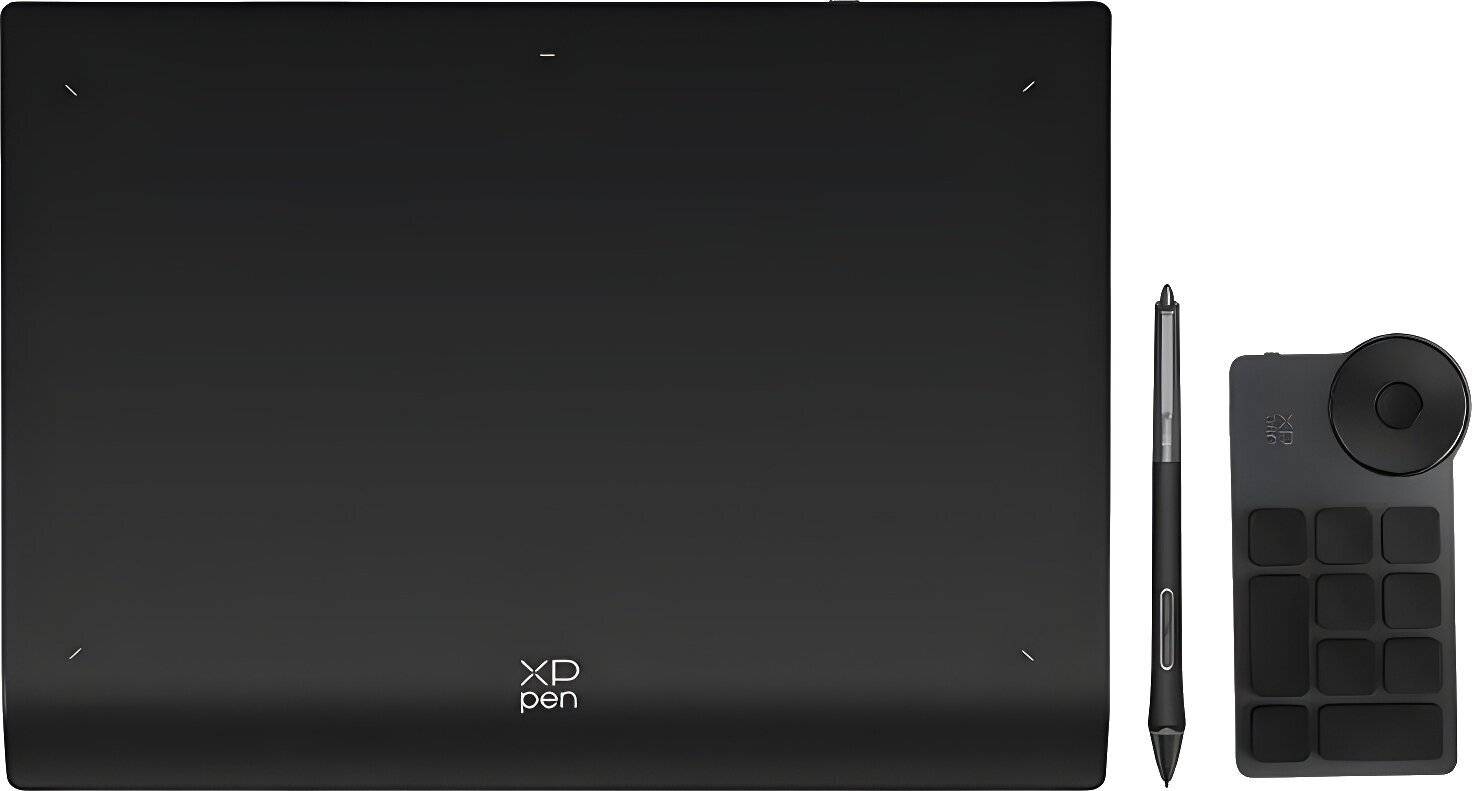
Graphics tablets are devices used for digital drawing and design. They allow you to create art directly on a computer screen using a stylus. Key uses include digital illustration, photo editing, and graphic design, making them essential tools for artists and designers seeking precision and control.
Graphics tablets come in various sizes to suit different needs. A larger tablet offers more drawing space, ideal for detailed work, while a smaller one is more portable. Consider your workspace, portability needs, and the level of detail in your projects when choosing a size.
Graphics tablets are equipped with features like pressure sensitivity, resolution (measured in LPI), and connectivity options. Higher pressure sensitivity allows more precise control over line thickness, while higher resolution provides better detail. Look for models with USB or wireless connectivity based on your setup preferences.
Graphics tablets are generally compatible with major operating systems like Windows, macOS, and some Linux distributions. Check the manufacturer's specifications to ensure compatibility with your system. Some tablets may also require specific drivers or software installations for optimal performance.
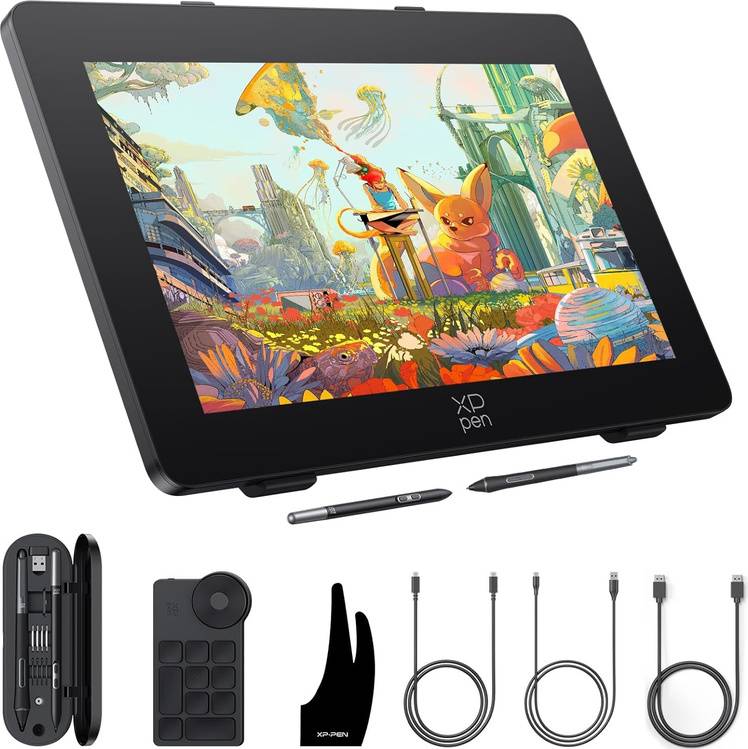
Graphics tablets can have an integrated display screen or rely on an external monitor. A built-in screen allows direct interaction with artwork but can be costlier. Consider your budget and workflow preferences when deciding if you need this feature; many professionals work effectively without it.
Borrowing more than you can afford or paying late may negatively impact your financial status and ability to obtain credit. Credit subject to status. Ts&Cs and late fees apply.
Advertisement
Unleash your creativity with graphics tablets
Graphics tablets are essential for digital artists, designers, and illustrators. They offer precision and control that traditional methods can't match. With a stylus and a tablet, you can draw, paint, and edit with ease.
Leading brands in graphics tablets
Several brands are known for their quality and innovation. Wacom is a popular choice among professionals for its reliable performance and advanced features. XP-Pen offers a range of affordable options with great functionality. Huion is known for its high-quality tablets that cater to beginners and experts alike.
Understanding resolution and sensitivity
When choosing a tablet, resolution and sensitivity are key factors. Resolution is measured in lines per inch (lpi). A higher lpi means better detail and accuracy. The 5080 lpi resolution is ideal for detailed work, while 2540 lpi suits less intricate tasks. Pressure sensitivity is also crucial. It determines how much variation you can achieve with your strokes. Look for tablets with higher sensitivity levels for more nuanced control.
Display size and resolution
The display size and resolution can impact your workflow. Larger screens, like 15.6″, offer more space for complex projects. Smaller screens, such as 10″ or 10.3″, are portable and convenient for on-the-go creativity. Screen resolution also matters. A 1920x1080 (Full HD) display provides sharp and clear visuals. For e-paper displays, resolutions like 1872x1404 offer crisp detail without glare.
Features to consider
Different tablets come with various features. Some include multi-touch capabilities, allowing you to zoom and rotate with your fingers. Others offer programmable buttons for shortcuts, enhancing productivity. Wireless connectivity is another feature to consider. It provides freedom of movement and reduces cable clutter.
Materials and build quality
The materials and build quality affect the tablet's durability and feel. Look for tablets with sturdy construction and a comfortable surface texture. Some models feature anti-glare coatings, reducing eye strain during long sessions.
Who can benefit from graphics tablets?
Graphics tablets are versatile tools. Artists can sketch and paint digitally, while designers can create intricate vector graphics. Photographers can retouch images with precision, and educators can use them for interactive teaching. Whether you're a professional or a hobbyist, a graphics tablet can elevate your creative process.
Make the right choice
Choosing the right tablet depends on your needs and budget. Consider the features that matter most to you. Compare different models and brands to find the best fit. Use PriceRunner to explore all offers and make the right decision for your creative journey.
Shop smarter with PriceRunner
Find the best option with the help of our handy tools. Compare prices, apply smart filters, read user reviews, and explore price history—all in one place.
Filter and sort
Searching for something particular? Filter by everything from price and brand to material or colour to see only the products relevant to you. Since delivery options and shipping costs can vary between shops, you can easily find your perfect match by filtering based on these criteria as well.
Reviews: See what other users think
Reviews from other users can provide valuable insights into the product's features and durability. Product ratings help you quickly assess popularity and customer satisfaction.
Price history: Find real deals
To ensure that you've found a good deal, you can view the product's price history. Select a time period and whether you wish to include international prices. Price history for the past three months is shown by default, but you can also look into a longer time period. If you want to determine if a deal from a specific shop is as good as it seems you can click on "Choose store" above the price graph to show an individual shop's pricing history.
Popular searches in Graphics Tablets
- Remarkable 2 tablet
- Lcd writing tablet
- Bluetooth pen
- Intuos m
- Xppen
- Wacom tablet
- Wacom intuos pro:
- Wacom cintiq 27
- Xp pen deco
- Wacom one
- Cintiq 16
- 19 inch monitor
- XP-Pen Graphics Tablets
- ReMarkable Graphics Tablets
- A5 Graphics Tablets
- Multitouch Graphics Tablets
- Wacom Graphics Tablets
- 16:9 Graphics Tablets
- Wacom 3840x2160 (4K Ultra HD) Graphics Tablets
- Graphics Tablets on sale
- Huion Graphics Tablets
- Ugee Graphics Tablets
- Battery Graphics Tablets
- DisplayPort Graphics Tablets
- 2540 lpi Graphics Tablets
- 5080 lpi Graphics Tablets
- HDMI Graphics Tablets
- Black Graphics Tablets
- Yellow Graphics Tablets
- Red Graphics Tablets
- Pink Graphics Tablets
- Chrome Graphics Tablets
- Natural Graphics Tablets
- Rechargeable Battery Graphics Tablets
- AC Mains Graphics Tablets
- Mac OS Graphics Tablets
- 1920x1080 (Full HD) - Mac OS Graphics Tablets
- 2560x1440 - Mac OS Graphics Tablets
- 3840x2160 (4K Ultra HD) - Mac OS Graphics Tablets
- 320x240 Graphics Tablets
Borrowing more than you can afford or paying late may negatively impact your financial status and ability to obtain credit. Credit subject to status. Ts&Cs and late fees apply.