


Blenders
Blowtorches
Breadmakers
Coffee Grinders
Coffee Makers
Deep fryers & Airfryers
Food Cookers
Food Dehydrators
Food Mixers & Food Processors
Hand Blenders
Hand Mixers
Ice Cream Makers
Ice Makers
Juicers
Kettles
Kitchen Scales
Meat Slicers
Mincers
Mini Choppers & Spiralisers
Other Kitchen Appliances
Pasta Makers
Popcorn Makers
Sandwich Toasters
Soft Drink Makers
Toasters
Vacuum Sealers
Waffle Makers






Monitors
Searching for the right monitor? PriceRunner is here to guide you. Whether you're upgrading your home office or enhancing your gaming setup, we list a wide range of monitors to suit every need. Use our category filters to narrow your options by screen size, resolution, refresh rate, or price. This makes it easy to find the monitor that matches your specific requirements. Compare prices from thousands of brands and retailers to ensure you get the best deal. Our user reviews offer insights into performance and reliability, helping you make the right choice. With so many options, finding the perfect monitor can be daunting, but we simplify the process for you. Ready to find the monitor that fits your needs? Begin here and discover the best options available.
Try flexible payments withLearn how











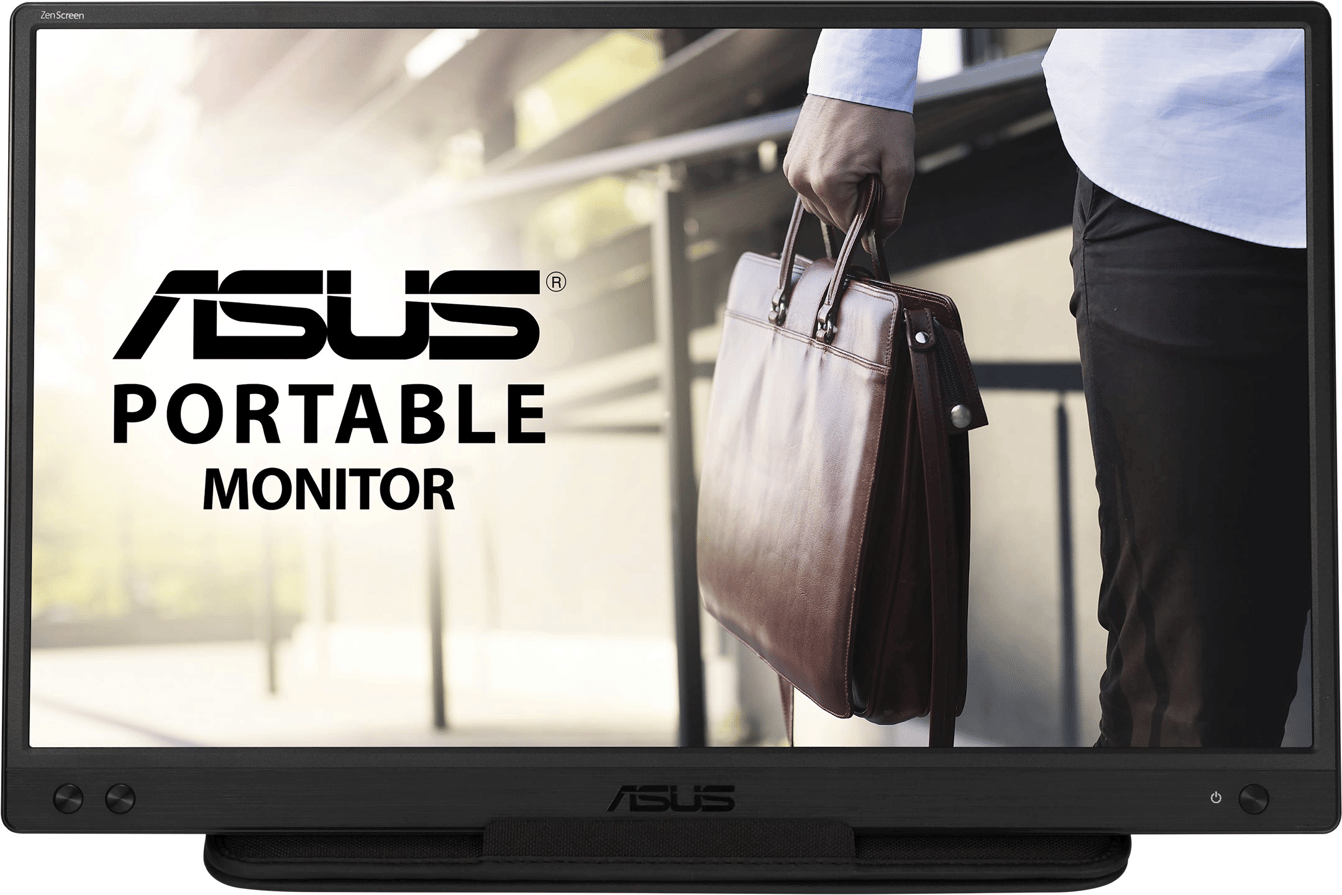



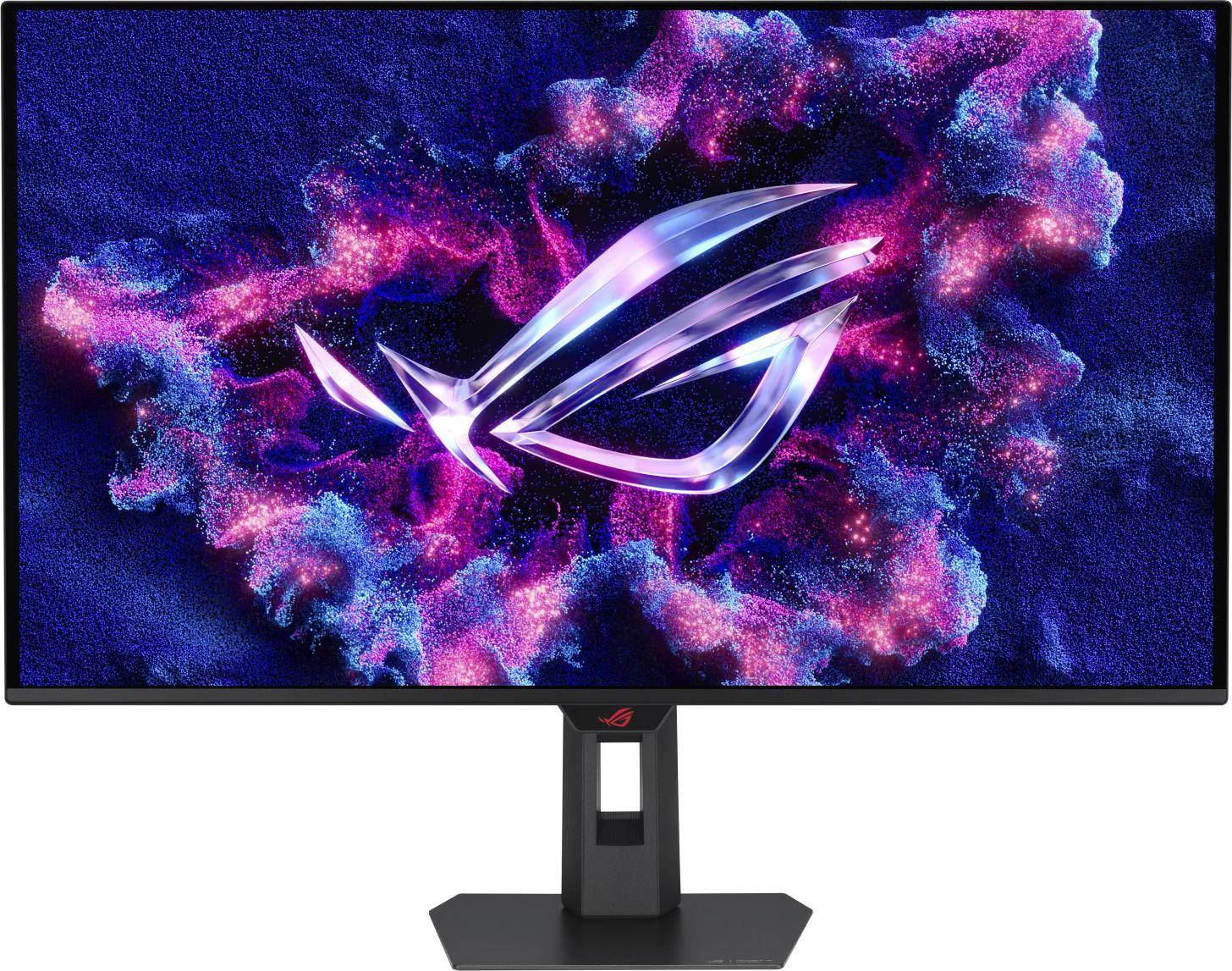
Monitors: 3 things to consider before buying
When choosing a monitor, it's crucial to consider both size and resolution to ensure it meets your needs. Larger monitors are ideal if you multitask or enjoy immersive gaming experiences, while smaller ones may suit compact workspaces. For clarity, opt for higher resolutions like 1440p or 4K, especially if you work with detailed graphics or video editing. Remember that a larger screen with low resolution can result in less sharp images. Consider your desk space and how far you'll sit from the screen to find the perfect balance.
If you're a gamer or use graphics-intensive applications, pay attention to the monitor's refresh rate and response time. A higher refresh rate, such as 120Hz or 144Hz, provides smoother visuals, which is particularly beneficial for fast-paced games. Similarly, a lower response time, ideally under 5ms, reduces motion blur and ghosting effects. Even for non-gamers, these features contribute to an overall better viewing experience.
Before making a purchase, evaluate the connectivity options available on the monitor to ensure compatibility with your devices. Look for multiple ports such as HDMI, DisplayPort, and USB-C to connect various peripherals easily. If you plan on connecting multiple devices simultaneously or using your monitor as a hub, having multiple input options is advantageous. Additionally, consider whether the monitor includes built-in speakers or headphone jacks if audio output is important for your setup.
FAQ
Monitors are essential for computing tasks, and key features include screen size, resolution, refresh rate, and connectivity options. Screen size affects how much you can see at once, while resolution determines clarity. A higher refresh rate ensures smoother visuals, and varied connectivity options allow compatibility with different devices.
Monitors are available in various sizes, commonly ranging from 24″ to 32″. A 27″ screen is often ideal for most users as it provides ample space without overwhelming your desk. Consider your workspace and typical use; smaller screens suit compact spaces, while larger ones benefit multitasking.
Monitors with higher resolution offer sharper images and more detail. Common resolutions include Full HD (1920x1080), Quad HD (2560x1440), and 4K (3840x2160). Higher resolutions improve visual quality but may require more powerful hardware to run smoothly, especially in gaming or graphic design.
Monitors with higher refresh rates provide smoother motion by updating images more frequently per second. Standard monitors have a 60Hz refresh rate, while gaming monitors often offer 120Hz or higher. A higher refresh rate benefits fast-paced activities like gaming or video editing by reducing motion blur.
Monitors typically offer HDMI, DisplayPort, and USB-C connections. HDMI is common for most devices, while DisplayPort provides better support for high resolutions and refresh rates. USB-C allows single-cable connections for power and data transfer. Choose based on your device compatibility and future-proofing needs.
Borrowing more than you can afford, or paying late, may make it harder to get credit in the future. Credit subject to status. A downpayment of 10% or higher may be required. Financing has a representative 21.9% APR (fixed). Representative example based on a loan amount of £1200 repayable over 6 months at an interest rate of 21.9% p.a. (Fixed). 5 monthly payments of £211.81 and last payment of £210.37. Total amount payable of £1,269.42. Total charge for credit £69.42. Minimum and maximum purchase amount £250 - £10,000. Lender: Klarna Financial Services UK Limited (nr 14290857). T&Cs and late fees apply
Borrowing more than you can afford or paying late may negatively impact your financial status and ability to obtain credit. Credit subject to status. Ts&Cs and late fees apply.
Advertisement
Uncover the world of monitors: Choose your ideal display
Monitors are essential for work, gaming, and entertainment. Whether you need a high-resolution screen for design work or an immersive display for gaming, there's a monitor to fit your needs.
Types of monitors
The right monitor can make a significant difference in your experience. Let's look at different types to help you find the best match.
OLED displays
If you're after vibrant colours and deep blacks, consider an OLED display. These monitors offer exceptional picture quality with high contrast ratios. They're ideal for graphic design and video editing. OLED technology ensures fast response times, making it suitable for gaming too.
UltraWide monitors
For those who multitask, 5120x2160 (UltraWide) displays provide ample screen space. This resolution is perfect for professionals who need multiple windows open simultaneously. With a wider field of view, these monitors are also great for gaming and immersive experiences.
Resolution and clarity
Choosing the right resolution is crucial. It affects how clear and detailed your images and text appear.
3840x2160 (4K) resolution
A 3840x2160 (4K) monitor offers four times the resolution of Full HD. This means sharper images and more detailed visuals. It's an excellent choice for video editors, photographers, and anyone who values image clarity. With 4K, you can enjoy streaming content in stunning detail.
3840x1600 (UltraWide) resolution
For a balance between screen space and resolution, the 3840x1600 (UltraWide) option is worth considering. This resolution provides a broader view, making it suitable for creative professionals and gamers alike. The wide aspect ratio enhances productivity by reducing the need for multiple monitors.
Gaming monitors
If gaming is your priority, gaming monitors offer features that enhance your experience. Look for high refresh rates and low response times. These specifications ensure smooth gameplay and reduce motion blur. Many gaming monitors also support adaptive sync technologies like G-Sync or FreeSync, which help eliminate screen tearing.
Panel types
Different panel types offer various benefits. Understanding these can help you make an informed choice.
IPS and VA panels
IPS panels provide excellent colour accuracy and wide viewing angles. They're great for graphic design and content creation. VA panels, on the other hand, offer better contrast ratios, making them ideal for watching movies or playing games in dark environments. Both types have their strengths, so choose based on your specific needs.
Make your choice
When selecting a monitor, consider what you'll use it for most. Whether it's work, gaming, or entertainment, there's a display that will meet your requirements. Use PriceRunner to compare prices and find the best deal on your next monitor.
Shop smarter with PriceRunner
Find the best option with the help of our handy tools. Compare prices, apply smart filters, read user reviews, and explore price history—all in one place.
Filter and sort
Searching for something particular? Filter by everything from price and brand to material or colour to see only the products relevant to you. Since delivery options and shipping costs can vary between shops, you can easily find your perfect match by filtering based on these criteria as well.
Reviews: See what other users think
Reviews from other users can provide valuable insights into the product's features and durability. Product ratings help you quickly assess popularity and customer satisfaction.
Price history: Find real deals
To ensure that you've found a good deal, you can view the product's price history. Select a time period and whether you wish to include international prices. Price history for the past three months is shown by default, but you can also look into a longer time period. If you want to determine if a deal from a specific shop is as good as it seems you can click on "Choose store" above the price graph to show an individual shop's pricing history.
Popular searches in Monitors
- 49 inch monitor
- Apple studio display
- Portable monitor
- 32" 4k monitor
- 32 4k oled
- Ultrawide curved monitor
- 4k 240hz oled
- 32 inch curved gaming monitor
- Samsung odyssey g9
- Pc computer
- Samsung odyssey g7
- Samsung 49 inch monitor
- Gaming monitor 360hz
- Dell 24 inch monitor
- 24 4k monitor
- 34 oled
- 34" curved monitor
- 240hz gaming monitors
- 4k curved monitor
- Samsung odyssey g9 oled
- OLED Monitors
- 3840x2160 (4K) Monitors
- 3840x2160 (4K) - OLED Monitors
- 3440x1440 (UltraWide) Monitors
- Glossy Monitors
- Gaming Monitors
- 2560x1440 Monitors
- 2560x1440 - OLED Monitors
- 3840x1600 (UltraWide) Monitors
- 5120x2880 (5K) Monitors
- 5120x2160 (UltraWide) Monitors
- 3440x1440 (UltraWide) - OLED Monitors
- 5120x1440 (UltraWide) Monitors
- MSI Monitors
- 1000R Monitors
- White Monitors
- 2560x1440 - White Monitors
- IPS/PLS Monitors
- KTC Monitors
- 21:9 - Curved Screen Monitors
Borrowing more than you can afford, or paying late, may make it harder to get credit in the future. Credit subject to status. A downpayment of 10% or higher may be required. Financing has a representative 21.9% APR (fixed). Representative example based on a loan amount of £1200 repayable over 6 months at an interest rate of 21.9% p.a. (Fixed). 5 monthly payments of £211.81 and last payment of £210.37. Total amount payable of £1,269.42. Total charge for credit £69.42. Minimum and maximum purchase amount £250 - £10,000. Lender: Klarna Financial Services UK Limited (nr 14290857). T&Cs and late fees apply
Borrowing more than you can afford or paying late may negatively impact your financial status and ability to obtain credit. Credit subject to status. Ts&Cs and late fees apply.