
Blenders
Blowtorches
Breadmakers
Coffee Grinders
Coffee Makers
Deep fryers & Airfryers
Food Cookers
Food Dehydrators
Food Mixers & Food Processors
Hand Blenders
Hand Mixers
Ice Cream Makers
Ice Makers
Juicers
Kettles
Kitchen Scales
Meat Slicers
Mincers
Mini Choppers & Spiralisers
Other Kitchen Appliances
Pasta Makers
Popcorn Makers
Sandwich Toasters
Soft Drink Makers
Toasters
Vacuum Sealers
Waffle Makers

Typecat Receipt Printers
Try flexible payments withLearn how
13 products


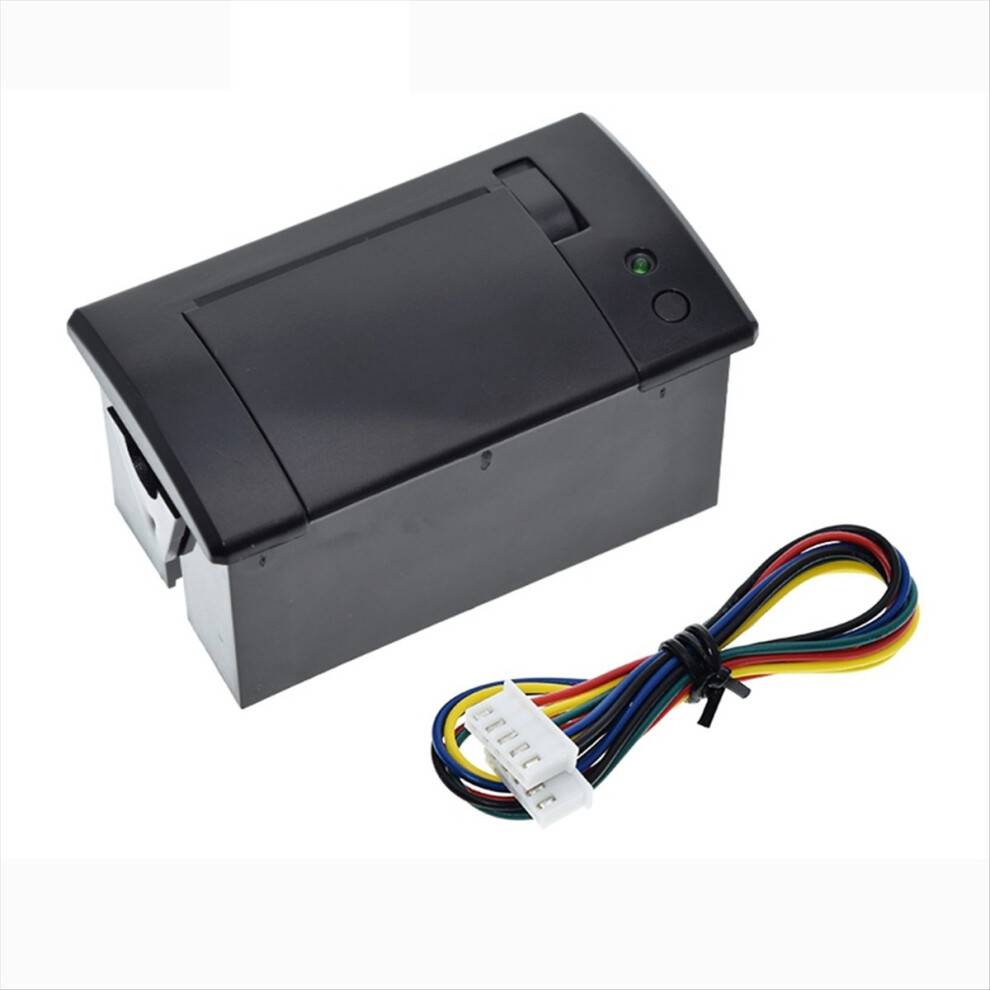
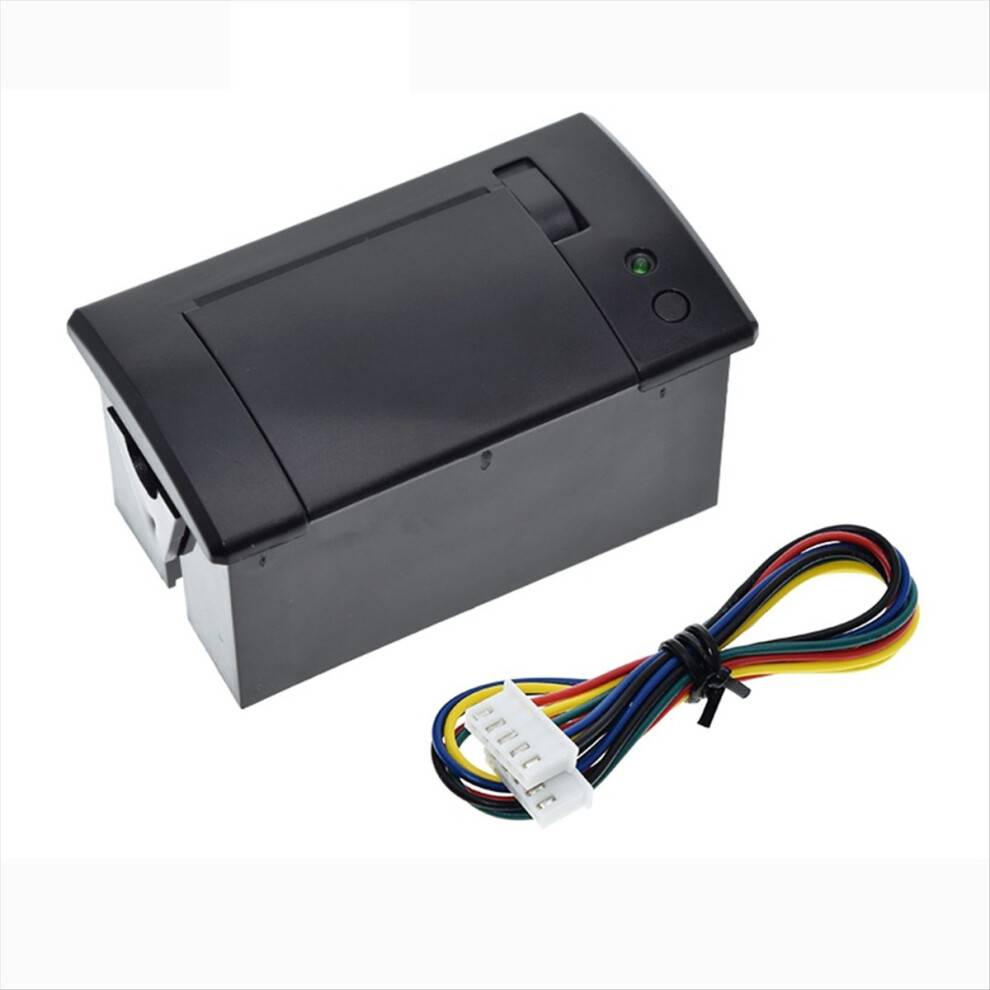
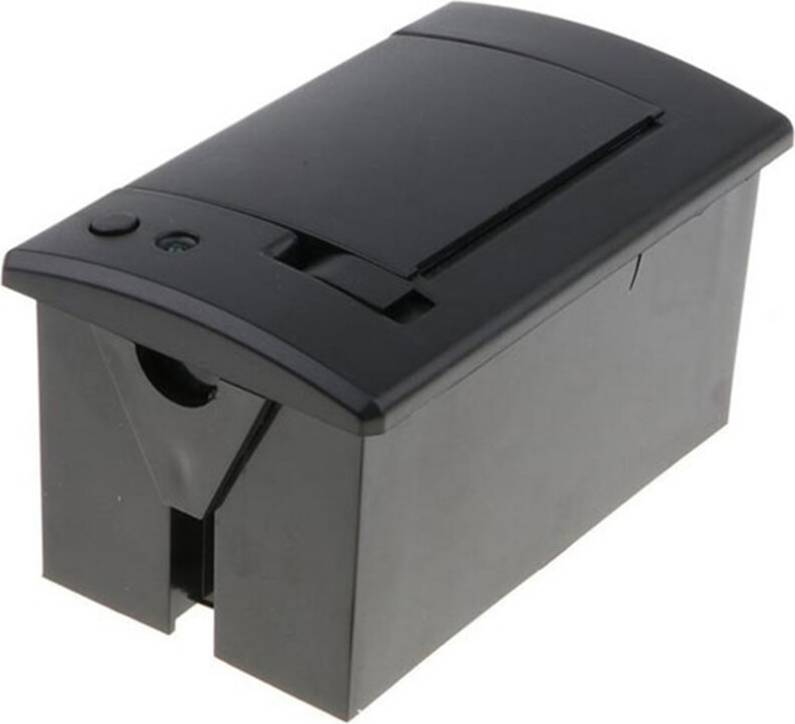
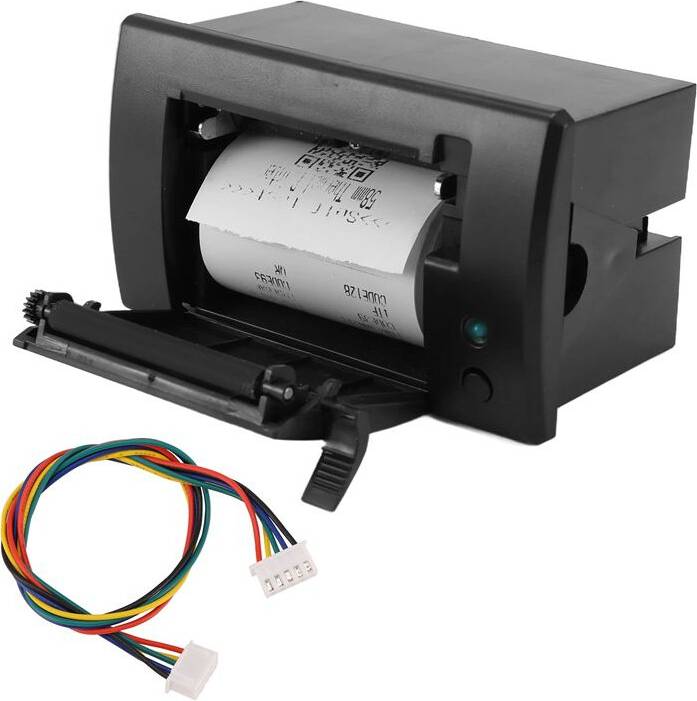


Receipt Printers: 3 things to consider before buying
When choosing receipt printers, consider the connectivity options that best suit your business needs. USB connectivity is common and reliable for stationary setups, while Bluetooth or Wi-Fi offers flexibility for mobile environments. For example, if you run a food truck, a wireless option can help you serve customers more efficiently without being tethered to a specific spot.
It's important to evaluate the print speed and volume capabilities of receipt printers. If your business handles a high volume of transactions, look for models that can print quickly and handle large paper rolls to reduce downtime. For instance, a busy retail store might benefit from a printer with a speed of 250 mm/sec or more to keep queues moving swiftly.
Ensure that receipt printers are compatible with your existing Point of Sale (POS) systems. Compatibility issues can lead to operational headaches and additional costs. Verify that the printer supports your POS software or check if it offers universal driver support. This step is crucial for seamless integration and smooth transaction processing in your business operations.
Borrowing more than you can afford or paying late may negatively impact your financial status and ability to obtain credit. Credit subject to status. Ts&Cs and late fees apply.
Advertisement
Borrowing more than you can afford or paying late may negatively impact your financial status and ability to obtain credit. Credit subject to status. Ts&Cs and late fees apply.