


Blenders
Blowtorches
Breadmakers
Coffee Grinders
Coffee Makers
Deep fryers & Airfryers
Food Cookers
Food Dehydrators
Food Mixers & Food Processors
Hand Blenders
Hand Mixers
Ice Cream Makers
Ice Makers
Juicers
Kettles
Kitchen Scales
Meat Slicers
Mincers
Mini Choppers & Spiralisers
Other Kitchen Appliances
Pasta Makers
Popcorn Makers
Sandwich Toasters
Soft Drink Makers
Toasters
Vacuum Sealers
Waffle Makers






Receipt Printers
Looking for the right receipt printer? PriceRunner guides you to find the best one for your business needs. With a wide range of receipt printers listed from many brands and retailers, you can easily compare prices and features. Our category filters help you narrow down your options based on connectivity, print speed, and price range. Whether you need a compact model for a small shop or a high-speed printer for a busy restaurant, we list the right options for you. Read user reviews to see what others think and make the right decision with confidence. Simplify your search and save time by using our tools to compare and choose the perfect receipt printer. Ready to find the ideal receipt printer for your business? Begin here and make your choice with ease!
Try flexible payments withLearn how
300+ products







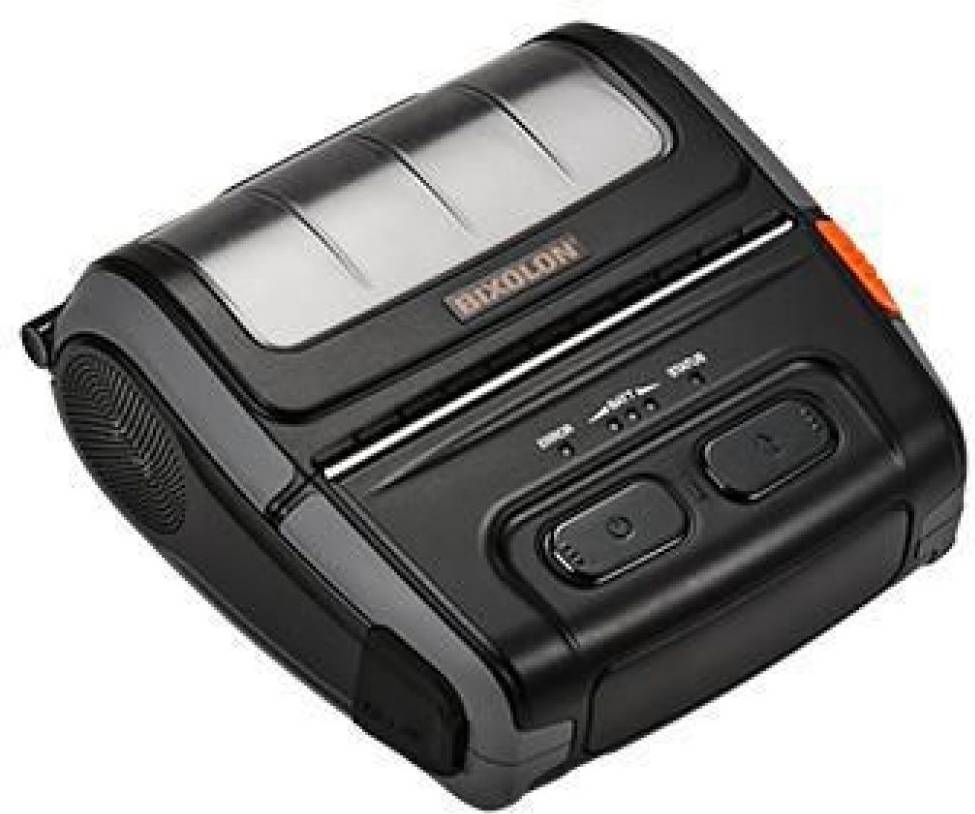


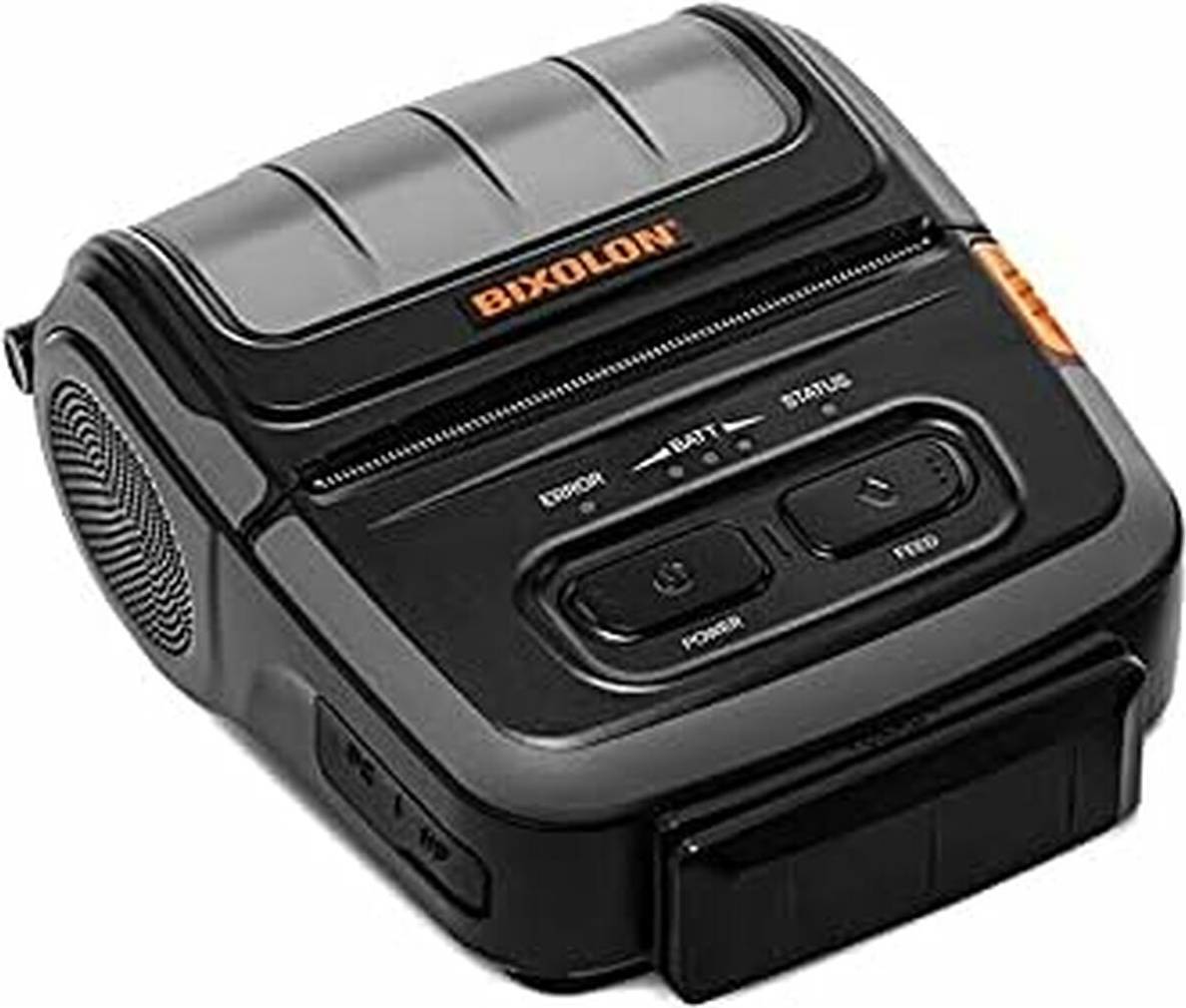


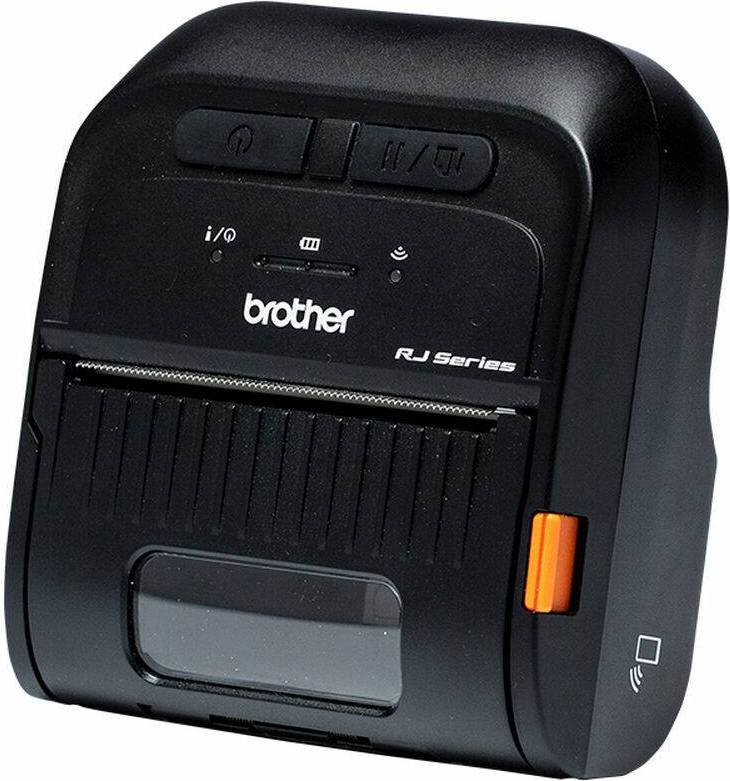

Receipt Printers: 3 things to consider before buying
When choosing receipt printers, consider the connectivity options that best suit your business needs. USB connectivity is common and reliable for stationary setups, while Bluetooth or Wi-Fi offers flexibility for mobile environments. For example, if you run a food truck, a wireless option can help you serve customers more efficiently without being tethered to a specific spot.
It's important to evaluate the print speed and volume capabilities of receipt printers. If your business handles a high volume of transactions, look for models that can print quickly and handle large paper rolls to reduce downtime. For instance, a busy retail store might benefit from a printer with a speed of 250 mm/sec or more to keep queues moving swiftly.
Ensure that receipt printers are compatible with your existing Point of Sale (POS) systems. Compatibility issues can lead to operational headaches and additional costs. Verify that the printer supports your POS software or check if it offers universal driver support. This step is crucial for seamless integration and smooth transaction processing in your business operations.
FAQ
Receipt Printers are devices that print sales receipts for customers. They are commonly used in retail and hospitality settings to provide proof of purchase. These printers come in various types, such as thermal, inkjet, and dot matrix.
Receipt Printers are selected based on factors like printing speed, connectivity options, and compatibility with your point-of-sale system. Consider your business needs, such as volume of transactions and available space.
Receipt Printers differ in printing technology; thermal printers use heat-sensitive paper while inkjet printers use liquid ink. Thermal printers are faster and quieter but may have higher paper costs.
Receipt Printers with wireless capabilities can be reliable if they have a stable network connection. They offer flexibility in placement and reduce cable clutter but may require periodic network troubleshooting.
Receipt Printers can connect to mobile devices through Bluetooth or Wi-Fi. This feature is useful for businesses using tablets or smartphones as point-of-sale systems, providing greater mobility and convenience.
Receipt Printers require minimal maintenance but benefit from regular cleaning to ensure optimal performance. For thermal printers, check for paper jams or dust build-up; for inkjet models, monitor ink levels and printhead condition.
Borrowing more than you can afford or paying late may negatively impact your financial status and ability to obtain credit. Credit subject to status. Ts&Cs and late fees apply.
Advertisement
Print with ease: Find your ideal receipt printer
Finding the right receipt printer for your business can streamline operations and ensure smooth transactions. Whether you run a bustling café or a retail store, a reliable printer is essential. Let’s explore the options available to you.
Types of receipt printers
Receipt printers come in various types, each suited to different needs. Understanding these can help you make the best choice.
Thermal printers
Thermal printers are a popular choice for many businesses. They use heat to print on special paper, making them fast and quiet. They’re ideal for high-volume environments like supermarkets or fast-food restaurants.
Impact printers
Impact printers, also known as dot matrix printers, use a print head to strike an ink ribbon onto paper. They’re great for environments where receipts may need to withstand harsh conditions, such as kitchens or outdoor markets.
Inkjet printers
Inkjet printers offer high-quality prints, making them suitable for businesses that need to include graphics or logos on receipts. They’re a good choice for boutique stores or businesses that value presentation.
Connectivity options
Receipt printers come with various connectivity options to suit different setups.
USB
USB connections are common and provide a stable link between your printer and computer. They’re easy to set up and reliable for most businesses.
Wi-Fi
Wi-Fi connectivity offers flexibility and allows you to place your printer anywhere within your wireless network range. This is perfect for businesses with limited counter space or those that use mobile devices for transactions.
Ethernet
Ethernet connections are fast and stable, making them ideal for busy environments where reliability is crucial. They’re a great choice for larger businesses or those with multiple terminals.
Bluetooth
Bluetooth connectivity is perfect for mobile setups. If you run a pop-up shop or market stall, a Bluetooth printer can connect easily to tablets or smartphones.
Colour options
Receipt printers come in various colours to match your business decor.
- Black: A classic choice that fits in with most environments.
- White: Offers a clean, modern look.
- Grey: A neutral option that blends well with different settings.
Features to consider
When choosing a receipt printer, consider these features to ensure it meets your needs.
Paper width
Check the paper width your printer supports. Standard widths are 58mm and 80mm. Choose based on your receipt design and content.
Print speed
Fast print speeds can reduce customer wait times. Look for printers that offer high speeds if you have a busy business.
Auto-cutter
An auto-cutter can save time and reduce paper jams, especially in high-volume settings. It automatically cuts the receipt after printing.
Environmental choice
Some printers are designed with the environment in mind, using energy-efficient technology and recyclable materials. Consider this if sustainability is important to your business.
Find your perfect match
With so many options available, finding the right printer can seem daunting. Consider your business needs and the features that matter most to you. Use PriceRunner to compare prices and find the best deal on your new receipt printer.
Shop smarter with PriceRunner
Find the best option with the help of our handy tools. Compare prices, apply smart filters, read user reviews, and explore price history—all in one place.
Filter and sort
Searching for something particular? Filter by everything from price and brand to material or colour to see only the products relevant to you. Since delivery options and shipping costs can vary between shops, you can easily find your perfect match by filtering based on these criteria as well.
Reviews: See what other users think
Reviews from other users can provide valuable insights into the product's features and durability. Product ratings help you quickly assess popularity and customer satisfaction.
Price history: Find real deals
To ensure that you've found a good deal, you can view the product's price history. Select a time period and whether you wish to include international prices. Price history for the past three months is shown by default, but you can also look into a longer time period. If you want to determine if a deal from a specific shop is as good as it seems you can click on "Choose store" above the price graph to show an individual shop's pricing history.
Borrowing more than you can afford or paying late may negatively impact your financial status and ability to obtain credit. Credit subject to status. Ts&Cs and late fees apply.