
- Blenders
- Blowtorches
- Breadmakers
- Coffee Grinders
- Coffee Makers
- Deep fryers & Airfryers
- Food Cookers
- Food Dehydrators
- Food Mixers & Food Processors
- Hand Blenders
- Hand Mixers
- Ice Cream Makers
- Ice Makers
- Juicers
- Kettles
- Kitchen Scales
- Meat Slicers
- Mincers
- Mini Choppers & Spiralisers
- Other Kitchen Appliances
- Pasta Makers
- Popcorn Makers
- Sandwich Toasters
- Soft Drink Makers
- Toasters
- Vacuum Sealers
- Waffle Makers




Arctic Computer Cooling


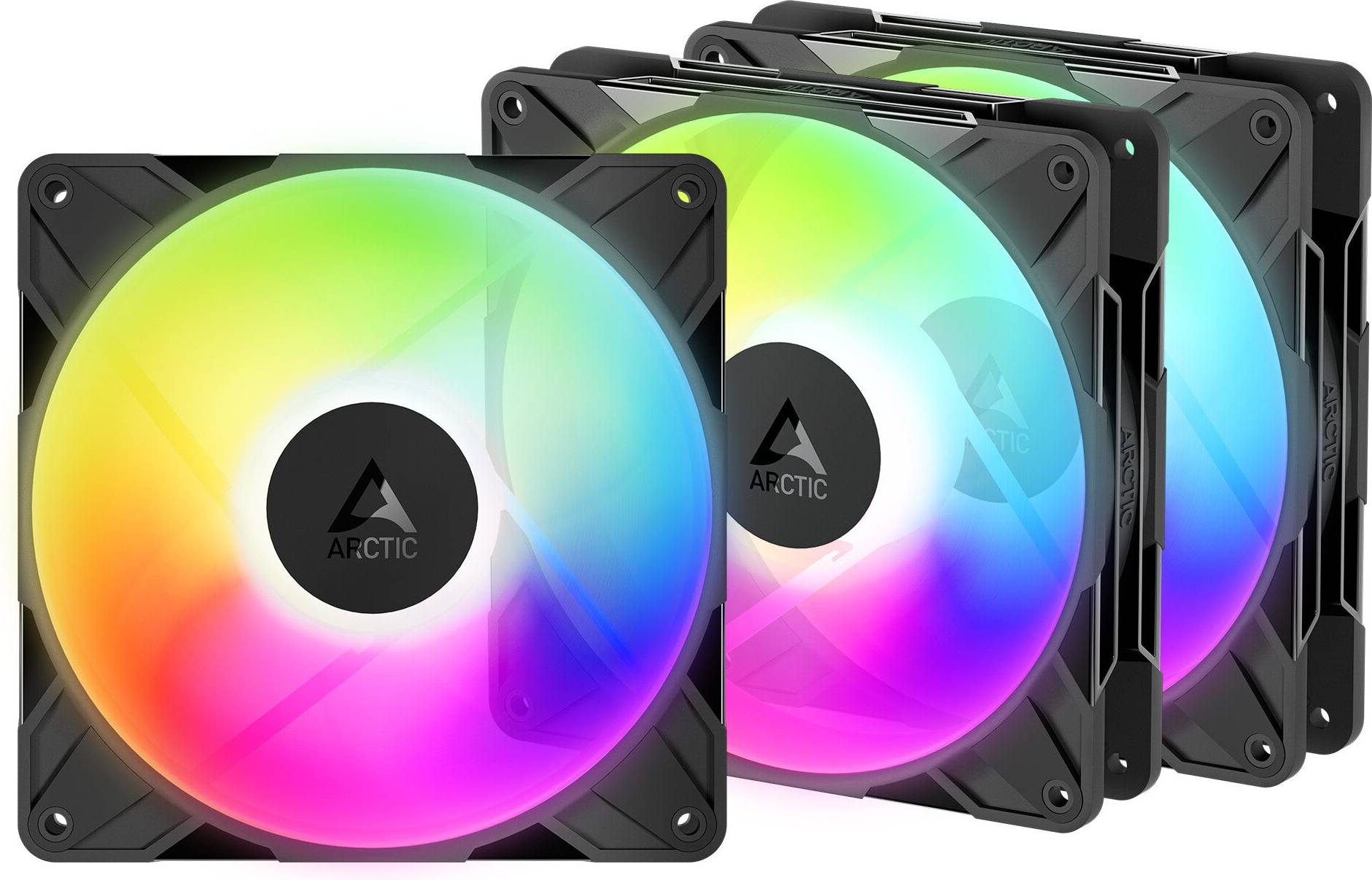


Computer Cooling: 3 things to consider before buying
Before purchasing computer cooling, it's essential to assess your specific needs. Consider the type of tasks you perform and the hardware specifications of your system. For instance, if you're a gamer or use resource-intensive applications, you might require more robust cooling solutions such as liquid coolers. On the other hand, for general usage or office work, air cooling might suffice. Evaluate your system's thermal output and choose a cooling solution that matches your performance requirements.
Compatibility is crucial when selecting computer cooling. Ensure the cooler fits within your PC case and is compatible with your CPU socket type. Check the dimensions of the cooler and compare them against your case's available space. For example, large air coolers may require cases with ample clearance, while compact cases might benefit from low-profile coolers or all-in-one liquid coolers. Measure twice, buy once to avoid installation headaches.
Noise can be a significant factor in choosing computer cooling. High-performance coolers often generate more noise due to faster fan speeds. If you prefer a quieter environment, consider coolers that offer silent operation features or have large fans that move more air at lower RPMs. Additionally, some liquid coolers come with software controls that allow you to customise fan speeds based on your workload. Balance performance and peace by selecting a cooler that meets both your thermal management and acoustic preferences.
FAQ
Computer cooling is a system that removes excess heat from computer components. Effective cooling ensures optimal performance and longevity of your computer by preventing overheating. Consider factors like noise level, size, and cooling efficiency when choosing a cooling solution.
Computer cooling is essential to prevent overheating, which can cause hardware damage and reduce performance. Efficient cooling maintains stable temperatures, ensuring your computer runs smoothly during intensive tasks. Look for solutions that match your usage intensity and case compatibility.
Computer cooling systems are mainly air or liquid-based. Air coolers use fans and heatsinks, while liquid coolers circulate coolant through tubes. Air coolers are easier to install and maintain, whereas liquid coolers offer better thermal performance for high-end systems.
Choosing computer cooling involves considering your computer's size, noise tolerance, and thermal requirements. For gaming or heavy workloads, high-performance liquid coolers might be ideal. For quieter operation, opt for efficient air coolers. Always check compatibility with your CPU socket and case dimensions.
Upgrading computer cooling enhances system stability and extends component lifespan by efficiently managing heat output. Improved cooling allows for better overclocking potential and quieter operation. Evaluate your current setup's limitations to determine if an upgrade could enhance performance or reduce noise levels.
Borrowing more than you can afford or paying late may negatively impact your financial status and ability to obtain credit. Credit subject to status. Ts&Cs and late fees apply.
Borrowing more than you can afford, or paying late, may make it harder to get credit in the future. Credit subject to status. A downpayment of 10% or higher may be required. Financing has a representative 21.9% APR (fixed). Representative example based on a loan amount of £1200 repayable over 6 months at an interest rate of 21.9% p.a. (Fixed). 5 monthly payments of £211.81 and last payment of £211.79. Total amount payable of £1,270.84. Total charge for credit £70.84. Minimum and maximum purchase amount £250 - £10,000. Lender: Klarna Financial Services UK Limited (nr 14290857). T&Cs and late fees apply
Advertisement
Popular searches in Computer Cooling
- Usb cooling fan
- Rtx 3060 ti gaming pc
- Rx 6700 xt
- Asus dual geforce 4070
- Quiet fan
- Nzxt kraken 360
- Rx 6700
- Asus tuf gaming f15
- Tryx panorama 360mm
- Aio 360mm
- Thermalright phantom spirit
- Thermalright 360
- Reverse fans
- Vivobook m6500
- Rtx 4070 dual
- Lian li uni fan sl
- Intel core lga 1200 without cooler
- Corsair icue
- Arctic freezer iii
- Rx 6700 xt pc
- CPU Water Coolers
- Fans
- CPU Air Coolers
- Laptop Coolers
- Thermal Paste
- Thermalright CPU Air Coolers
- NZXT Fans
- CPU Water Coolers on sale
- Graphics Card Coolers
- Be Quiet! Fans
- CPU Air Coolers
- CPU Water Coolers
- CPU Water Coolers
- Thermalright CPU Water Coolers
- CPU Air Coolers
- Controllers
- ASUS Computer Cooling
- ASUS CPU Water Coolers
- CPU Water Coolers
- HDD Coolers
Borrowing more than you can afford or paying late may negatively impact your financial status and ability to obtain credit. Credit subject to status. Ts&Cs and late fees apply.
Borrowing more than you can afford, or paying late, may make it harder to get credit in the future. Credit subject to status. A downpayment of 10% or higher may be required. Financing has a representative 21.9% APR (fixed). Representative example based on a loan amount of £1200 repayable over 6 months at an interest rate of 21.9% p.a. (Fixed). 5 monthly payments of £211.81 and last payment of £211.79. Total amount payable of £1,270.84. Total charge for credit £70.84. Minimum and maximum purchase amount £250 - £10,000. Lender: Klarna Financial Services UK Limited (nr 14290857). T&Cs and late fees apply