



Blenders
Blowtorches
Breadmakers
Coffee Grinders
Coffee Makers
Deep fryers & Airfryers
Food Cookers
Food Dehydrators
Food Mixers & Food Processors
Hand Blenders
Hand Mixers
Ice Cream Makers
Ice Makers
Juicers
Kettles
Kitchen Scales
Meat Slicers
Mincers
Mini Choppers & Spiralisers
Other Kitchen Appliances
Pasta Makers
Popcorn Makers
Sandwich Toasters
Soft Drink Makers
Toasters
Vacuum Sealers
Waffle Makers





Scanners
Looking for the right scanner? PriceRunner makes it easy to find what you need. We list a wide range of scanners, from popular brands to suit every budget and requirement. Our category filters help you narrow down choices based on features like resolution, connectivity, and size. This ensures you find the scanner that fits your specific needs. Compare prices on a vast selection of products from thousands of retailers to secure the best deal. With user reviews, you can see what others think and make the right decision. Whether you're after a compact model for home use or a high-performance option for the office, we've got you covered. Begin here to explore the best scanners for your needs and enjoy seamless scanning experiences.
Try flexible payments withLearn how
500+ products


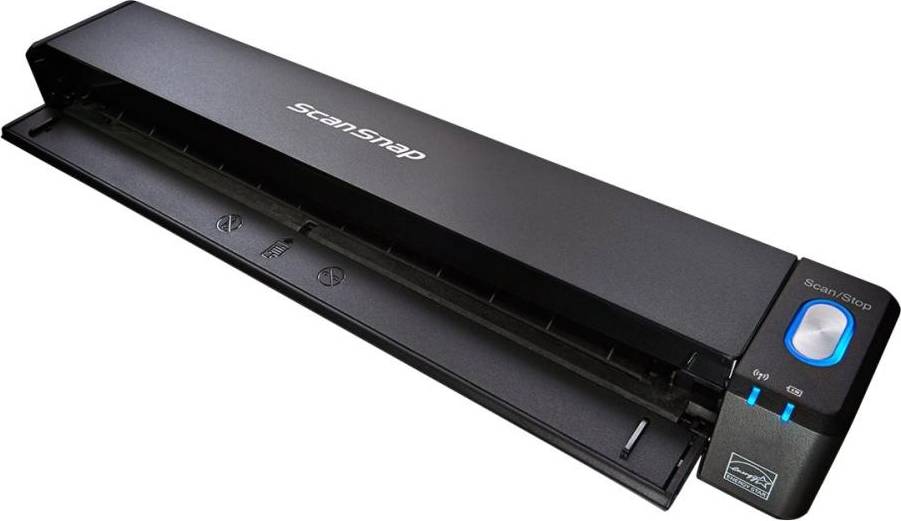


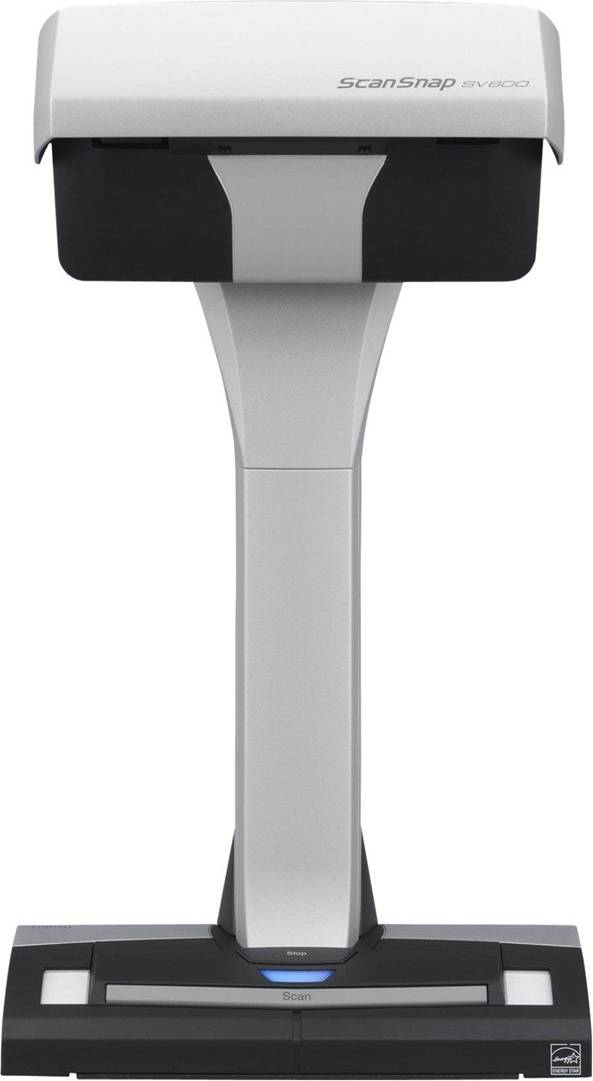


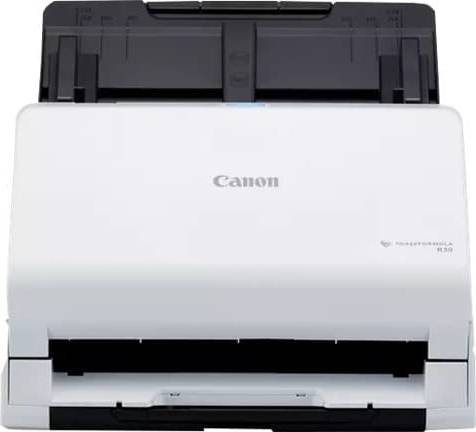

Scanners: 3 things to consider before buying
Before purchasing a scanner, it's crucial to evaluate what you'll primarily use it for. Are you scanning documents, photos, or both? Document scanners are great for text-heavy tasks and often come with features like automatic document feeders for bulk jobs. On the other hand, photo scanners offer higher resolution and color depth, perfect for preserving memories. If you need versatility, consider an all-in-one scanner that can handle both tasks efficiently.
The resolution of a scanner is measured in dots per inch (DPI). For general document scanning, a DPI of 300 is usually sufficient. However, if you're scanning photos or require high-quality images, aim for a scanner with at least 600 DPI. Speed is another essential factor; if you're handling large volumes of documents, look for scanners that offer fast processing times to save you time and effort.
Modern scanners offer various connectivity options that can enhance convenience and flexibility. USB connections are standard, but if you want to reduce cable clutter, consider a scanner with Wi-Fi capabilities. This feature allows you to scan directly to your computer or cloud storage without needing physical connections. Additionally, some scanners support mobile app integration, enabling you to scan directly from your smartphone or tablet.
FAQ
Scanners are devices used to digitize documents and images. The main types include flatbed, sheet-fed, handheld, and drum scanners. Flatbed scanners are versatile for photos and documents. Sheet-fed scanners are ideal for bulk scanning. Handheld scanners offer portability, while drum scanners provide high-quality scans for professional use.
Scanners are selected based on factors like purpose, size, and features. Consider what you'll scan most often: photos, documents, or both. Think about the required resolution and speed. If you need portability, opt for a compact model. For high-volume tasks, a sheet-fed scanner is efficient.
Scanners' resolution determines image quality and detail level. Measured in dots per inch (DPI), higher DPI means sharper images. For standard document scanning, 300 DPI suffices. For photos or detailed graphics, consider 600 DPI or more to ensure clarity and precision.
Scanners with wireless capability offer flexibility and convenience by allowing you to scan directly to devices without cables. They suit modern setups where space is limited or when multiple users share the device. Wired scanners may offer faster data transfer rates but lack this flexibility.
Scanners should have features that match your requirements like automatic document feeders (ADF) for multi-page scanning, duplex scanning for double-sided pages, and OCR (Optical Character Recognition) for text recognition in scanned documents. Connectivity options like USB or Wi-Fi can also enhance usability.
Borrowing more than you can afford or paying late may negatively impact your financial status and ability to obtain credit. Credit subject to status. Ts&Cs and late fees apply.
Advertisement
Discover the world of scanning: Your guide to finding the right scanner
Scanners are essential tools for digitising documents, photos, and films. They help preserve memories and improve productivity by converting physical items into digital formats.
Leading scanner brands
When considering a scanner, several brands offer reliable options. Each brand has unique features and benefits that cater to different needs.
- Plustek: Known for its compact designs and user-friendly interface.
- Fujitsu: Offers high-speed scanning and robust build quality.
- Epson: Renowned for excellent image quality and versatile models.
Types of scanners
Different types of scanners cater to various tasks. Understanding these can help you make the right choice.
Document scanners
Document scanners are designed for handling paper documents. They come in different sizes, such as Letter, A4, and A3, to accommodate various paper formats. These scanners are ideal for offices and home use, offering features like duplex scanning and automatic document feeders (ADF) for efficient processing.
Photo and film scanners
For those interested in preserving memories, photo and film scanners are perfect. They allow you to digitise old photos and negatives with high resolution and colour accuracy. These scanners often include software for editing and restoring images, making them a good choice for photography enthusiasts.
Key features to consider
When choosing a scanner, several features can enhance your experience and meet your specific needs.
Resolution and colour depth
Resolution is crucial for image clarity. Higher DPI (dots per inch) results in sharper images, which is important for photos and detailed documents. Colour depth, measured in bits, determines the range of colours a scanner can capture. A higher bit depth ensures more accurate colour reproduction.
Connectivity options
Modern scanners offer various connectivity options, including USB, Wi-Fi, and Ethernet. Wireless connectivity allows you to scan directly to your devices without cables, adding convenience and flexibility.
Software compatibility
Check if the scanner is compatible with your operating system and preferred software. Some scanners come with bundled software for enhanced functionality, such as OCR (optical character recognition) for converting scanned text into editable documents.
Finding the right scanner for you
Consider your specific needs when selecting a scanner. If you require high-speed scanning for large volumes, a Fujitsu model might be suitable. For high-quality photo scans, an Epson could be the best choice. Meanwhile, Plustek offers compact solutions for limited spaces.
Make the right decision with PriceRunner
With so many options available, it’s important to find the right scanner that fits your needs and budget. Use PriceRunner to compare prices and features, ensuring you get the best deal on your next scanner.
Shop smarter with PriceRunner
Find the best option with the help of our handy tools. Compare prices, apply smart filters, read user reviews, and explore price history—all in one place.
Filter and sort
Searching for something particular? Filter by everything from price and brand to material or colour to see only the products relevant to you. Since delivery options and shipping costs can vary between shops, you can easily find your perfect match by filtering based on these criteria as well.
Reviews: See what other users think
Reviews from other users can provide valuable insights into the product's features and durability. Product ratings help you quickly assess popularity and customer satisfaction.
Price history: Find real deals
To ensure that you've found a good deal, you can view the product's price history. Select a time period and whether you wish to include international prices. Price history for the past three months is shown by default, but you can also look into a longer time period. If you want to determine if a deal from a specific shop is as good as it seems you can click on "Choose store" above the price graph to show an individual shop's pricing history.
Popular searches in Scanners
- A3 scanner
- Photo scanner
- Plustek opticfilm
- Uniden ubc 125xlt
- Pos system
- Kodak film scanner
- Duplex scanner
- A3 Scanners
- Plustek Scanners
- Photo Scanners
- Epson Scanners
- Film Scanners
- Canon Scanners
- Scanners on sale
- Doxie Scanners
- Film Scanners
- Kodak Scanners
- Brother Scanners
- Fujitsu Scanners
- Reflecta Scanners
- Document Scanners
- Flatbed Scanners
- A4 - Flatbed Scanners - Windows
- A4 Scanners
- Windows Scanners
- Legal Size Scanners
- Silver Scanners
- Portable Scanners
- Book Scanners
- Ethernet Scanners
- USB Scanners
- Wi-Fi Scanners
- A6 Scanners
- A8 Scanners
- Android 11 Scanners
- MacOS Scanners
- 30 bit Scanners
- 8 bit Scanners
- Rollei Scanners
- Highest rated Scanners
Borrowing more than you can afford or paying late may negatively impact your financial status and ability to obtain credit. Credit subject to status. Ts&Cs and late fees apply.